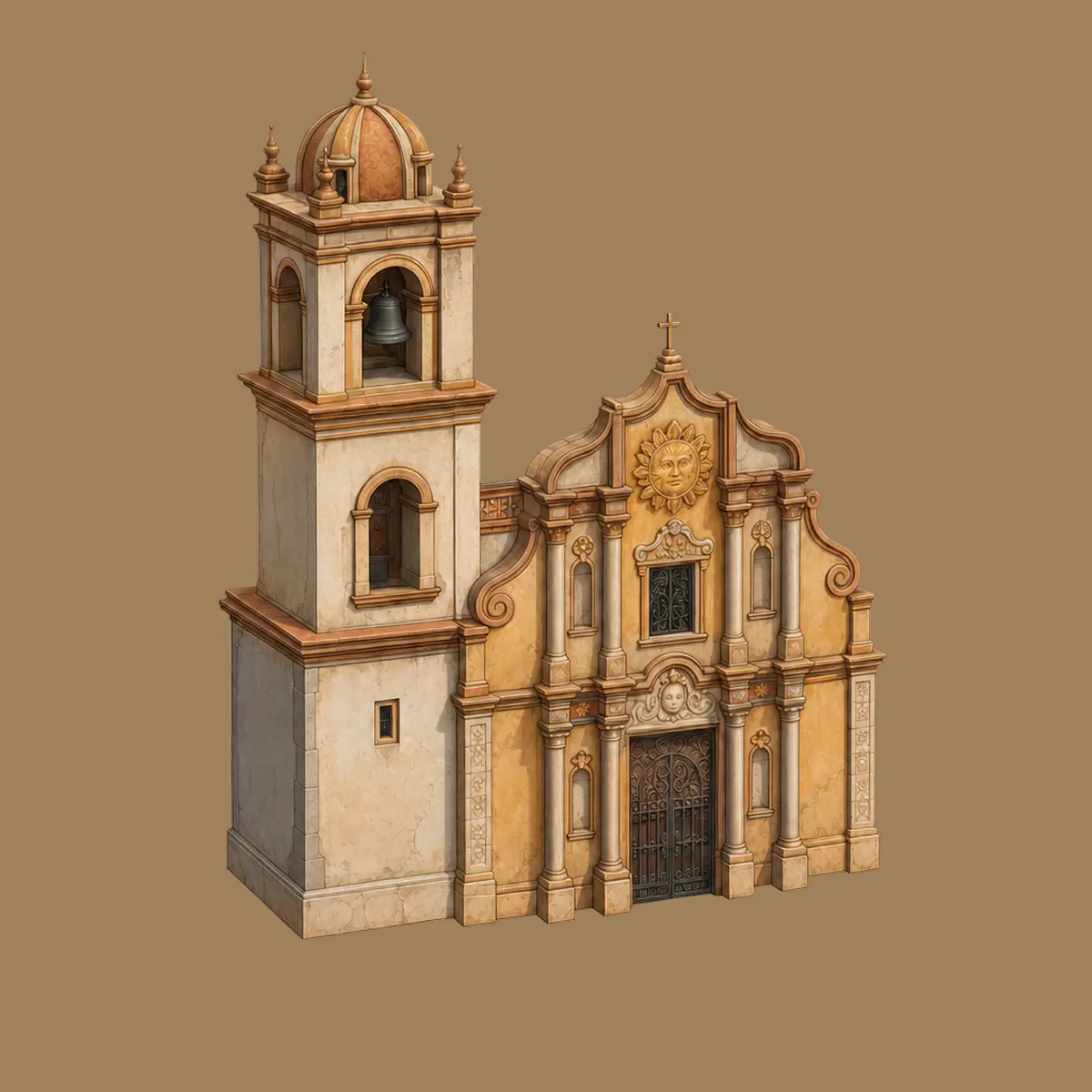
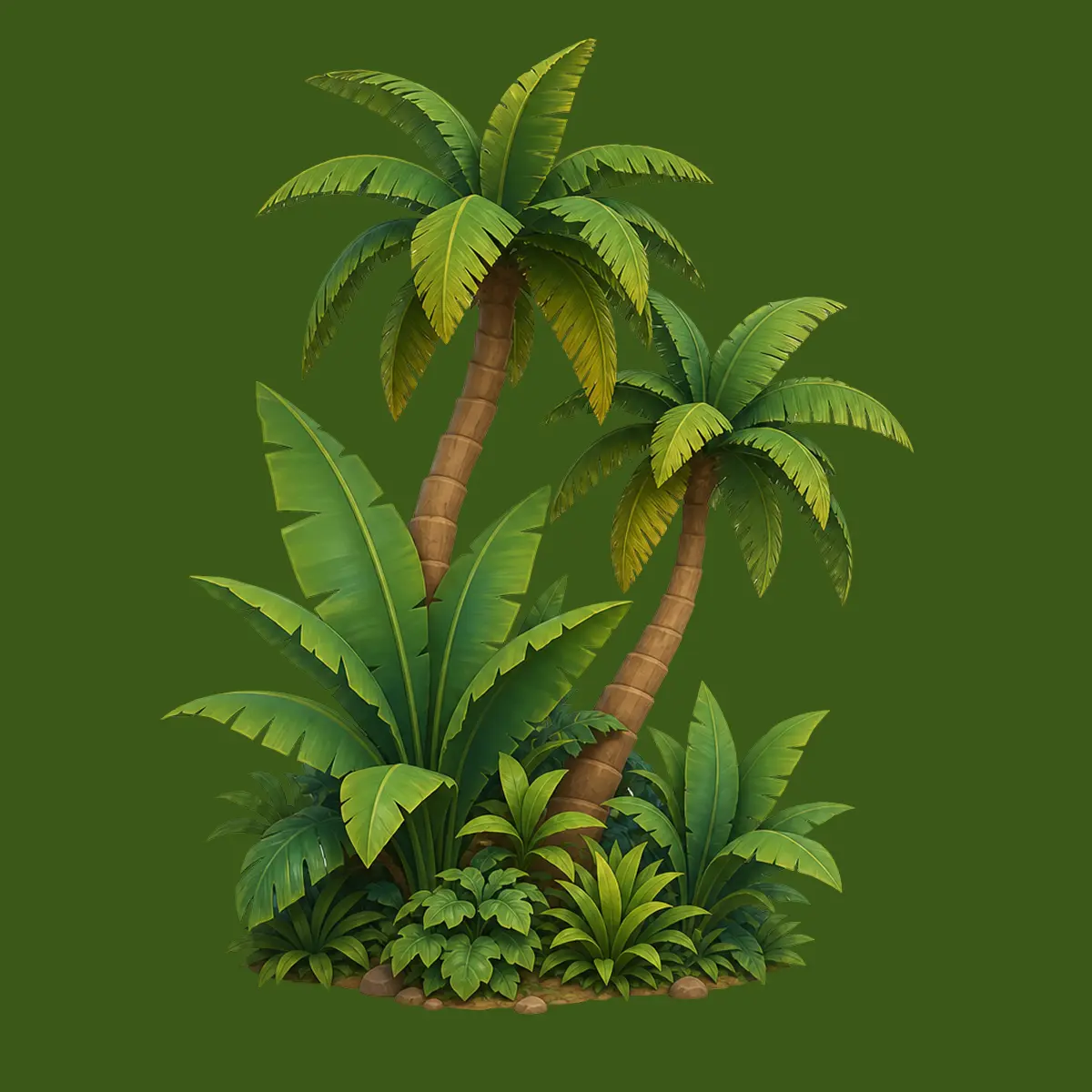
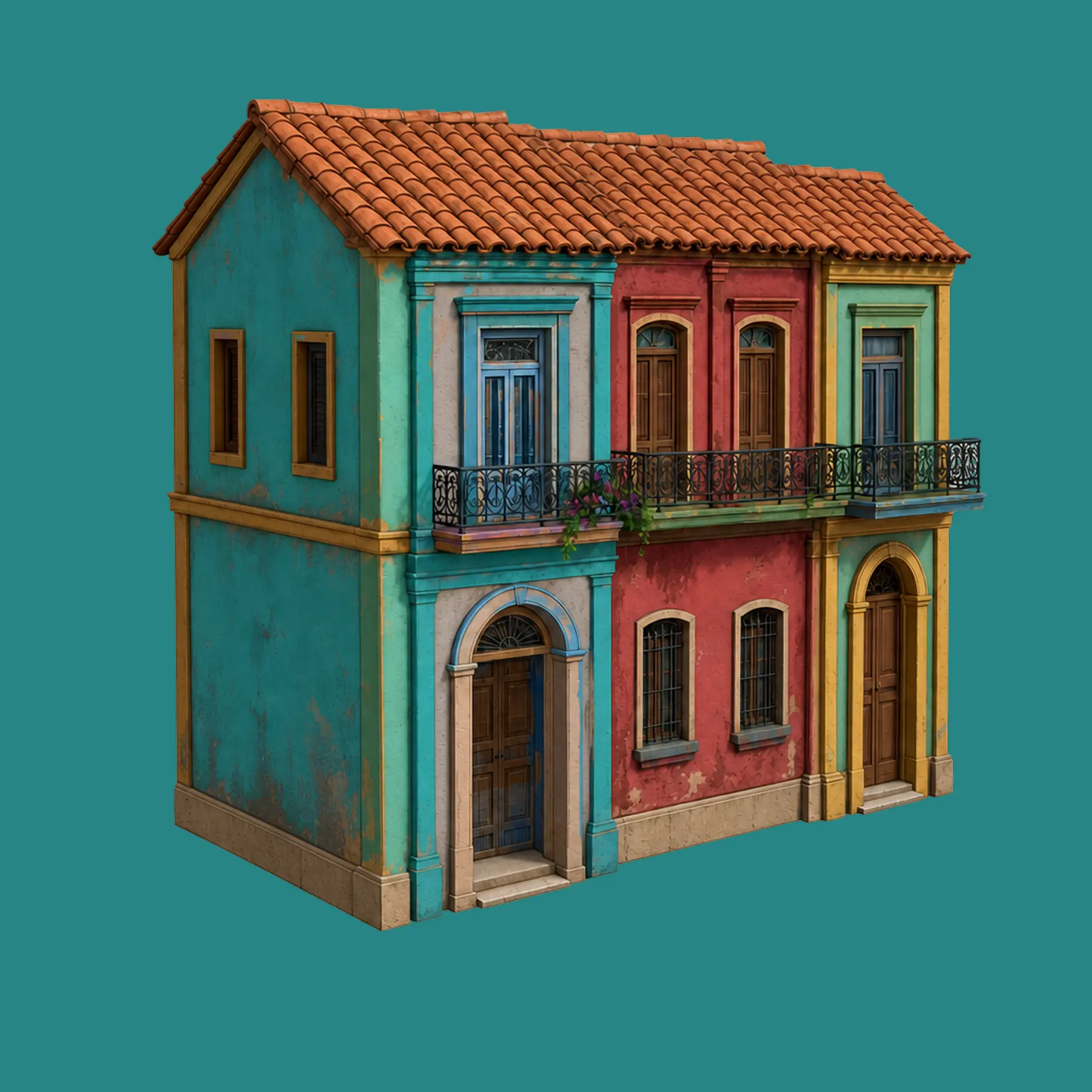
Meshy Text to 3D: Type an Idea, Get a Working 3D Model
No sketch, no reference photo just a sentence. Meshy's Text to 3D turns a written prompt into a textured, PBR-ready mesh in about a minute, on the current Meshy 7.1 engine. Here's how the prompt actually becomes the model, and where it still falls short.
Text to 3D now runs on Meshy 7.1 by default sharper surface detail and better proportion accuracy than Meshy 6. Meshy 6 stays selectable for anyone mid-project.
Ongoing
Textures up to 8K
PBR texture maps now scale from 2K up to 8K resolution depending on plan and settings see how texturing works.
Ongoing
Smart Topology option
Choose Standard for max detail or Smart Topology for lean, game-ready meshes at generation time no separate remesh pass required.
Need a whole prop list from text, not one model at a time? The 3D Agent chains multiple Text to 3D calls in one chat see a full set in one chat.
Ongoing
Export list unchanged
FBX, OBJ, GLB, USDZ, STL, BLEND, 3MF and DXF remain available on every generation see features.
Ongoing
Credit cost stable
Each Text to 3D generation is still 20 credits, successful or not see pricing.
The process
How a sentence becomes a mesh
Write the prompt
Describe the object, style and material the more specific, the better the first result.
Set the options
Pick pose (None/A-Pose/T-Pose/Custom), model type (Standard/Smart Topology), and symmetry.
Generate (~60s)
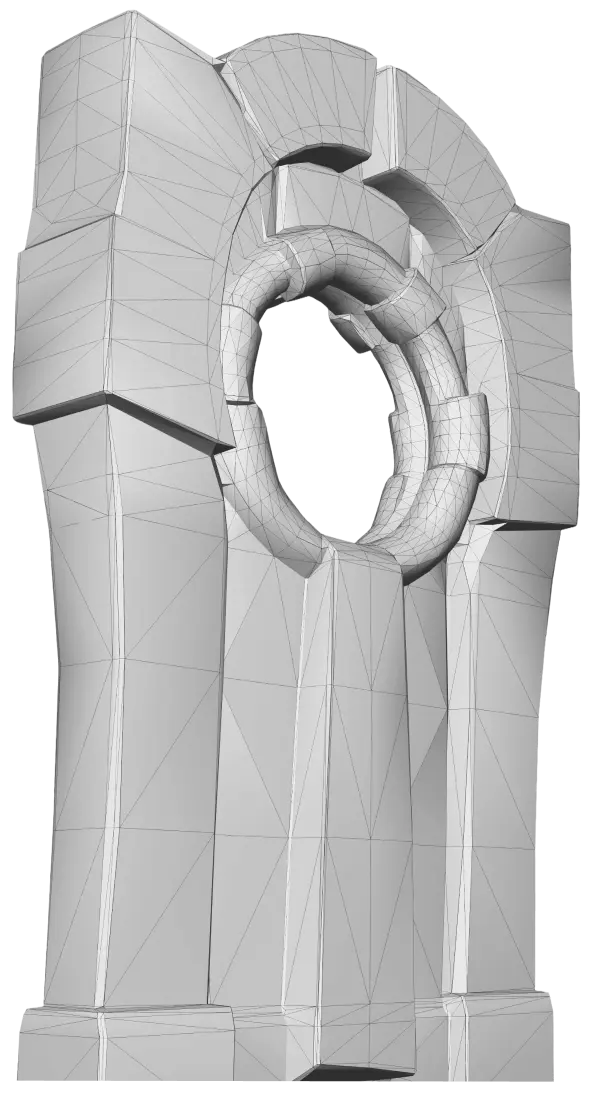
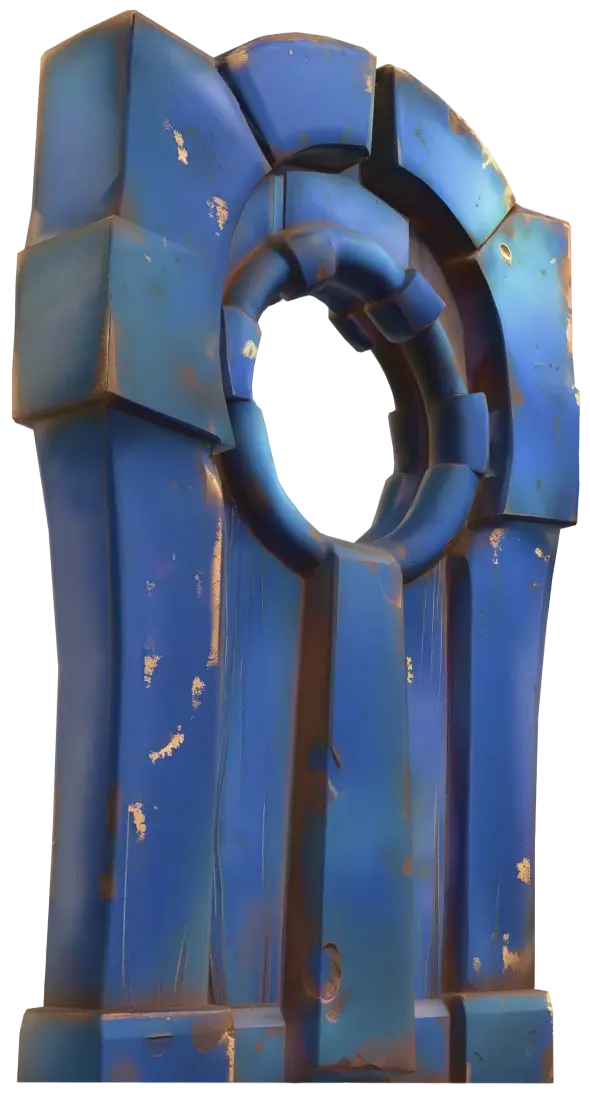
Meshy returns an untextured mesh first, then applies full PBR texturing in the same pass.
Refine
Not quite right? Re-prompt, adjust the seed, or switch to Image to 3D with a reference.
Export or continue
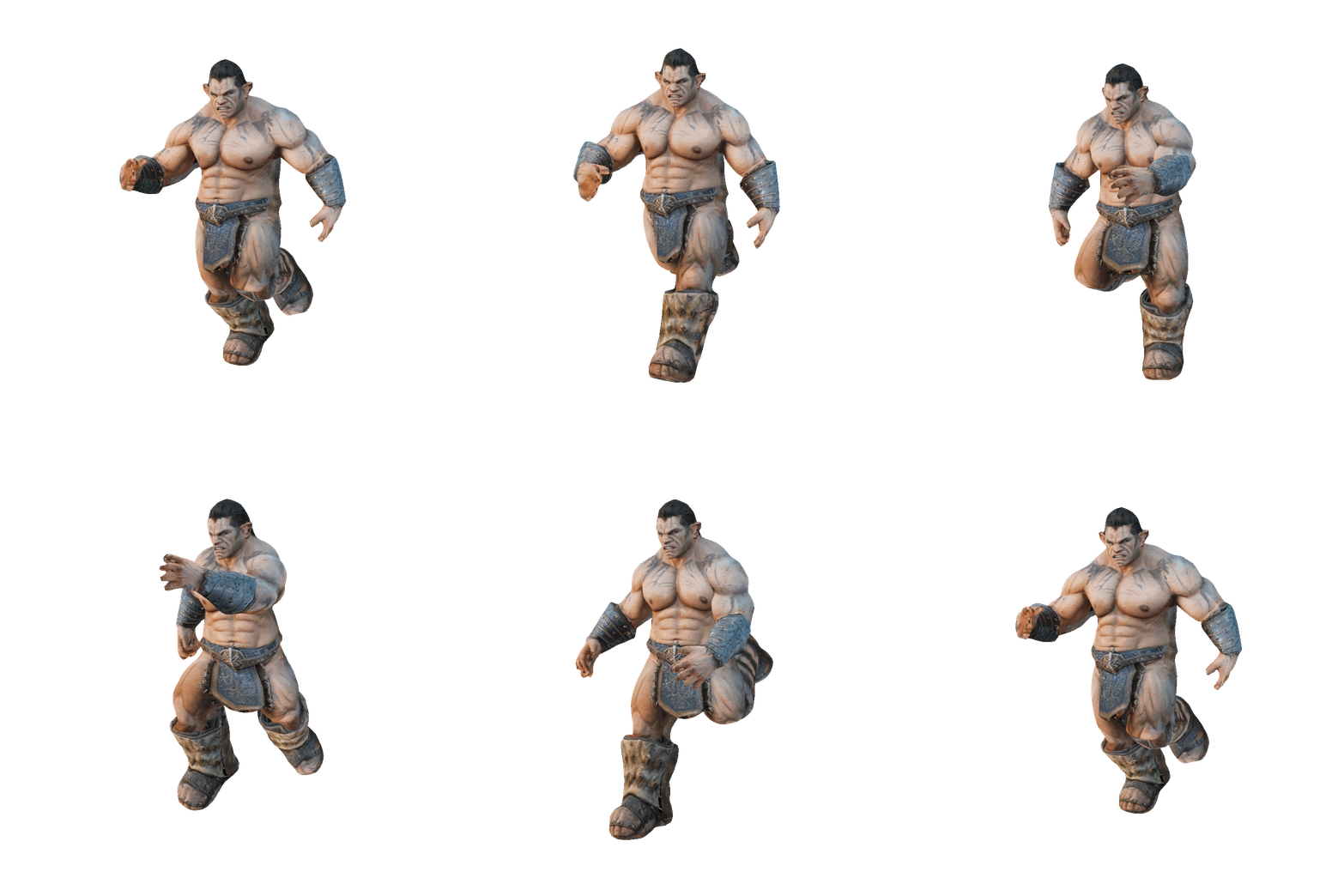
Download in your target format, or send straight into free auto-rig and animation.
Prompt quality = output quality
Weak prompt vs strong prompt
! Weak: "a chair"
No material, no style, no era Meshy guesses everything
Generic proportions, ambiguous texture pass
Higher odds you'll spend another 20 credits re-rolling
✓ Strong: "a weathered oak dining chair, carved backrest, medieval tavern style, worn leather seat"
Material (oak, leather), style (medieval tavern) and detail (carved backrest) all specified
Texture pass has clear direction wood grain, leather wear
Far more likely to be usable on the first generation
[subject] + [material/texture] + [style/era] + [notable detail] → e.g. "a cracked stone gargoyle, gothic cathedral style, mossy weathering, wings folded"
Real prompts
What people actually type
"low-poly pine tree, stylized game asset""sci-fi energy pistol, glowing blue accents""rustic wooden barrel, iron bands, weathered""cute cartoon fox, big eyes, soft fur texture""ornate treasure chest, gold trim, fantasy RPG""modern minimalist lamp, matte ceramic base""medieval shield, battle-worn, family crest""cyberpunk street vendor cart, neon signage"
Quick facts
What Text to 3D is built for
Current engineMeshy 7.1 (Meshy 6 still selectable)
Meshy's model interprets your prompt, generates an untextured mesh, then applies full PBR texturing in the same pass typically around 60 seconds on the current Meshy 7.1 engine.
Is there a free trial?
Yes. The free plan gives 100 credits/month (about 5 generations) with no card required.
Can I type a copyrighted character?
Generation is technically permitted, but commercial ownership and distribution rights are not granted for outputs based on someone else's IP see license and commercial use.
How much does one generation cost?
20 credits per generation, whether or not you keep the result. Budget for retries when writing vague prompts see pricing.
What's the difference between Text to 3D and Image to 3D?
Text to 3D starts from a written description; Image to 3D starts from up to 4 reference photos and generally produces more accurate proportions for a specific real object.
Can I animate what I generate?
Yes. Auto-rigging and 500+ animation presets are free (0 credits) on every plan see features.
What export formats are supported?
FBX, OBJ, GLB, USDZ, STL, BLEND, 3MF and DXF covering game engines, DCC tools and 3D printing slicers.
Ready to type your first prompt?
100 free credits, no card required see what your idea looks like as a textured 3D model in about a minute.