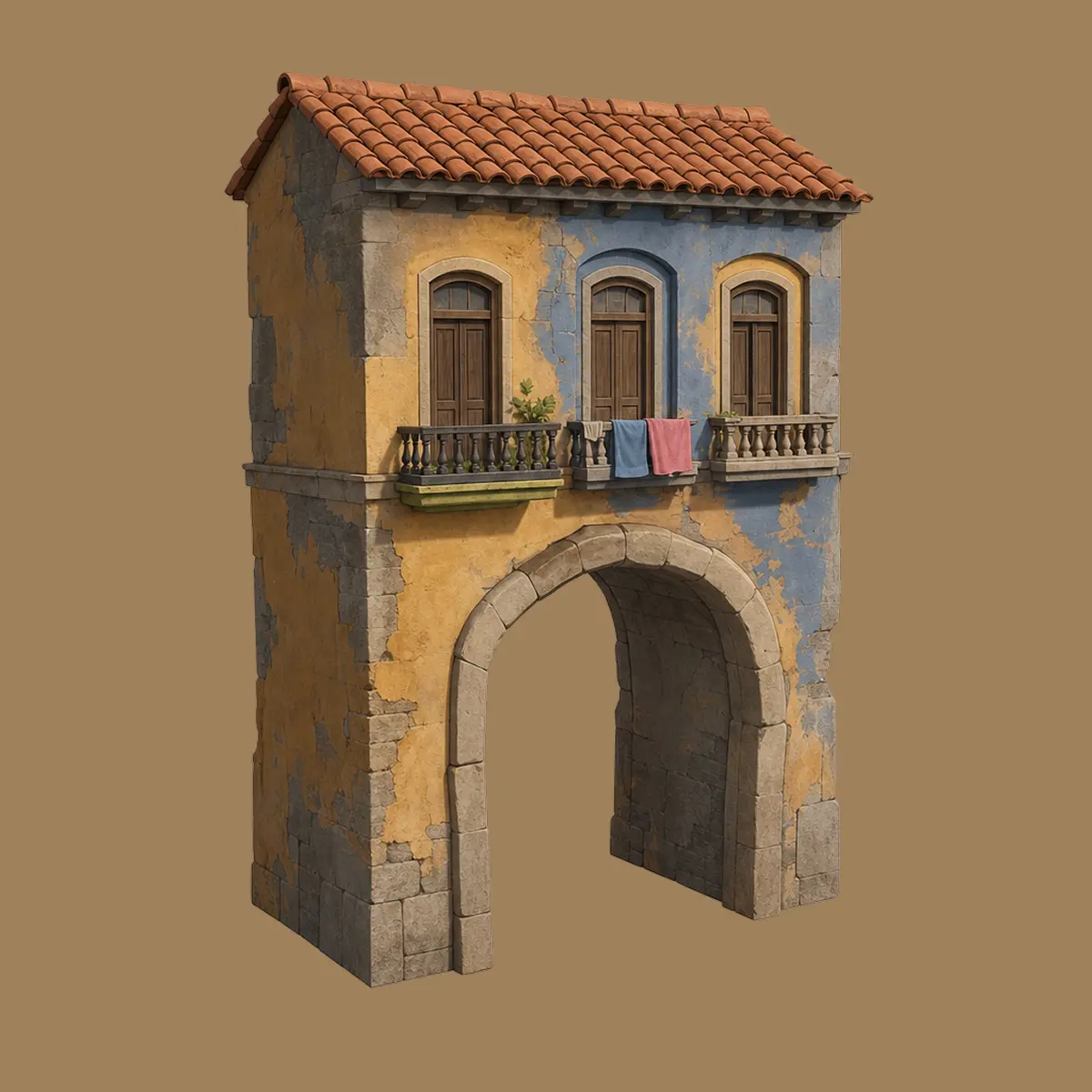
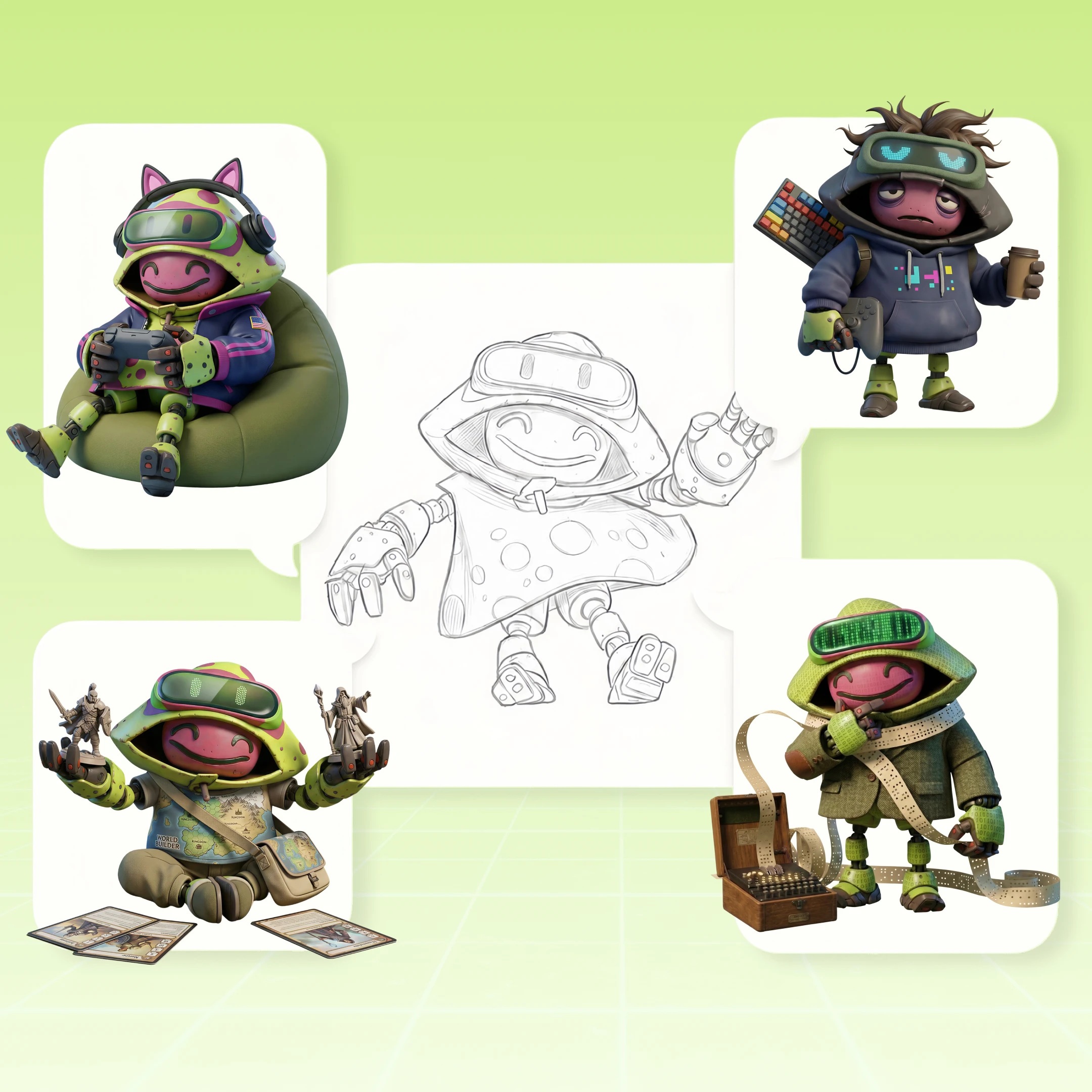
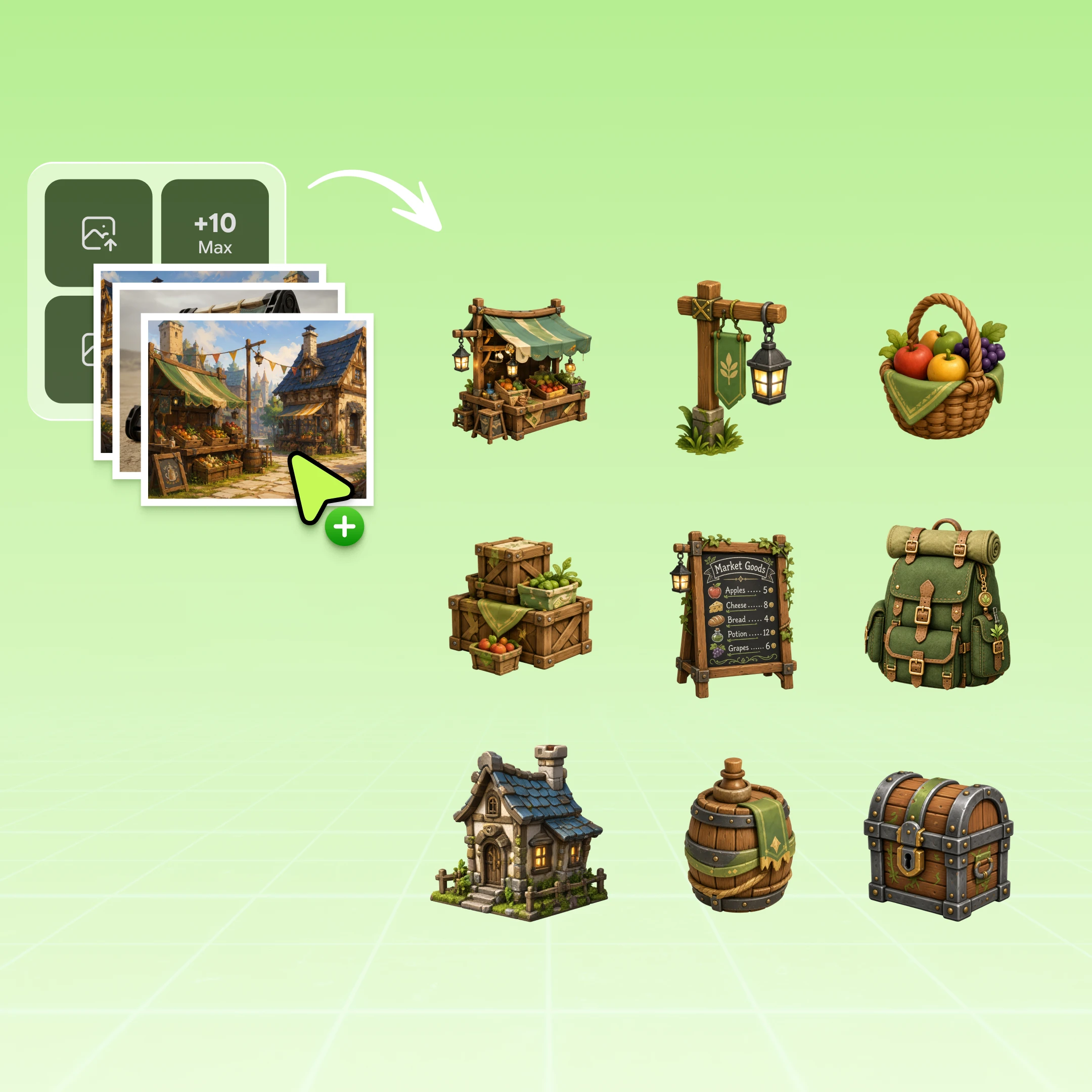
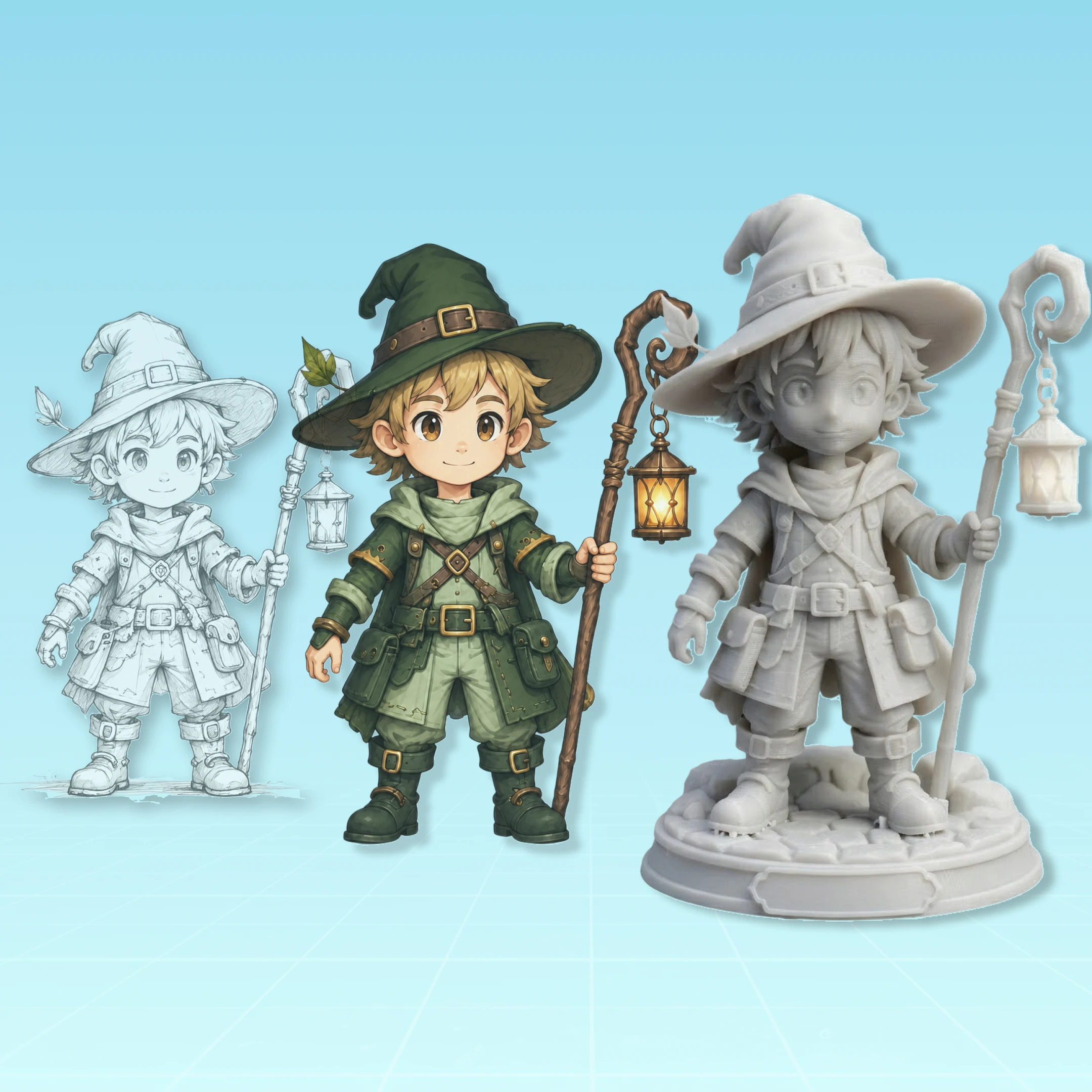
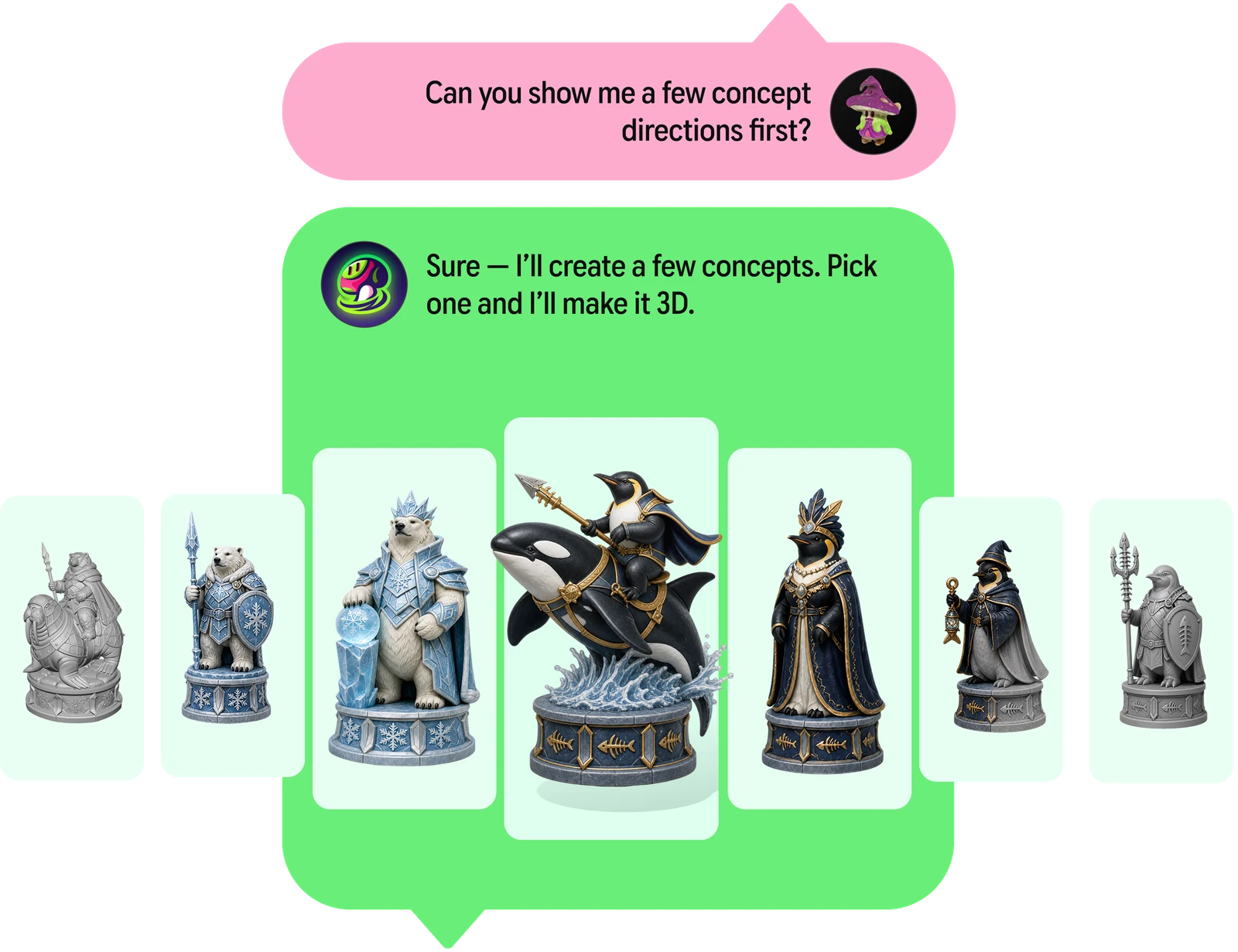
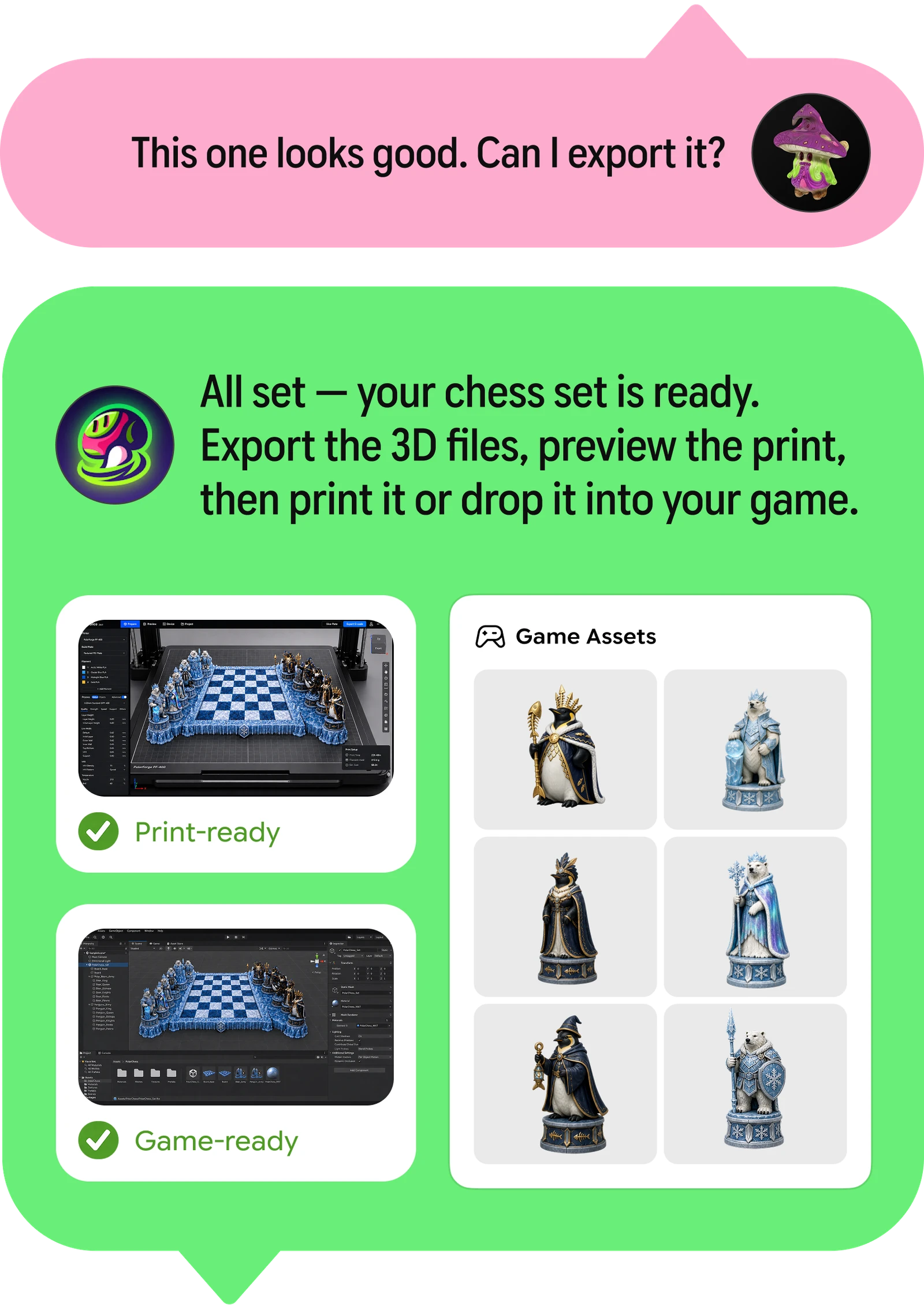
On June 4, 2026, Meshy announced Meshy 3D Agent Beta - a new way of using the platform that replaces the familiar "fill in a prompt box, press Generate" pattern with an ongoing conversation. Instead of translating one prompt into one output, the agent supports a multi-step creative process: you can arrive with nothing more than a vague idea, a photo, or a story, and the agent helps you figure out what to make before anything gets generated, produces multiple visual concepts to choose from, refines them through chat, and converts your favorites into real, downloadable 3D models. It is, in Meshy's words, the same agentic shift that changed how people write code and draft presentations - now applied to 3D.
This guide covers what the 3D Agent actually is, the four core capabilities Meshy built it around, how a real conversation with it flows, how it differs from the classic Text to 3D workflow, who it's for, how to get started, and what to expect from a beta product. Where this page touches pricing or platform basics, you'll find deeper dives on our pricing, how-to guide, and API pages.
- What is Meshy 3D Agent?
- The problem it solves
- The four core capabilities
- What a session looks like
- 3D Agent vs classic Text to 3D
- Who it's for: use cases
- How it fits the Meshy ecosystem
- Agent skills for coding assistants
- Installing the skills
- Skill vs MCP Server
- Getting started (Workspace Agent)
- Tips for talking to the agent
- Beta caveats and expectations
- Video demos
- FAQ
1. What is Meshy 3D Agent?
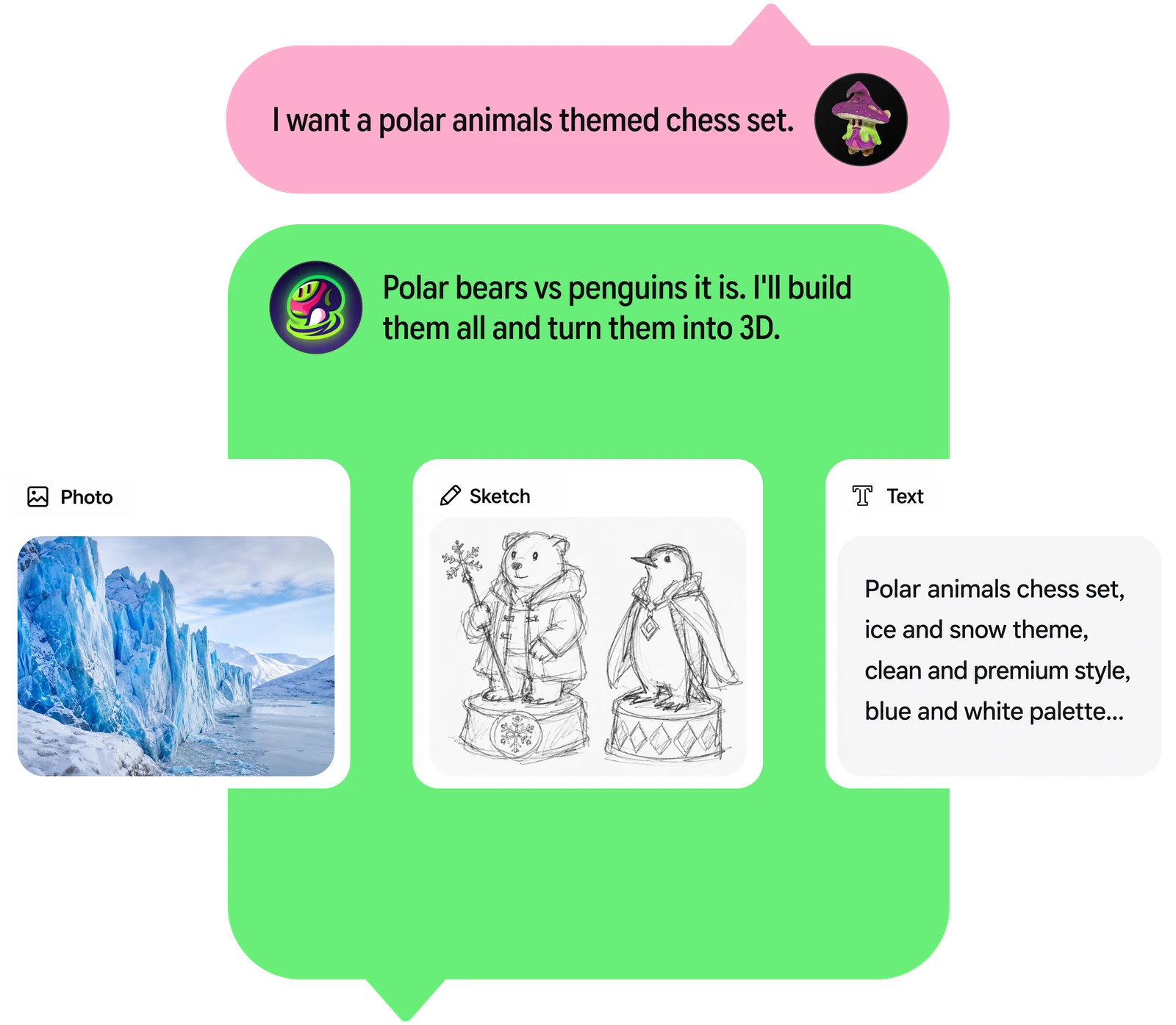
Meshy 3D Agent is a conversational 3D creation workflow built into meshy.ai. Where the classic workspace presents a set of separate tools - Text to 3D over here, Image to 3D over there, texturing in its own tab - the agent presents a single chat. You describe what you're trying to make, in whatever form the idea currently exists: a sentence, a creative direction, a story, a child's drawing, a pet photo, a sketch. The agent responds the way a helpful art director might - suggesting directions, generating batches of visual concepts to react to, answering technical questions about 3D creation and printing, and, once you've converged on something you like, producing the actual 3D model you can download and use.
The launch framing matters: Meshy positions this as the world's first AI agent built specifically for 3D creation. There are plenty of general-purpose AI agents that can call 3D tools (including Meshy itself via its MCP server, which we'll get to), but the 3D Agent is purpose-built around the 3D creative process - it treats creation not as a sequence of isolated technical steps but as a guided, iterative process where you describe ideas in natural language, visually review results, and keep developing them with specific adjustments, without ever switching tools.
At launch, the beta is available to all users on meshy.ai - it rolled out platform-wide on June 4, 2026, rather than behind a waitlist or a top-tier plan, which signals Meshy sees it as the future front door to the product rather than a premium add-on.
One naming note before we go further: alongside this in-app Workspace Agent, Meshy also publishes an open-source repo called meshy-3d-agent - a set of AI agent skills that let coding assistants like Cursor, Claude Code, and OpenClaw drive the Meshy API directly, with no MCP server required. The chat experience and the skills share a name and an engine but serve different users; sections 8-10 cover the skills in full.
2. The problem it solves: the blank-canvas gap
For years, 3D creation has demanded specialized tools, technical knowledge, and long learning curves. Blender, Maya, and ZBrush enable professional-grade work, but for makers, indie developers, designers, and hobbyists, the path from idea to model has stayed hard to start. Even Meshy's own classic tools - as approachable as they are - assume you arrive knowing what you want: you still have to compose a good prompt, pick settings, evaluate one output, rewrite the prompt, and repeat.
The agent attacks three specific friction points in that loop:
- The blank canvas. Many would-be creators don't have a prompt; they have a feeling, a reference photo, or a gift idea. The agent can brainstorm before anything is generated - suggesting creative directions you wouldn't have typed yourself.
- One-shot generation. Traditional text-to-3D maps one prompt to one output, making exploration expensive and slow. The agent generates batches of concepts in a single conversation, so you compare directions side by side instead of serially re-rolling.
- Tool switching. The classic pipeline hops between modes - generate, then texture, then refine - each with its own panel. In the agent, you describe what you want changed and the workflow continues in place; the manual intermediate steps shrink, and early ideas become visible faster.
There's also a knowledge gap the agent fills that's easy to underestimate. Meshy found that many 3D-printing makers know how to print but not how to model - they own the hardware, understand slicers and filament, but can't produce a custom object from scratch. The agent's built-in 3D knowledge plus chat-to-3D generation closes exactly that gap: the printer-owner who could never open Blender can now describe the object, iterate on concepts, and download a printable model.
3. The four core capabilities
Meshy describes the beta as designed around four pillars. Together they map the full journey from "I have a vague idea" to "I have a file."
1 · Brainstorming for 3D creation
The agent suggests creative directions before you generate anything. Tell it the occasion, the audience, the franchise vibe, or just the object category, and it proposes concrete concepts to pursue - functioning as an ideation partner, not just a renderer.
2 · Batch visual concept generation
Instead of one output per prompt, the agent produces multiple visual concepts in a single conversation. You react to a spread of options - "more like the second one, but rounder" - which is how real art direction actually works.
3 · Chat-to-3D creation
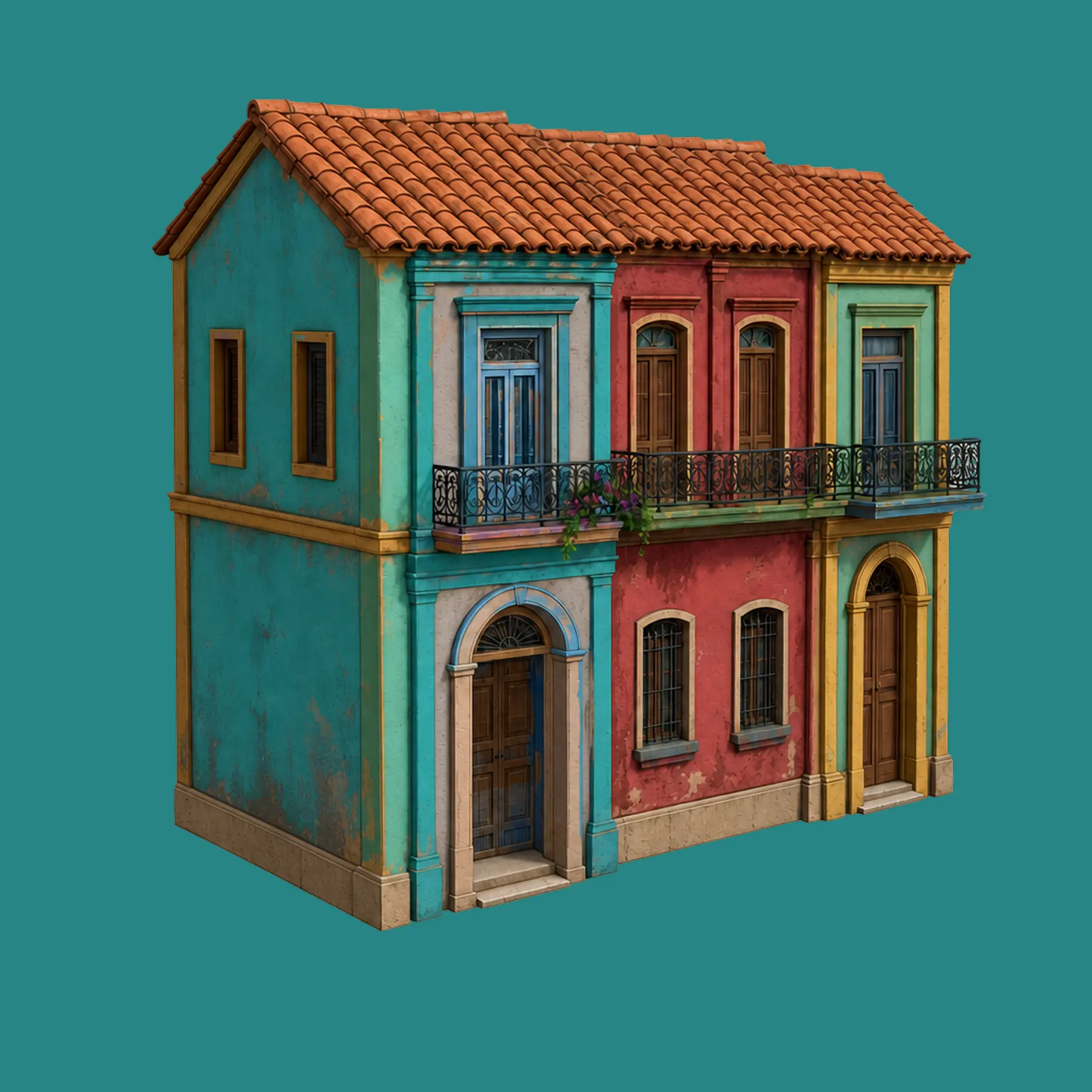
Concepts you select get turned into downloadable 3D models, ready for creative, printing, or production workflows. The conversation ends with an asset, not just pictures - and the result remains editable with Meshy's refinement tools.
4 · Built-in 3D creation knowledge
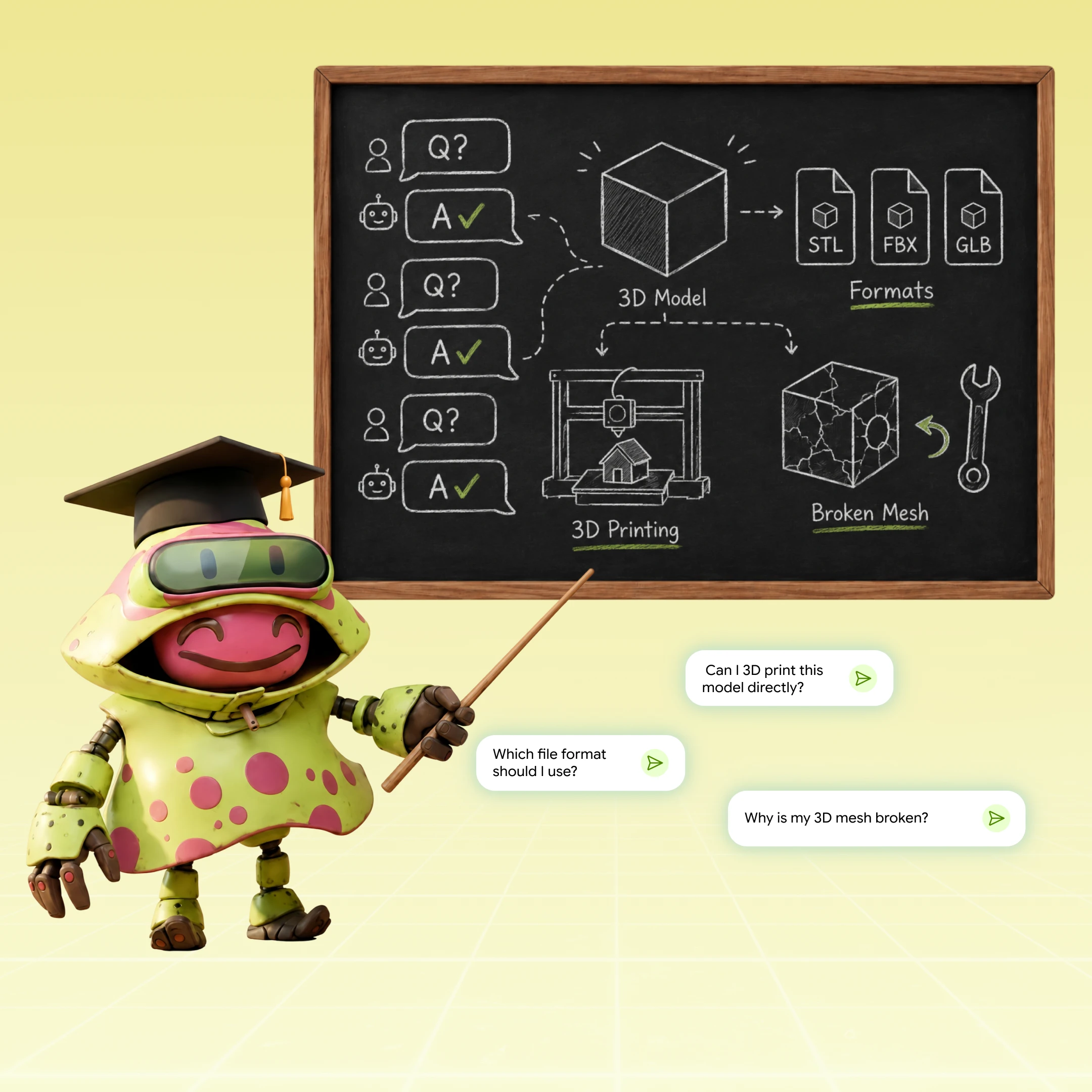
You can ask questions about 3D creation and 3D printing directly in the chat - topology, formats, printability, material choices - and get answers in context, beside the very model you're asking about.
The order is deliberate. Capabilities one and two live upstream of generation - they're about deciding what to make, which is where most beginners stall. Capability three is the payoff, and capability four wraps the whole session in a tutor, which quietly turns every project into a 3D education.
4. What a session actually looks like
Here's a representative flow, based on the use cases Meshy describes for the beta - a maker who wants a custom 3D-printed gift:
Illustrative dialogue, not an official transcript - composed to reflect the capabilities Meshy describes for the beta.
Notice what happened across those few turns: ideation (four directions from a two-line brief), batch concepting (multiple visuals per direction), conversational refinement ("bigger helmet, more heroic"), embedded expertise (the PLA ear question answered mid-flow), and finally chat-to-3D output. In the classic workspace, that journey would have crossed several tools and a lot of prompt rewriting; here it's one thread.
5. Meshy 3D Agent vs classic Text to 3D
The agent doesn't replace the classic tools - they share the same underlying generation engine - but the interaction model is fundamentally different, and each suits different moments:
| Meshy 3D Agent (Beta) | Classic Text to 3D / Image to 3D | |
|---|---|---|
| Interaction | Ongoing conversation; multi-step | One prompt → one output per run |
| Starting point | Photo, sketch, description, story, or just a vague direction | A composed prompt or prepared image |
| Ideation | Built in - suggests directions before generating | None - you arrive knowing what you want |
| Exploration | Batches of concepts in one thread | Serial regeneration, prompt by prompt |
| Refinement | Conversational ("rounder, bigger helmet") | Manual prompt edits and tool switching |
| 3D knowledge | Ask questions in-chat (printing, formats, topology) | Consult docs and help center separately |
| Best for | Open-ended ideas, beginners, gifts and custom prints, exploring style directions | Production users who know exactly what they need, batch pipelines, API automation |
| Status | Beta (launched June 4, 2026), all users | Mature, fully documented |
A practical rule of thumb: use the agent when the idea is fuzzy; use the classic tools when the spec is sharp. A studio generating its fortieth style-consistent prop from an approved art bible doesn't need brainstorming - it needs the prompt box, bulk generation, or the API. A maker who knows only "something for my D&D group" is exactly who the agent was built for. Many sessions will sensibly use both: converge on a concept in the agent, then carry the visual language into classic tools for volume production.
6. Who it's for: the launch use cases
3D-printing makers
This is the audience Meshy leads with, because the gap is so clean: many people who own printers know how to print but not how to model. The agent lets a maker start from a pet photo, a child's drawing, a name, a story, or a gift idea and carry it through to a custom printable object - with printing questions (wall thickness, orientation, supports, material behavior) answered inside the same chat. Pair the output with Meshy's existing printability check, repair tools, and slicer integrations (Bambu Studio, OrcaSlicer, Creality Print, Cura), and the idea-to-print pipeline closes end to end.
Indie game developers
The second launch focus: generating batches of style-consistent 3D assets. Indie devs rarely struggle to produce one asset; the struggle is producing thirty that look like they belong in the same game. A conversation that establishes a visual direction and then generates concept batches inside it is a genuinely better fit for that problem than thirty independent prompts. Once a direction locks, selected concepts become models that flow into the standard Meshy pipeline - remesh, rig, animate, and export to Unity, Unreal, or Godot.
Designers, teams, and content creators
Meshy frames the agent for individuals and teams who want to conceive, test, and edit 3D assets faster - across games, product visualization, concept design, AR/VR applications, and digital content. The common thread is iteration speed: the agent makes early ideas visible quickly and cuts the manual intermediate steps, which matters most at the front of a project when directions are still being chosen and discarded.
Complete beginners
Unstated in the press materials but obvious in the design: the agent is the gentlest on-ramp Meshy has ever shipped. A first-time user no longer needs to learn what a good prompt looks like, what PBR means, or which tab does what - they just talk, look at pictures, and pick. The built-in knowledge capability doubles as a tutor, so users absorb 3D literacy as a side effect of making things.
7. How it fits the Meshy ecosystem
It helps to place the agent on the map of everything else Meshy offers, because two other "agent-adjacent" pieces already exist and the names can blur together:
- The Workspace Agent (sections 1-6) is the agent inside meshy.ai - Meshy's own conversational interface for creating with the platform.
- The agent skills (the meshy-3d-agent repo, sections 8-10) are pure-Markdown skill files that teach external coding assistants - Cursor, Claude Code, OpenClaw, and 20+ more - to call the Meshy API themselves via shell commands and Python, with no server process at all.
- Meshy's MCP server is the heavier alternative to the skills: a dedicated Node.js server process exposing Meshy as structured tools to any MCP-compatible client. "MCP & Skill for AI Agent" is the plan line-item covering both.
- The REST API underlies all of the above: a developer-facing, pay-before-you-go interface for building Meshy generation into any product (full details on our API page).
In other words: the 3D Agent is for you chatting with Meshy; MCP is for your coding agent using Meshy; the API is for your software using Meshy. All three sit atop the same generation engine - the Meshy 6 models, texturing, remesh, rigging, animation, and export stack covered on our features page - so an asset that begins life in an agent chat remains an ordinary, editable Meshy asset afterward: retexture it, remesh it for an engine budget, rig and animate it, or export it in any of the seven supported formats.
On cost: the beta launched as available to all users, and Meshy meters platform usage through its standard credits system. Treat agent-driven generations as drawing on the same plan credits as the rest of the platform, and check the in-app indicators for the exact cost per action - as a fresh beta, the specifics are the kind of detail most likely to be tuned. (Credit mechanics and plan allocations are broken down on our pricing page.)
8. The agent skills: Meshy for Cursor, Claude Code & OpenClaw
The open-source meshy-3d-agent repo packages Meshy's capabilities as pure Markdown skills - no server, no dependencies, no build step. Your AI assistant reads the skill files and gains the ability to interact with the Meshy API directly, using shell commands and Python scripts. The practical effect: while Claude Code or Cursor is building your game, it can also generate the game's 3D assets - models, textures, rigs, animations - and even hand finished prints to your slicer, all from the same conversation as your code.
The repo ships three skills:
meshy-3d-generation (core)
The required core skill covers the full 3D generation lifecycle: API key setup, task creation, polling, downloading, and multi-step pipelines that chain capabilities together.
| Capability | Description | Credits |
|---|---|---|
| Text to 3D | Generate 3D models from text descriptions | 20-30 |
| Image to 3D | Convert single or multiple images to 3D | 20-30 |
| Retexture | Apply new textures to existing models | 10 |
| Remesh | Change topology, polycount, or export format | 5 |
| Auto-Rigging | Add skeleton to humanoid characters (includes walking + running) | 5 |
| Animation | Apply custom animations to rigged characters | 3 |
| Text to Image | Generate 2D images from text (recommended pre-step before image-to-3D) | 3-9 |
| Image to Image | Optimize/edit reference images (recommended pre-step before image-to-3D) | 3-9 |
meshy-3d-printing (optional)
The optional printing skill - which depends on the core skill's script template and environment setup - automates the full 3D printing workflow, from printability analysis to launching your slicer:
| Capability | Description | Credits |
|---|---|---|
| White Model Print | Generate → OBJ download → coordinate fix → slicer launch | 20 |
| Multicolor Print | Generate → texture → multi-color API → 3MF → slicer launch | 40 |
| Slicer Detection | Auto-detect 7 slicers: OrcaSlicer, Bambu Studio, Creality Print, Elegoo Slicer, Anycubic Slicer Next, PrusaSlicer, UltiMaker Cura | 0 |
| Analyze Printability | Automated FDM check (watertight / volume / non-manifold / degenerate / holes) | 0 (free) |
| Repair Printability | Fix non-manifold edges, degenerate faces, and holes; output format mirrors input | 10 |
meshy-openclaw (OpenClaw / ClawHub)
For the OpenClaw ecosystem, a single unified skill combines generation and printing into one file (all generation at 3-30 credits, printing at 0-35), with OpenClaw-compatible metadata.clawdbot frontmatter and a full security manifest. It's designed for ClawHub publishing, and notably stores your API key only in a .env file in the current working directory - no shell profile access, a sensible hardening choice for skills that run with agent autonomy.
9. Installing the skills, step by step
Prerequisites: a Meshy API key (which requires a Pro plan or above - see our pricing page) and Python 3 with the requests package (pip install requests).
Quick install (one command)
# installs all skills
npx skills add meshy-dev/meshy-3d-agent
Then set your API key - or simply start using the skill: when the agent loads it and detects no key is configured, it will ask you for the key and set it up automatically.
Setting the API key manually (macOS / Linux)
Option A - global (recommended): add the export to your shell profile so it persists across sessions:
# open your shell profile nano ~/.zshrc # add this line at the end, save and exit export MESHY_API_KEY="msy_YOUR_API_KEY" # reload source ~/.zshrc
Option B - project-local: create a .env file in your project root (and add .env to your .gitignore so the key is never committed):
echo 'MESHY_API_KEY=msy_YOUR_API_KEY' > .env
Manual installation per assistant
Claude Code:
# Core (required) mkdir -p .claude/skills cp skills/meshy-3d-generation/SKILL.md .claude/skills/meshy-3d-generation.md cp skills/meshy-3d-generation/reference.md .claude/skills/meshy-reference.md # 3D Printing (optional) cp skills/meshy-3d-printing/SKILL.md .claude/skills/meshy-3d-printing.md
Cursor: identical pattern, targeting .cursor/skills/ instead of .claude/skills/.
OpenClaw: install via ClawHub with npx clawhub install meshy-dev/meshy-3d-agent, or manually copy the skills/meshy-openclaw/ folder into your OpenClaw skills directory.
.env, never in committed code, and rotate it from the API settings page if a leak is even suspected.10. Agent skill vs MCP server - which to pick?
Meshy now offers two ways to give an external AI assistant 3D powers, and both provide the same underlying API capabilities. The differences are operational:
| Feature | Agent Skill (meshy-3d-agent repo) | MCP Server |
|---|---|---|
| Setup | Copy Markdown files | npx meshy-mcp-server |
| Dependencies | Python 3 + requests | Node.js ≥ 18 |
| How it works | AI reads instructions, makes API calls directly | Dedicated server process with structured tools |
| IDE support | Amp, Cline, Codex, Cursor, Gemini CLI, Claude Code, OpenCode and 20+ more | Any MCP-compatible client |
| File management | Via skill instructions | Built-in auto-save with project folders |
A reasonable default: skills for simplicity, MCP for structure. The skills win on zero-infrastructure setup and the widest assistant support; the MCP server wins when you want structured tool schemas and built-in file management with project folders. Since both are quick to try, the honest answer is to start with whichever matches the runtime you already have (Python vs Node) and switch if you hit friction.
11. Getting started with the Workspace Agent
- Sign in at meshy.ai. The beta is available to all users - free accounts included - from June 4, 2026. New here? Account setup is covered in our beginner guide.
- Open the 3D Agent. Look for the agent entry point in the workspace - as the newest flagship feature, Meshy surfaces it prominently in the app.
- Start with whatever you have. A description, a creative direction, a story, a photo, or a sketch all work as opening moves. You don't need a polished prompt - that's the point.
- Brainstorm before generating. Ask for directions first ("give me five ideas for...") and react to the menu rather than committing to your first thought.
- Generate concepts in batches. Have the agent produce several visual concepts per direction, then steer: reference specific ones, combine elements, push the style.
- Ask your technical questions in-line. Printability, formats, scale, materials - the built-in 3D knowledge is there precisely so you don't have to leave the chat.
- Convert your pick to 3D and download. Selected concepts become downloadable models ready for printing, engines, or further refinement in the classic tools.
12. Tips for talking to the agent
- Give context, not just objects. "A gift for a nurse who loves cats, desk-sized, printable in one piece" gives the agent far more to brainstorm with than "cat figurine."
- React comparatively. Batch generation shines when you steer between options: "second one's silhouette, fourth one's texture style" converges faster than restating the whole idea.
- Name your destination early. Saying "this is for FDM printing" or "this is a Unity mobile asset" up front lets the agent's suggestions and technical answers aim at the right constraints from turn one.
- Use it as a tutor. Beginners especially: ask why ("why did you thicken the ears?", "what's the difference between STL and 3MF?"). The knowledge capability turns projects into lessons.
- Don't abandon the classic tools. For precision passes - exact polycount targets, PBR map settings, rigging - finish in the dedicated panels. The agent gets you to a great concept and a solid model; the classic tools remain the fine-grained instrument panel.
- Mind your credits during exploration. Batch concepting is wonderfully cheap in effort but still meters in credits - converge with intent rather than generating endless spreads (see our credits breakdown).
13. Beta caveats and honest expectations
"Beta" is doing real work in the product's name, and it pays to calibrate expectations accordingly:
- The feature will move under you. Capabilities, UI placement, costs, and limits are all likely to be tuned in the weeks after launch - treat any specific behavior as provisional and check Meshy's official announcements for changes.
- Conversational ≠ omniscient. The agent inherits the strengths and limits of the underlying generation engine. A concept that looks perfect as a 2D visual can still need remesh or repair work as a mesh - keep using the wireframe view and printability check before committing filament or engine budgets.
- Complex multi-object scenes remain hard. The platform's long-standing guidance - generate single objects, assemble scenes downstream - still applies; the agent makes ideation broader, not the geometry engine magically scene-scale.
- Expect queues to vary. A headline beta available to every user means demand spikes; paid plans' queue priority and concurrency advantages apply as usual.
None of this undercuts the significance of the launch. The reason "first AI agent for 3D creation" is more than a marketing line is the workflow inversion it represents: every previous generation tool, Meshy's included, started from your prompt. The agent starts from your intent - and intent is the only thing complete beginners reliably have. If the pattern holds the way it did for coding agents, the chat won't replace the workspace; it will become the place where most projects begin.
14. Video demos
Agent-specific video tutorials are still scarce - the beta is barely a week old - but these walkthroughs show the underlying Meshy engine the agent drives, which is exactly what your skills-equipped assistant or workspace chat is orchestrating behind the scenes:
15. Frequently asked questions
What is Meshy 3D Agent Beta?
An AI agent for 3D creation built into meshy.ai, launched June 4, 2026. It helps users develop ideas, generate series of visual concepts, ask 3D-related questions, and turn selected concepts into downloadable 3D models - all through a single chat conversation.
How is it different from Text to 3D?
Traditional Text to 3D generates one result from one prompt. The 3D Agent supports a multi-step, chat-based process: you can explore directions, refine ideas conversationally, and generate multiple concepts before committing any of them to 3D. Think art-director conversation versus vending machine.
Who can use it, and does it cost extra?
The beta launched as available to all users on meshy.ai - including free accounts. Usage runs on Meshy's standard credit system rather than a separate fee; check the in-app indicators for exact per-action costs, as beta pricing details are the most likely thing to be tuned.
What can I start a session with?
Almost anything: a text description, a creative direction, a story, a photo (a pet, a product), or a sketch (even a child's drawing). The agent's brainstorming capability is specifically designed for arriving with fuzzy or partial ideas.
Can it really answer 3D printing questions?
Yes - built-in 3D creation knowledge is one of the four launch capabilities. You can ask about printing and modeling topics directly in the chat, and the answers arrive in the context of the model you're working on. For final validation, still run Meshy's printability check before printing.
What happens to models the agent creates?
They're ordinary Meshy assets: downloadable for creative, printing, or production workflows, and editable with the platform's standard tools - retexturing, remesh, rigging, animation, and export in the usual formats. Your plan's normal asset licensing applies.
Is this the same thing as Meshy's MCP server?
No. The 3D Agent is Meshy's own chat interface inside meshy.ai. The MCP server is the reverse direction: it lets external AI assistants (Claude Code, Cursor, Windsurf) use Meshy as a tool. Both sit on the same generation engine.
Is it good for professional studios?
For the front of the pipeline, yes - direction-finding, concept spreads, and style exploration. For volume production against a locked art bible, the classic tools, bulk generation, and the API remain the sharper instruments. Most teams will use the agent to converge and the classic stack to scale.
What is the meshy-3d-agent skills repo?
An open-source set of pure Markdown agent skills that let coding assistants (Cursor, Claude Code, OpenClaw, and 20+ more) drive the Meshy API directly - text/image to 3D, retexture, remesh, rigging, animation, 2D image generation, and a full 3D-printing workflow - with no MCP server, no Node dependency, and no build step. Install everything with npx skills add meshy-dev/meshy-3d-agent.
Do the agent skills require a paid plan?
Yes - the skills authenticate with a Meshy API key, and API keys require a Pro plan or above. You'll also need Python 3 with the requests package. The skills can even handle key setup themselves: load one without a key configured and it will ask for yours and set it up.
Should I use the agent skills or the MCP server?
Both expose the same Meshy capabilities. Skills are simpler (copy Markdown files, Python + requests) and work across 20+ assistants; the MCP server (npx meshy-mcp-server, Node ≥ 18) offers structured tools and built-in auto-save with project folders. Start with whichever matches your runtime and switch if you hit friction.
Can my coding assistant really send models to my 3D printer?
Very nearly. The optional printing skill runs printability analysis (free), repairs mesh issues, prepares white-model OBJ or multicolor 3MF output, and auto-detects seven slicers (OrcaSlicer, Bambu Studio, Creality Print, Elegoo, Anycubic Slicer Next, PrusaSlicer, Cura) - launching the file into your slicer, where you do the final print.
The short version: "Meshy 3D Agent" is both the lowest barrier to entry the platform has ever had and its deepest developer hook. In the browser, the Workspace Agent turns 3D creation into a conversation - brainstorm, see concept batches, ask anything, walk away with a model. In your editor, one npx skills add meshy-dev/meshy-3d-agent gives your coding assistant the same powers, through to rigging, animation, and your 3D printer's slicer. Try whichever side matches where your ideas live - the chat tab or the terminal.