Overview: what Meshy 6 actually is
Meshy 6 is the sixth-generation generative model behind Meshy, the AI platform that turns text prompts and 2D images into fully textured, export-ready 3D models. It is the engine that runs under the hood when you create something on the site, in the mobile app, or through the API.
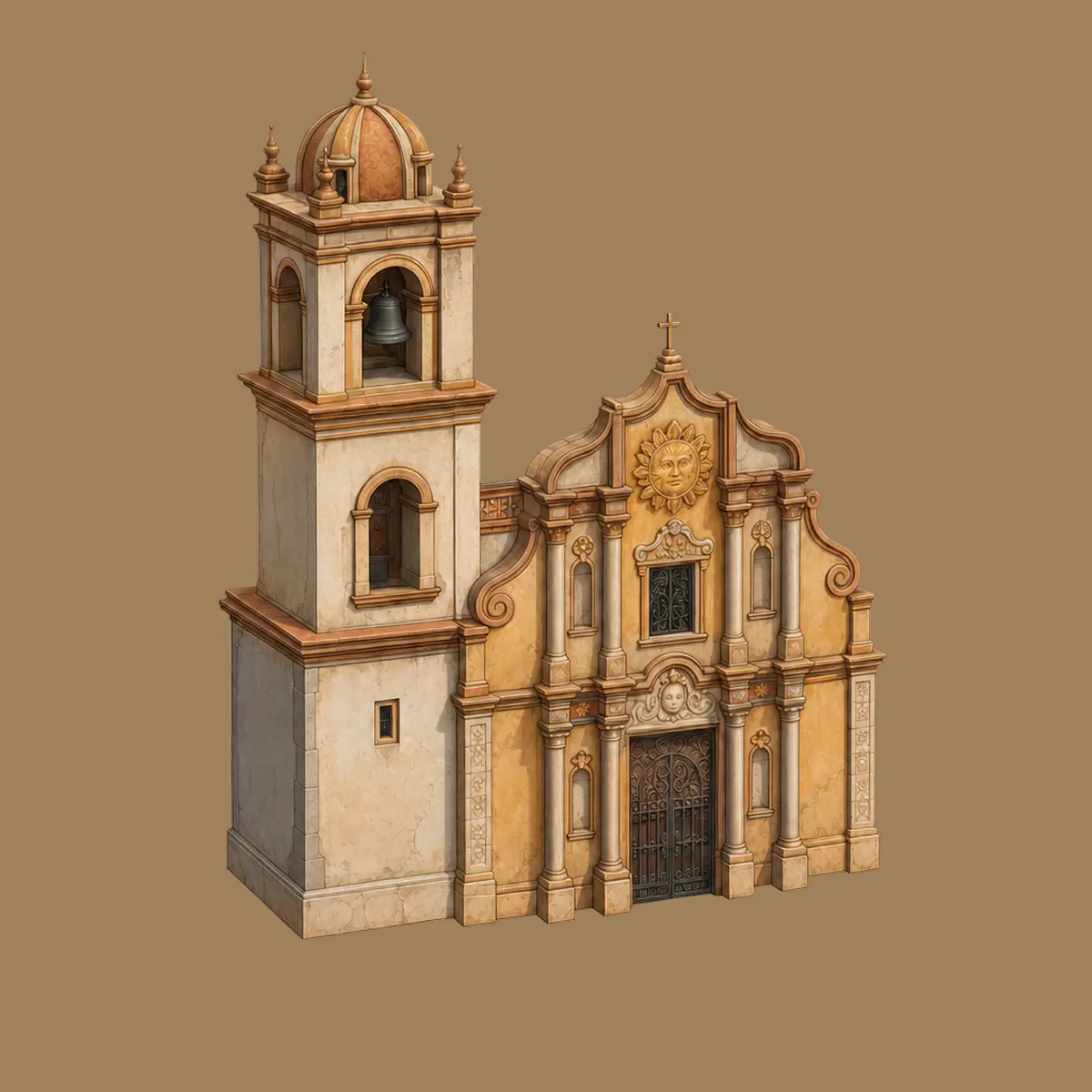
Meshy first showed Meshy 6 to the public as a "Preview" in October 2025, then shipped the full, stabilised version on January 18, 2026. The headline promise is what Meshy calls "sculpting-level" fidelity: meshes that look closer to something a skilled 3D artist would hand-sculpt than to the lumpy, hole-riddled output that earlier AI 3D tools were known for. In practice that means cleaner topology, sharper edges, more believable anatomy, and crucially for anyone who actually has to use the files models that are usable far closer to "out of the box."
That last point is the real story. Previous generations were great for ideation but almost always required a detour through Blender to repair geometry before a game engine or a 3D-printing slicer would accept the file. Meshy 6 narrows that gap dramatically. For many objects, the workflow genuinely becomes generate, download, and use with the heavy cleanup either gone or reduced to minutes.
Meshy itself is built by a San Jose startup founded in 2021 by Ethan Hu, a computer-graphics researcher. By the time Meshy 6 fully launched, the platform reported more than 10 million users across 190+ countries and over 100 million models generated numbers that matter here only because they mean Meshy 6 is being battle-tested at enormous scale across games, film, product design, and consumer 3D printing.
The road to Meshy 6
Understanding Meshy 6 is easier if you know what came before it. Meshy has shipped a new core model roughly every six to nine months since 2023, and each release tended to improve mesh topology, texture fidelity, and inference speed.
- Meshy 3 / Meshy 3 Turbo (2024) focused on accelerating generation and making the tool fast enough for rapid iteration.
- Meshy 4 (2024) broadened quality and the range of objects the model could handle reliably.
- Meshy 5 (2025) a major leap that introduced automatic PBR (physically based rendering) texture generation, a 500+ animation library applied to rigged characters, and the first version of the batch image-to-3D workflow.
- Meshy 6 Preview (October 2025) the early, higher-detail "sculpting-level" model, released so power users could test the new geometry while Meshy refined it.
- Meshy 6 (January 18, 2026) the full release, adding Low Poly Mode, multi-color 3D printing, the 3D-to-Image/Video workspace, integrated image models, and a batch of API upgrades.
The jump from Meshy 5 to Meshy 6 is described by users as unusually dramatic. Where Meshy 5 frequently produced non-manifold meshes geometry with holes or impossible surfaces that a slicer would reject Meshy 6 ships watertight output with cleaner topology that's ready to print or drop into an engine. That shift is what turned a lot of skeptics into daily users.
Sculpting-level quality: the core upgrade
Every Meshy release talks about "better quality," but Meshy 6 made two specific, measurable improvements that are worth separating: organic geometry and hard-surface geometry.
Refined geometry for characters and organic models
For characters, creatures, and anything organic, Meshy 6 produces smoother, more anatomically correct geometry. Limbs sit where they should, faces hold their proportions, and poses read as more natural and expressive. The practical payoff is less manual cleanup: you spend far less time fixing melted fingers, lumpy joints, or collapsed facial features, which were the classic failure modes of earlier AI 3D models. The result is a base mesh that's much closer to something an artist can sculpt or rig on directly.
Enhanced hard-surface modeling
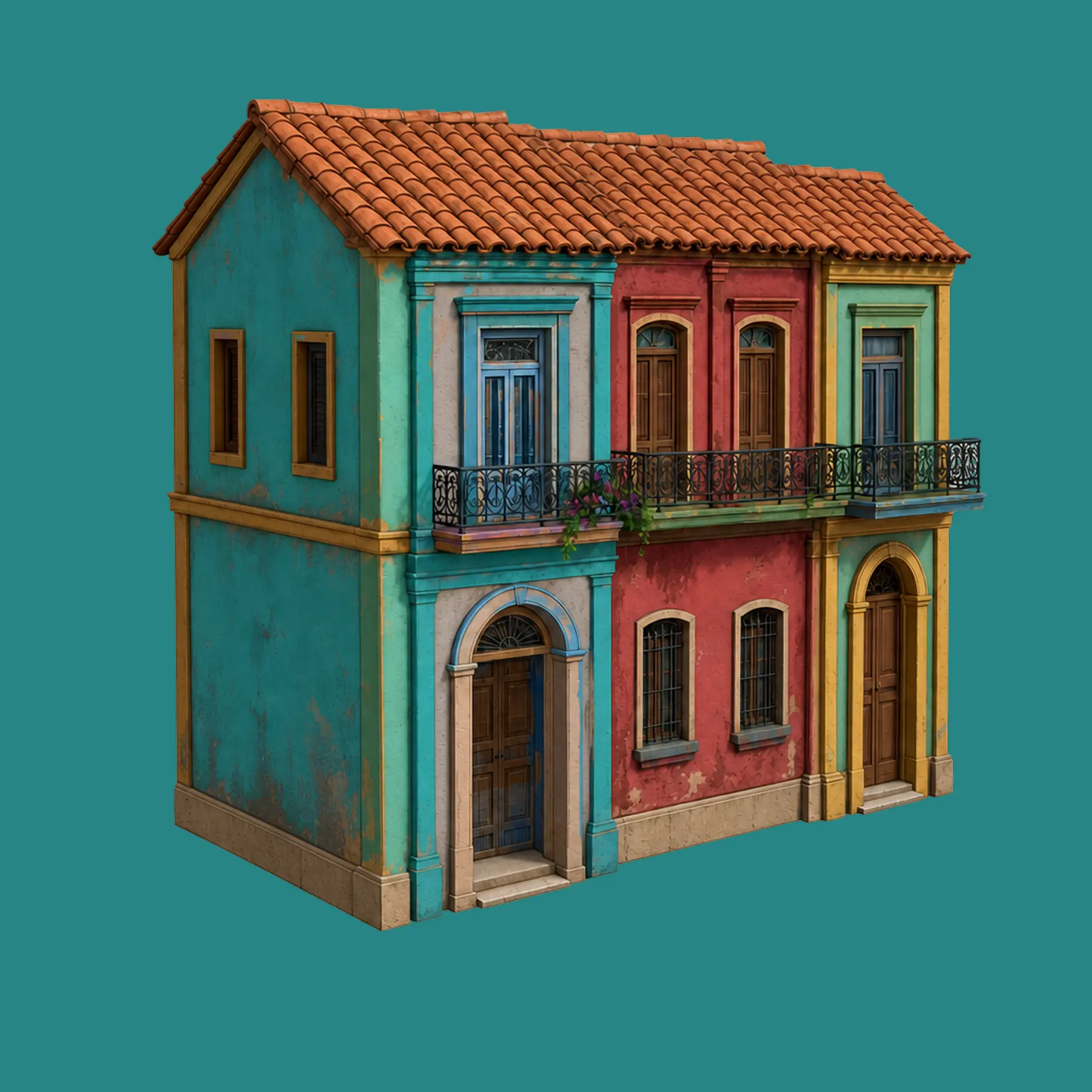
For mechanical, architectural, and geometric objects the "hard-surface" category Meshy 6 delivers sharper edges, clearer silhouettes, and a cleaner overall structure. Bevels look intentional rather than blurred, flat panels stay flat, and the boundaries between parts are crisp. This matters enormously for product designers, prop makers, and anyone printing functional objects, because hard-surface artifacts are immediately obvious to the eye and painful to fix by hand.
Why "out of the box" matters. The single biggest quality-of-life change in Meshy 6 isn't any one feature it's that the meshes are usable immediately. Cleaner topology and watertight surfaces mean fewer trips back to Blender, which compounds across a whole project into real hours saved.
Speed and cost: minutes and dollars, not weeks and thousands
Quality would be academic if it were slow, and here Meshy 6 is genuinely fast. A generation produces geometry in roughly 20 to 30 seconds, with full texturing landing in about a minute. That speed is what makes Meshy usable as an ideation tool: you can try ten variations of an idea in the time it used to take to block out one by hand.
The cost story is just as striking. Meshy frames it bluntly: a 3D asset that traditionally cost on the order of $1,000 and two weeks of skilled labor can now be produced in minutes for roughly $1 in credits. That's not a claim that AI output equals a senior artist's final work it doesn't but for blockouts, prototypes, background props, and high-volume asset libraries, the economics are transformative.
What's new in Meshy 6 at a glance
Beyond raw geometry quality, Meshy 6 added a cluster of workflow features aimed at real production use across games, printing, film, and developer pipelines. Here's the short version before the deep dives.
Sculpting-level meshes
Cleaner topology and watertight geometry for characters and hard-surface objects alike.
Low Poly Mode
Game-ready, real-time-optimised meshes without heavy manual retopology.
Multi-color 3D printing
Textures simplified into clean color blocks and exported to slicer-friendly 3MF.
3D-to-Image / Video
Render and animate models from controlled camera angles with AI consistency.
Nano Banana image models
Google's Nano Banana and Nano Banana Pro power new Text-to-Image and Image-to-Image APIs.
Batch Images to 3D
Generate up to 10 assets from concept art or references in a single click.
Low Poly Mode
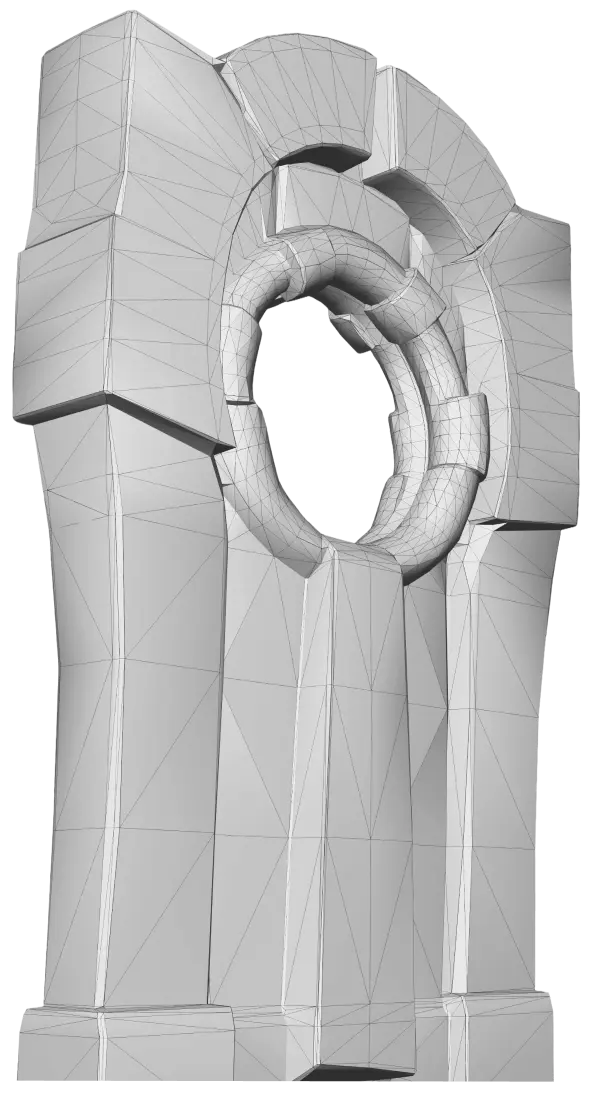
Low Poly Mode is a dedicated generation mode built specifically for game developers, and it's one of the most requested features Meshy has shipped. Instead of producing the densest, most detailed mesh possible, it outputs efficient, lightweight geometry optimised for real-time performance.
The reason this is a big deal: a beautiful high-poly AI model is often useless in a game engine, because real-time rendering demands low triangle counts and clean, predictable topology. Traditionally, getting there meant retopology painstakingly rebuilding the surface by hand or with specialised tools. Low Poly Mode largely removes that step, generating wireframes that are already close to engine-ready. For indie developers and small studios building dozens or hundreds of assets, that's the difference between shipping and stalling.
It also pairs naturally with Meshy's existing rigging and animation tools, so a stylised low-poly character can move from generation to a walk cycle without ever leaving the platform.
Multi-color 3D printing
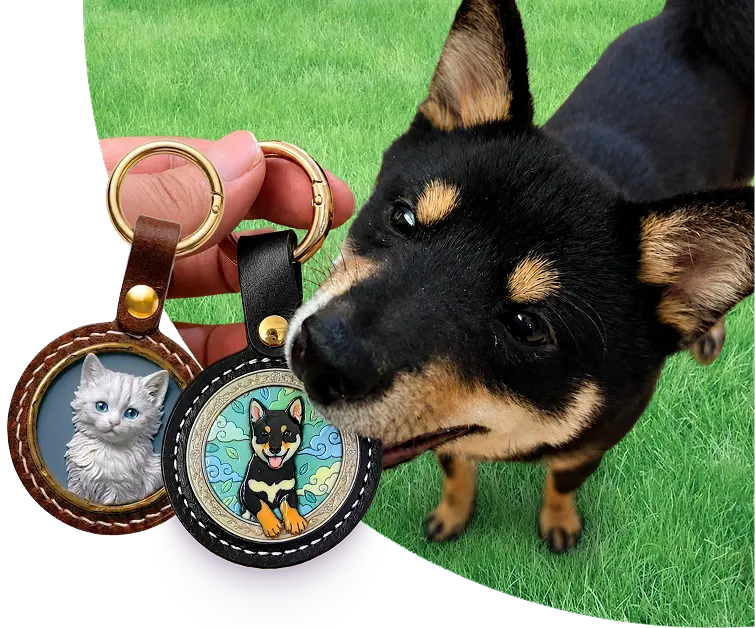
Meshy 6 leaned hard into 3D printing, and the multi-color printing option is the centerpiece. It automatically simplifies a model's complex textures into clean, discrete color blocks optimised for FDM (filament) hardware, then exports to 3MF a slicer-friendly format that carries that color information through to the printer.
This solves a genuinely annoying problem. AI-generated textures are gorgeous on screen but meaningless to a typical multi-material printer, which thinks in terms of distinct filament colors, not photographic detail. By converting textures into printable color regions, Meshy 6 makes full-color figurines and props achievable without a painting pass.
The 3D-printing improvements also include automated base-platform generation to reduce failed prints the model arrives sitting properly on a flat base rather than floating or balanced on an impossible point. Through integration with Bambu Lab's MakerWorld ecosystem, creators can go from a reference image to a print-ready 3MF file in about two minutes, with multi-color AMS support preconfigured. One 3D-printing artist summed up the change by saying the workflow finally became, in effect, just download, slice, and print.
The 3D-to-Image / Video workspace
One of the most forward-looking additions in Meshy 6 is the 3D-to-Image and Video workspace. Once you have a 3D model, you can render it from controlled camera angles, then either animate the camera for a cinematic shot or use those renders as inputs for downstream image and video tools all with AI-powered consistency so the subject stays coherent frame to frame.
This closes a loop that used to require a separate rendering pipeline. A product designer can generate a model and immediately produce clean marketing shots; a creator can spin a character turntable for social media; a film or virtual-production team can preview a prop in motion. Because the renders stay consistent with the underlying 3D asset, the output is far more controllable than generating images from scratch with a pure text-to-image model.
Nano Banana image models
Meshy 6 integrated Google's Nano Banana and Nano Banana Pro image models directly into the platform, powering two new capabilities exposed through the API: a Text-to-Image API and an Image-to-Image API for AI-powered image generation and editing.
Why bundle image models into a 3D platform? Because the best image-to-3D results start with a strong reference image. By generating or refining that concept art inside Meshy with optional multi-view generation for more consistent, production-ready inputs creators can feed cleaner, more coherent references into image-to-3D, which directly improves the quality of the final mesh. It also means a single tool now spans the journey from a text idea to concept art to a finished, textured 3D model.
Batch Images to 3D
For anyone working at volume, Batch Images to 3D is a quiet workhorse. It lets you bulk-generate up to 10 assets from concept art or reference images in a single click, rather than feeding them in one at a time. Asset-library builders, e-commerce teams digitising catalogs, and studios populating an environment all benefit from turning a folder of references into a batch of models in one pass. It originally arrived in the Meshy 5 era and carries forward, sharpened, into Meshy 6.
API and developer tools
Meshy 6 treated developers as a first-class audience. The platform exposes its full generation pipeline through an API, and the version 6 cycle added meaningful upgrades:
- API Playground an interactive environment on the Meshy site where developers can explore parameters and fire off test requests before writing a line of integration code.
- Text-to-Image and Image-to-Image APIs new endpoints built on the Nano Banana and Nano Banana Pro models, with optional multi-view generation for more consistent outputs.
- Expanded format support the API and exports cover the formats real pipelines need, including GLB, GLTF, OBJ, FBX, STL, 3MF, and USDZ.
- Meshy MCP Server exposes the full pipeline (text-to-3D, image-to-3D, auto-rigging, animation, retexturing, and printing workflows) to AI agents and coding assistants through the Model Context Protocol, so an autonomous agent can generate 3D assets as part of a larger task.
API access sits behind the paid plans (Pro and above), which is standard for production-grade usage. The combination of a Playground, broad format coverage, and an MCP server signals where Meshy sees the future: not just humans clicking buttons, but software and agents generating 3D on demand inside automated pipelines.
Integrations and plugins
A model is only as useful as the tools it plugs into, and Meshy 6 ships with a wide plugin ecosystem so assets land directly in the software teams already use. Coverage spans both the 3D/game side and the 3D-printing side:
- 3D & game tools: Blender, Unity, Unreal Engine, Godot, Roblox Studio, Maya, and 3ds Max.
- 3D-printing slicers: Bambu Studio, OrcaSlicer, Creality Print, Ultimaker Cura, Elegoo Slicer, and Lychee Slicer.
This breadth is part of why Meshy describes itself as infrastructure for 3D pipelines rather than a standalone toy. Whether your destination is a real-time engine or a filament printer, there's usually a direct path from a Meshy 6 generation into your existing workflow.
Meshy 5 vs Meshy 6
If you used Meshy before, here's the practical difference between the previous generation and the current one.
| Area | Meshy 5 | Meshy 6 |
|---|---|---|
| Geometry quality | Good for ideation; frequent non-manifold meshes needing repair | Sculpting-level; cleaner topology and watertight output |
| Hard-surface detail | Softer edges, occasional blurring | Sharper edges, clearer silhouettes, cleaner structure |
| Characters / organic | Decent base meshes, more cleanup | Smoother, more anatomically correct, expressive poses |
| Texturing | Automatic PBR maps introduced | Carries PBR forward with the higher-quality base mesh |
| Game pipeline | Manual retopology often required | Dedicated Low Poly Mode for real-time-ready meshes |
| 3D printing | Often needed mesh repair before slicing | Watertight meshes, auto base platforms, multi-color 3MF |
| Image generation | Not integrated | Nano Banana / Nano Banana Pro Text- & Image-to-Image |
| Rendering | External tools needed | Built-in 3D-to-Image / Video workspace |
| Animation library | 500+ presets with auto-rig | Same library, applied to higher-quality meshes |
| Credit cost | ~10 credits per generation | ~10 credits (standard); ~20 for the Preview sculpting tier |
Pricing and credits for Meshy 6
Meshy runs on a credit system not tokens. Every generation, texture pass, or remesh consumes a set number of credits from your plan's monthly allowance, and plan credits reset each month without rolling over (purchased credit packs are the exception and persist).
For Meshy 6 specifically, two cost tiers are worth knowing:
- Standard Meshy 6 costs roughly 10 credits per generation.
- Meshy 6 Preview, the higher-detail sculpting tier, costs roughly 20 credits per generation in exchange for extra fidelity.
On the Free plan you get 100 credits a month, which is enough to experiment with Meshy 6 generation. The important catch: you can generate with the newest model on Free, but downloading newest-model output requires a paid plan. Meshy frequently sweetens onboarding too new sign-ups have been offered 100 free credits monthly plus a 50% discount on the first month of Pro. As a rough yardstick, a $20/month Pro plan's 1,000 credits translates to somewhere around 50 fully textured Meshy 6 models per month at standard cost.
Tip: if you only need to look at results while exploring, the Free plan's generation is plenty. The moment you need the actual files for a game, a print, or a client that's when a Pro or Studio plan pays for itself.
Who Meshy 6 is for
Meshy 6's mix of speed, quality, and workflow features makes it relevant across a surprisingly wide set of users:
- Game developers Low Poly Mode plus auto-rigging and the animation library make it a fast path to populated, animated scenes.
- 3D-printing hobbyists and makers watertight meshes, auto base platforms, and multi-color 3MF export make printable, full-color models genuinely turnkey.
- Product designers sharp hard-surface geometry plus the render workspace turn a concept into both a model and marketing imagery.
- Film, VFX, and virtual production rapid props, set dressing, and previz assets at a fraction of traditional cost and time.
- Educators and students an accessible way to teach and explore 3D without years of modeling training.
- Developers and studios the API, MCP server, and broad format support slot Meshy 6 into automated asset pipelines.
Security and compliance
For teams who care about where their data lives, Meshy publishes a set of recognised compliance credentials, including ISO 27001:2022, SOC 2, and GDPR alignment, along with a public trust center. Web-app data is stored with major cloud infrastructure, and Meshy states it will not share your data or use it for training without consent. As always, the authoritative source for current specifics is Meshy's own Terms of Use, Privacy Policy, and Trust Center, since these details can change over time.
On ownership: paid-plan users own the assets they create and can distribute and sell them, provided their inputs don't infringe someone else's copyright. Free-plan assets are made available under a CC BY 4.0 license, which requires attribution and makes the work public.
Limitations and the honest take
Meshy 6 is a big step forward, but it isn't magic, and being clear-eyed about its limits will save you frustration.
- It's an ideation-to-blockout powerhouse, not a final-asset machine. For hero assets that will be front-and-center, you'll often still finish in Blender or your DCC of choice. Meshy 6 gets you most of the way, fast not necessarily all the way.
- Fine details can still trip it up. Hands and fingers, very thin or intricate parts, and legible text remain hard for AI 3D generation and may need retries or manual fixes.
- Free-tier constraints are real. The download restriction on newest-model output, monthly credit caps that don't roll over, and lower queue priority all push serious users toward a paid plan.
- Two-tier credits add nuance. The standard vs Preview cost difference (≈10 vs ≈20 credits) means you should match the tier to the job rather than always reaching for maximum fidelity.
The fair summary that experienced users tend to land on: in 2026, Meshy is the best tool available for getting from an idea to a solid, usable 3D blockout and depending on the object, sometimes much further than that.
Getting started with Meshy 6
Trying Meshy 6 takes only a few minutes and no software install:
- Create a free account at meshy.ai no credit card needed, and you'll receive monthly free credits to experiment with.
- Choose your input type a text prompt (any language, up to a few hundred characters) or upload a reference image. For best image-to-3D results, start from a clean, well-lit reference.
- Pick a mode standard generation for maximum detail, or Low Poly Mode if you're targeting a game engine.
- Generate and refine results land in seconds; then retexture, remesh, rig, animate, or render in the 3D-to-Image/Video workspace as needed.
- Export download to GLB, FBX, OBJ, STL, 3MF, or USDZ for your engine, editor, or slicer (downloading newest-model output requires a paid plan).