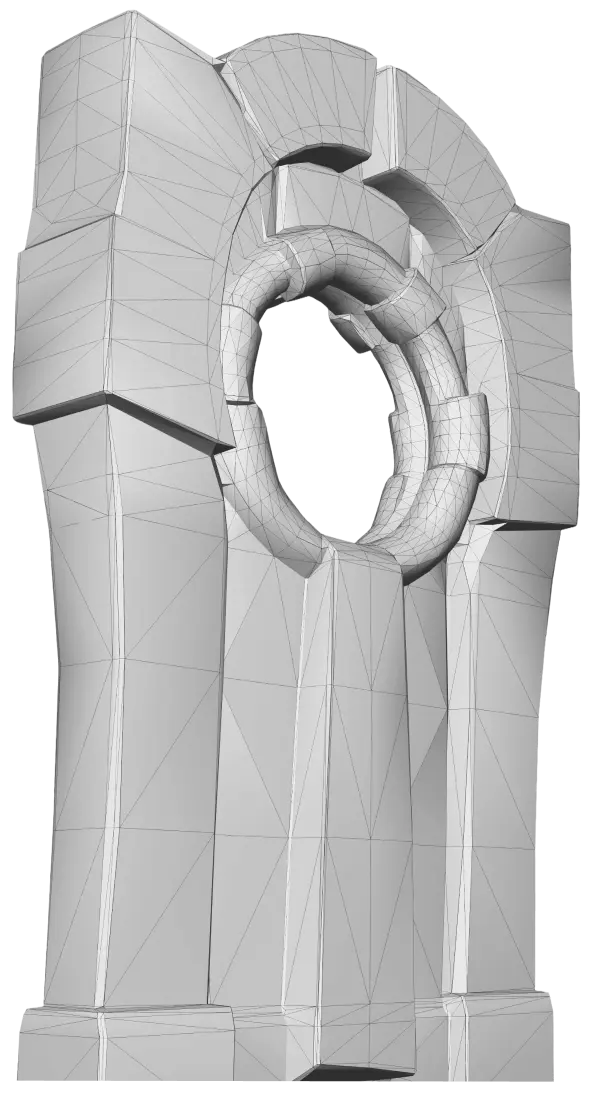
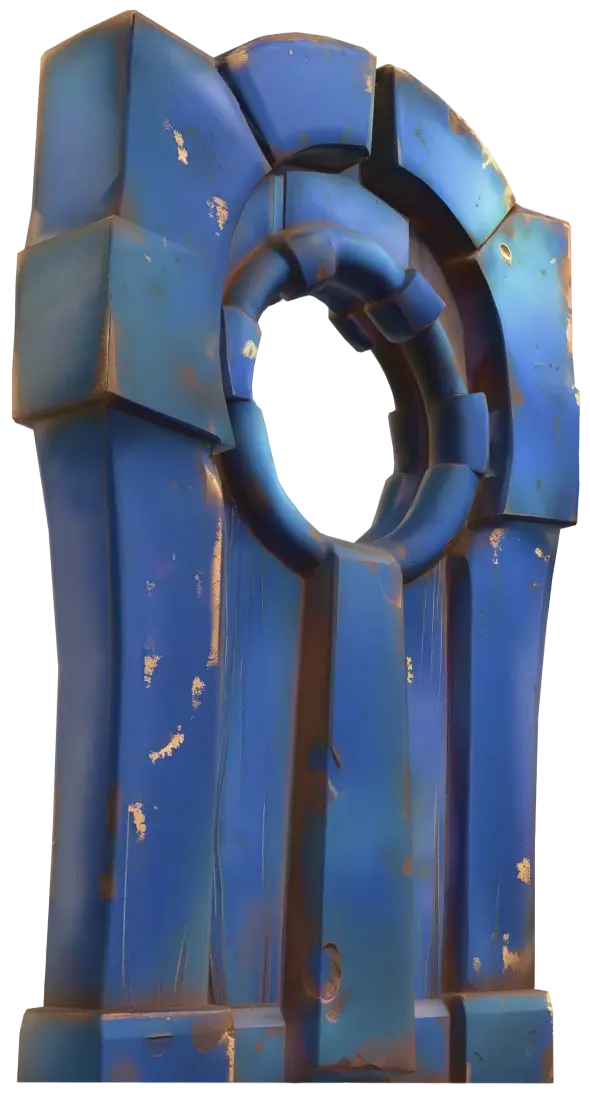
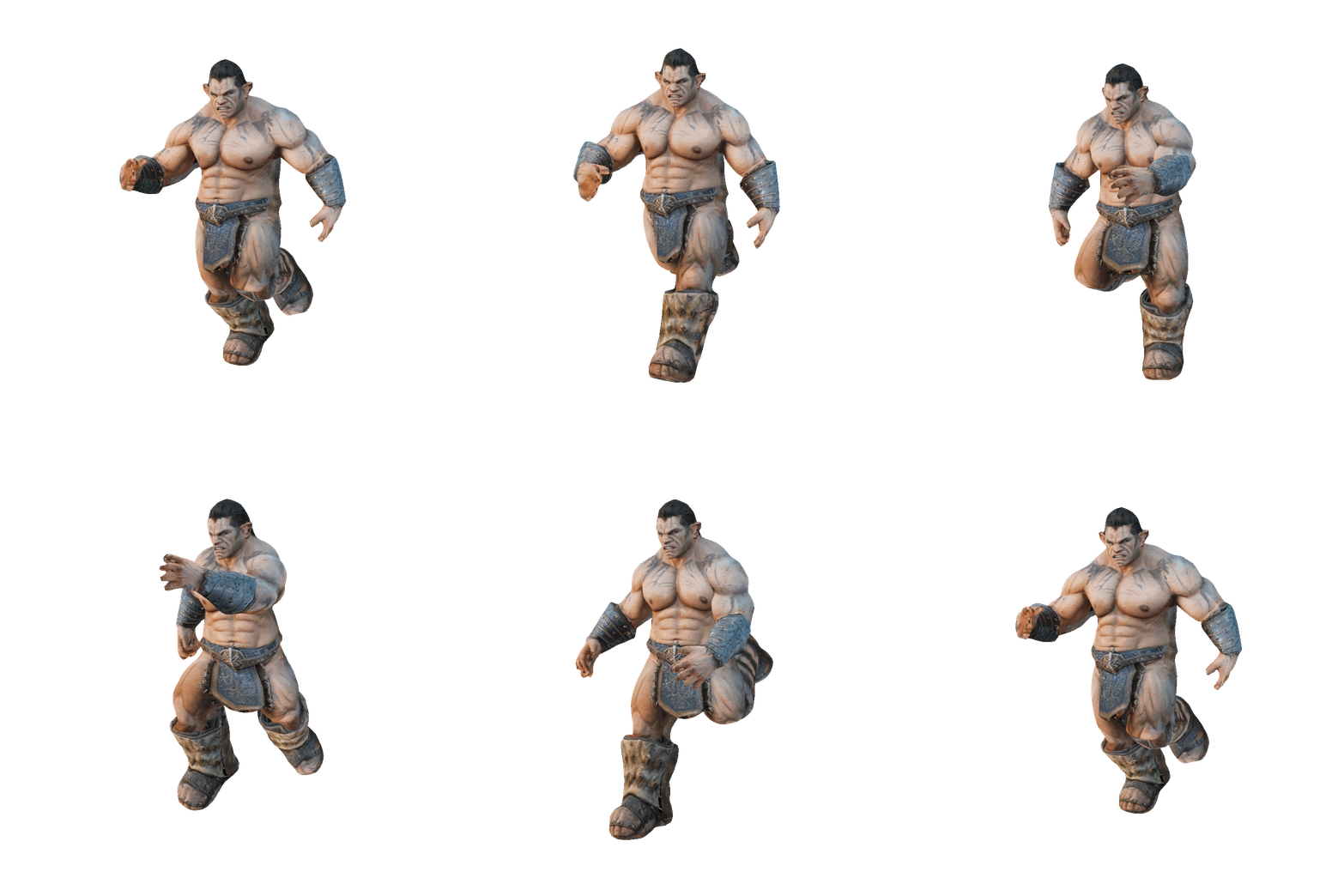
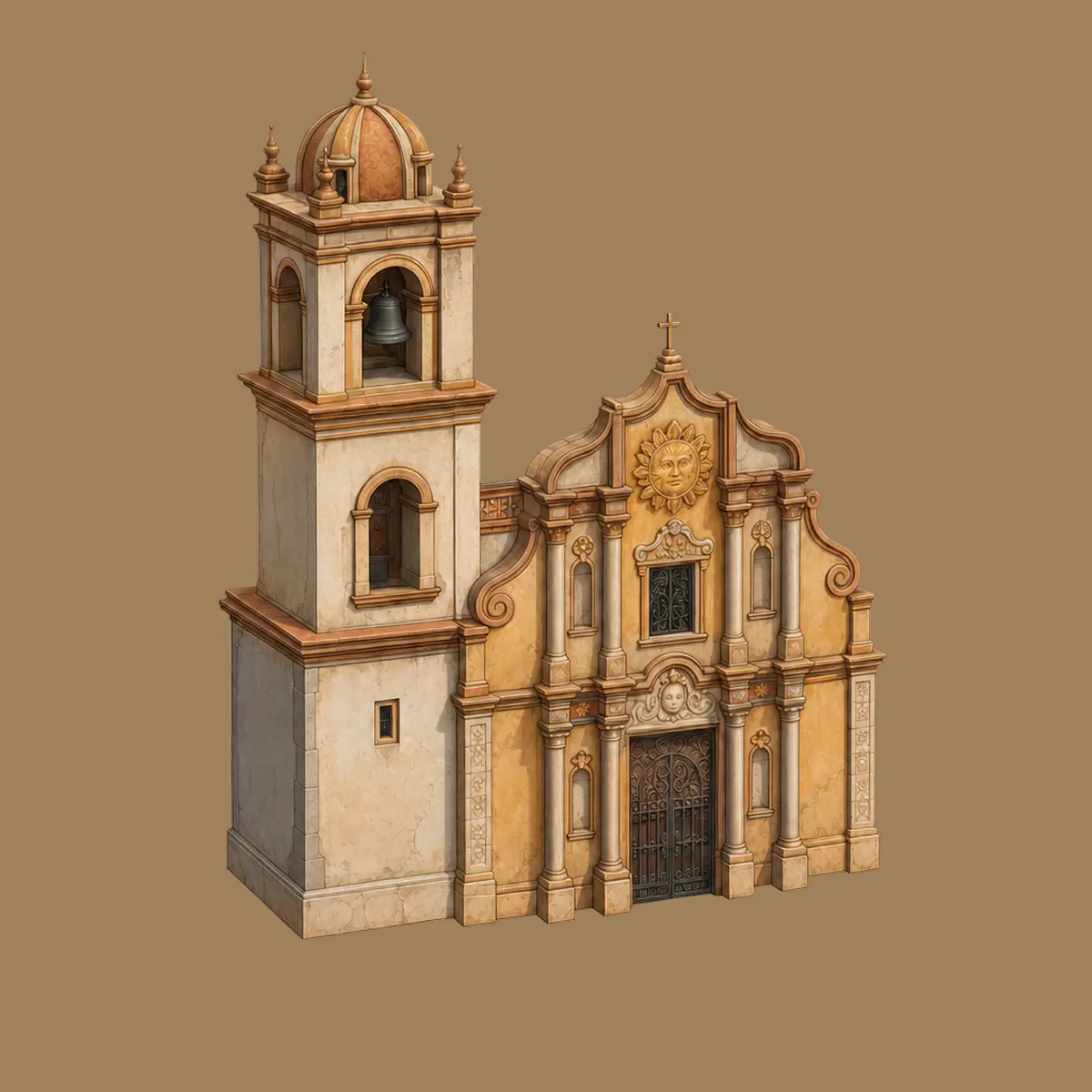
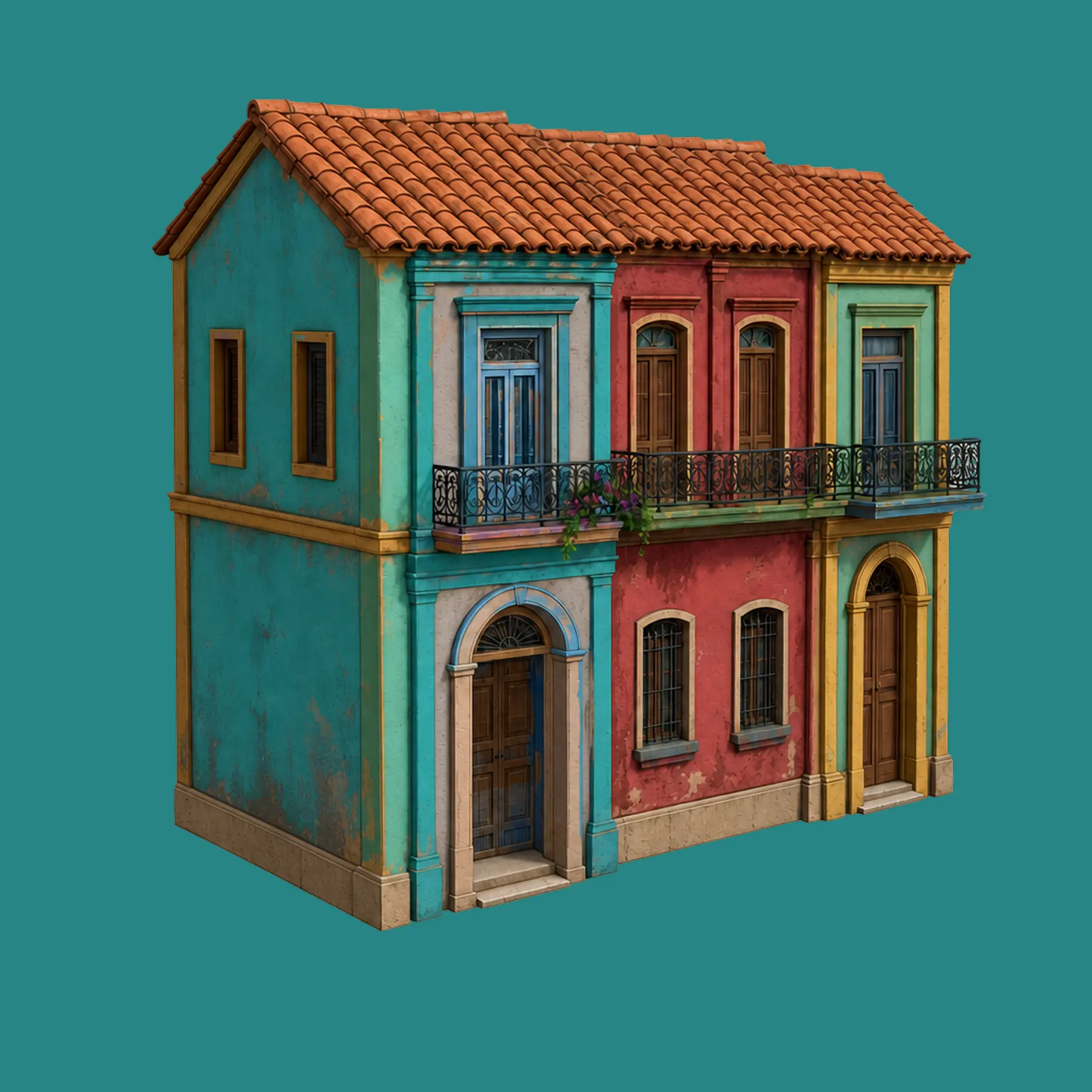
This is the workflow Meshy was built around: describe an asset, texture it, retopo it, rig it, animate it, and drop it into Unity, Unreal, Godot or Roblox without opening five tools. Here's the honest guide: what the pipeline delivers, what the blind tests say, what a solo dev's asset budget looks like, and where AI assets still don't belong in your game.
โก Judged by the industry: 63.8% preference in a 1,331-vote blind test by senior NetEase & Tencent artists on production use cases.
Official Unity, Unreal, Godot and Roblox plugins generate and import without alt-tabbing. Blender and Houdini plugins cover the DCC side; ComfyUI covers node-based workflows.
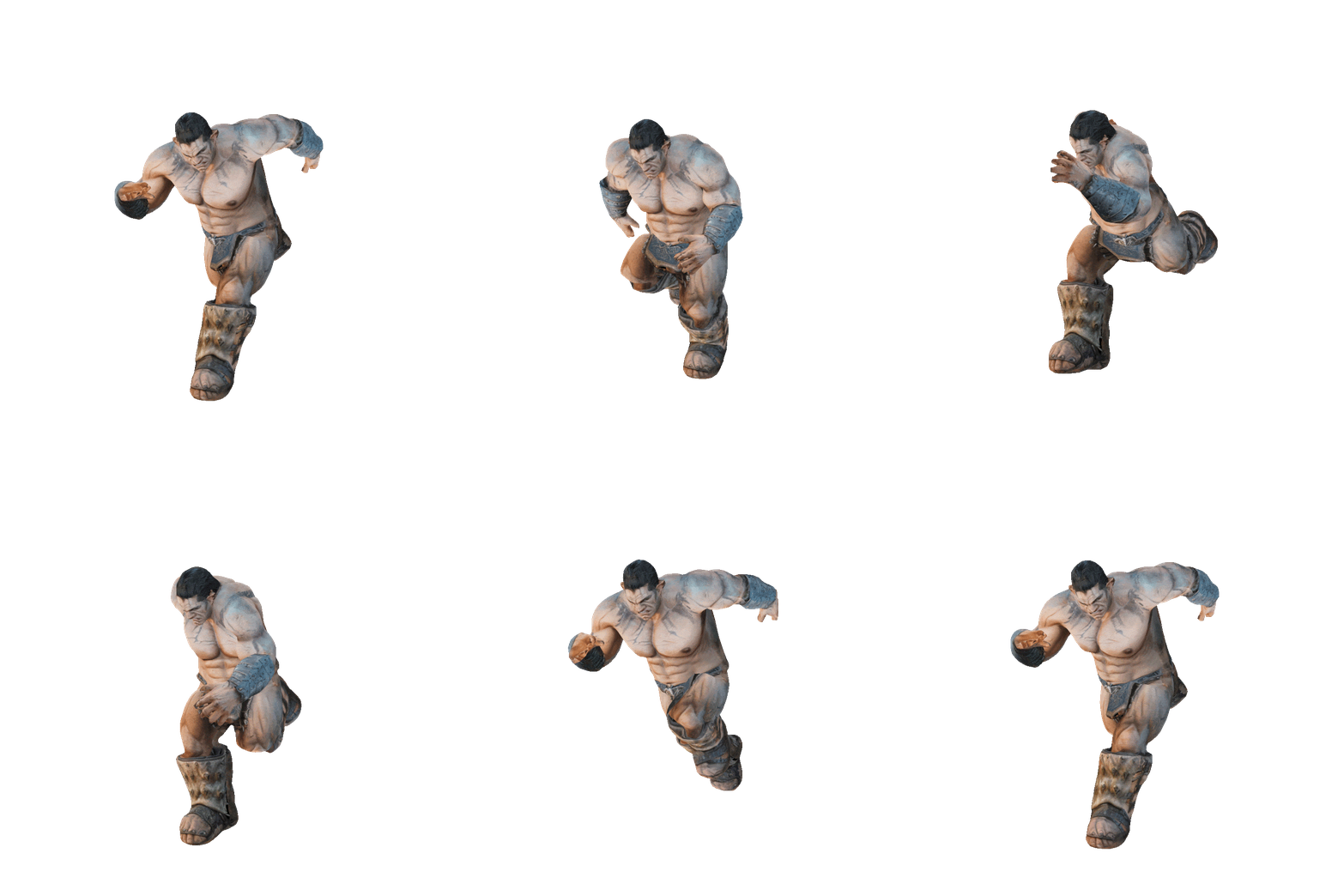
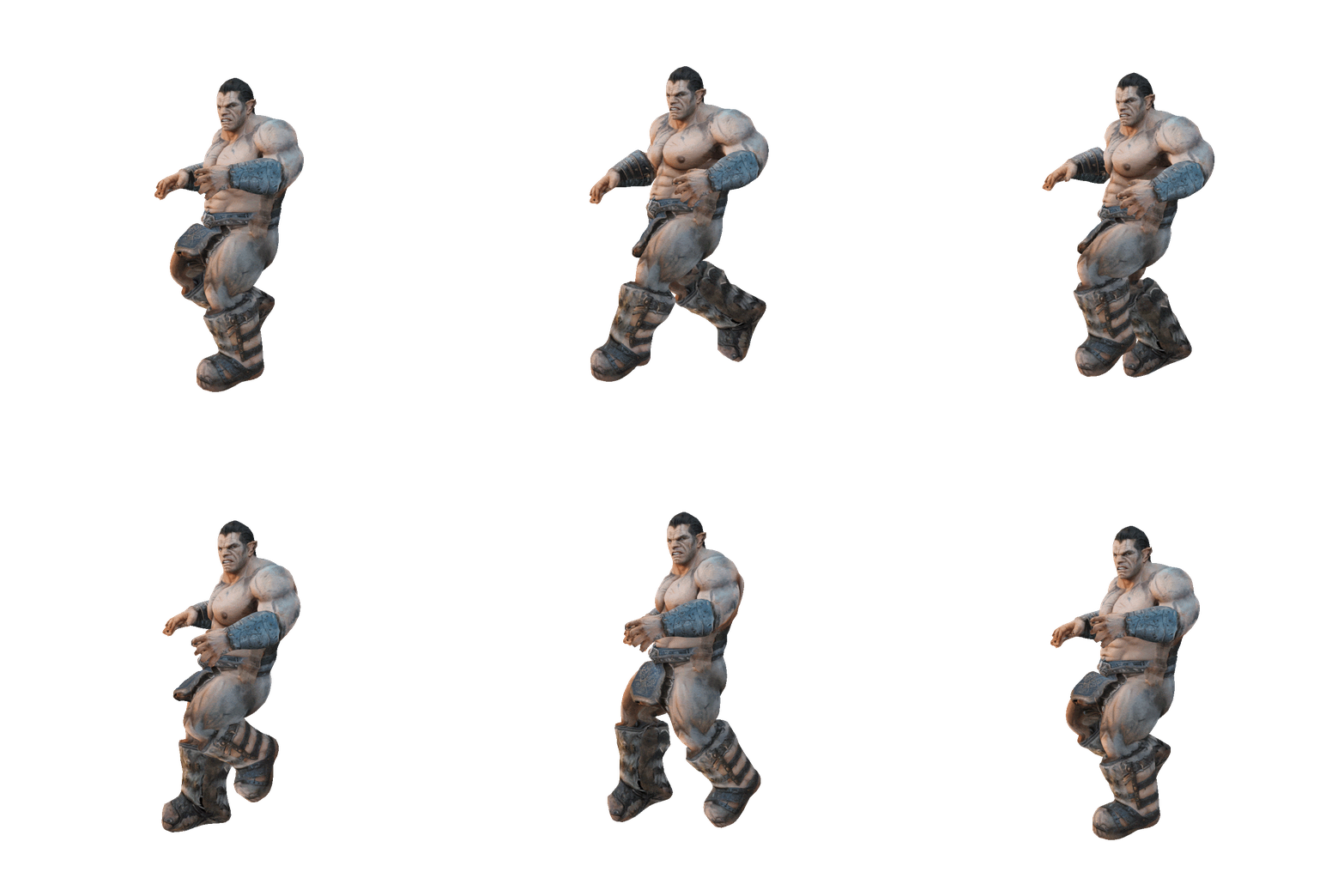
Humanoid skeleton in ~30 seconds, then 500+ preset animations locomotion, combat, idles exported as animated FBX. The whole stage currently costs 0 credits, which quietly transforms character economics.
Base colour, metallic, roughness and normal maps generated per asset and Meshy can retexture meshes you import, so old assets get new skins too.
Smart Remesh converts dense generations to tri or quad topology at your target polycount the difference between "AI mesh" and "asset that respects a perf budget".
The 3D Agent helps generate sets of assets in a coherent style the classic AI weakness (every prop from a different universe) addressed head-on for environment kits.
10 concurrent tasks on Pro and 60% faster paid-tier generation: queue tonight's prop list, review over coffee. The API (99.9% SLA) automates further see API pricing.
Text prompt or concept art (up to 8 reference images on Meshy 6). For characters, use pose control request an A- or T-pose; it makes the rigging step dramatically cleaner.
Generate the PBR set (base colour, metallic, roughness, normal). Prompt the material style "hand-painted stylised", "worn sci-fi metal" to match your game's look.
Smart Remesh down to your polycount target props for mobile need a fraction of the ~600K faces Meshy 6 can produce. Choose quads if you'll edit in Blender later.
Humanoids: Auto Rig in ~30 seconds, 0 credits. Standard proportions rig best extremely chunky cartoon shapes can confuse the skeleton; a quick weight check in Blender catches it.
Apply from 500+ presets walk/run cycles, attacks, deaths, idles, emotes. Export animated FBX, or multiple clips for your engine's animation state machine.
Pull it through the Unity/Unreal/Godot/Roblox plugin or import the FBX manually. Set up materials from the PBR maps, drop in a controller, playtest. Idea to walking character: well under an hour.
Blind-test wins don't make every asset shippable. Here's the honest placement of AI generation in a production pipeline, from the same evidence base as our full review.
Where Meshy assets go straight into builds.
Where raw AI output isn't the final word.
The core audience: one person shipping a whole game's asset list. The full pipeline in one tab replaces the artist you can't hire props, NPCs, environments, all moving.
48 hours, zero budget: free tier + 0-credit rigging + preset animations means playable characters by Saturday morning. Style consistency matters less than existence.
An official Roblox plugin plus fast stylised props is a rare combination and paid-plan ownership keeps your catalogue items exclusively yours.
Great asset source, but Smart Remesh aggressively and build LODs mobile GPU budgets don't care how the mesh was made.
Strong for pre-production, prototyping and secondary content; Studio plan adds shared seats and 20 concurrent tasks. Hero content still flows through your artists.
No AI generator ships close-up hero characters unassisted in 2026 Meshy included. Use it where volume beats perfection, not instead of your character artist.
| Asset source | Typical cost per asset | 50-asset indie game | Rigged + animated? |
|---|---|---|---|
| Commissioned freelance | $40+ per model (often far more) | $2,000+ | Usually extra |
| Marketplace packs | $5โ30/pack, shared with every other game | $100โ500, zero uniqueness | Sometimes |
| DIY in Blender | Your hours ร your rate | Months of evenings | You, again |
| Meshy Pro | โ $0.40 (+ re-rolls on complex pieces) | ~$20โ40 total (1โ2 months of Pro) | โ Included, 0 credits |
One G2 reviewer's version of this math: $20 for over 100 models versus $40 for a single commission. First month is 50% off ($10), students get special pricing details on the discounts page. Licensing for shipped games: paid plans own assets outright and privately; free-plan assets need a credits-screen attribution and are public full rules in our commercial use guide.
It's the most game-focused AI 3D tool available: engine plugins (Unity, Unreal, Godot, Roblox), 0-credit humanoid rigging with 500+ animation presets, PBR texturing, Smart Remesh topology control, and animated FBX export validated by a 1,331-vote blind test where senior NetEase/Tencent artists preferred its output 63.8% of the time on production use cases. Its honest ceiling: props, environments and secondary characters ship straight in; hero characters and creatures still need artist involvement.
Two routes: install the official plugin (available for both, plus Godot and Roblox) and generate/import inside the editor or generate on meshy.ai and export FBX/GLB, importing manually. Rigged characters come across as animated FBX with the PBR maps; wire the maps into your material and the clips into your animator/state machine as with any asset.
Humanoids, yes and remarkably cheaply: ~30-second auto-rig, 500+ preset animations (locomotion, combat, idles, emotes), animated FBX export, all currently at 0 credits on top of the generation itself. Two caveats: request A/T-pose at generation for clean rigs, and very chunky cartoon proportions can confuse the auto-rigger. Multi-legged creatures aren't supported that's Tripo's lane (our head-to-head covers it).
With the same discipline as any asset: Smart Remesh to your target polycount (tri or quad), then your normal LOD chain, atlasing and draw-call hygiene. Meshy 6 can output ~600K faces wonderful for renders, absurd for a mobile prop so remeshing isn't optional, it's the workflow. The AI generates; optimisation remains engineering.
Yes. Paid-plan assets are exclusively yours, private, no attribution ship anywhere. Free-plan assets are CC BY 4.0: shippable commercially with a credit line in your game (and they're public, so distinctive content deserves a paid plan). One universal rule: don't generate from copyrighted characters or art you don't own the licence can't protect infringing inputs. Full details in the license guide.
Three levers: reuse a style vocabulary in every prompt ("low-poly stylised, hand-painted, warm palette"); feed concept art as image input so assets share a source aesthetic; and use the 3D Agent for batch generation with style coherence. Perfect consistency still isn't automatic budget a review pass where outliers get re-rolled or retextured (retexturing an existing mesh is cheaper than regenerating it).
Depends on your asset mix: Meshy for the fullest pipeline (rig+animate at 0 credits, broadest engine plugins, blind-test quality edge); Tripo for fast low-poly prop iteration and multi-legged creature rigging. Plenty of devs run both free tiers and split by task the full comparison has the round-by-round.
100 free credits, a rigged and animated character in your engine within the hour, and $0.40 per asset when you scale. The prototype you keep postponing just lost its excuse.
Make Your First Game Asset Free โ