Meshy AI Features

Every major feature on the platform, explained in depth: both generation modes, the texturing engine, topology tools, the animation system, export pipeline, plugins, 3D-printing suite, and the developer API - with screenshots, videos, and the practical details the marketing page skips.

Updated today · Independent feature guide

Meshy markets itself as the #1 AI 3D model generator, but the headline hides a surprisingly deep toolbox. Underneath the prompt box sit four distinct feature families: generation (turning text and images into meshes), refinement (texturing, retopology, and stylization), animation (auto-rigging and a motion library), and delivery (export formats, plugins, 3D printing, and a full developer API). This guide walks through all of them in the order a real project meets them, so by the end you'll know exactly which features matter for your workflow - and which plan unlocks them.

In this article
  1. Text to 3D
  2. Image to 3D & Multi-view
  3. AI Texturing & PBR maps
  4. Remesh & topology tools
  5. Auto-rigging & 600+ animations
  6. Stylize, Low Poly & image generation
  7. Export, plugins & 3D printing
  8. API, MCP & bulk generation
  9. Feature availability by plan
  10. Video demos
  11. FAQ

1. Text to 3D - the flagship feature

Type a description, get a rotatable, textured 3D model about a minute later. Text to 3D is Meshy's signature capability and the feature every other tool on the platform orbits around.

The workflow is deliberately two-staged. The first stage generates the mesh - pure geometry, untextured - so you can judge the silhouette and proportions before spending anything on surfacing. The second stage refines that mesh with textures. The split sounds like a technicality, but it's the platform's most important design decision: shape iteration is where most regenerations happen, and Meshy lets you do it without paying for texture passes you'd throw away.

The control surface is richer than "a prompt box." You choose between three engine generations - Meshy 4, 5, and 6 - where 6 (the default and latest) delivers the highest geometric fidelity, while the older engines trade quality for speed. You pick Standard or Low Poly output depending on whether you want full-detail or stylized game-jam geometry. A Pose option (or simply writing "T-Pose" in the prompt) produces characters in a rig-ready stance. Prompts run up to 600 characters and work in multiple languages - Spanish, French, Chinese, Japanese, and more - and a built-in AI Prompt Helper expands vague ideas into structured, detailed prompts when you're stuck.

Speed is a genuine selling point: most generations complete in roughly a minute, simple objects like a sword or a chair often faster, and paid plans accelerate generation by up to 60% with 10–20 tasks running concurrently. In practice that means you can fan out five prompt variations, compare the meshes side by side in your history, and only texture the winner.

Meshy Text to 3D generation panel with prompt box and model settings
Image credit: www.meshy.ai
✍️ Prompting rules the official docs actually recommend: describe a single object rather than a scene; aim for three to six concrete details; prefer physical descriptions ("smooth gold metal") over evaluative ones ("beautiful"); use reference anchors ("like motocross gear", "in the style of an ancient artifact"); and add "T-Pose" to any character you plan to rig.

2. Image to 3D and Multi-view reconstruction

When you already have concept art, a product photo, or a character sheet, Image to 3D skips the vocabulary problem entirely: upload the picture and Meshy reconstructs the geometry.

A single clear, front-view image on a plain background produces the best results, and within about 60 seconds Meshy returns four distinct interpretations of your input - you pick the one whose proportions read best and carry it forward to texturing and refinement. This makes the feature ideal for concept-art-to-asset pipelines (turn a 2D character painting into a working model), product visualization (photograph a real object, get a 3D approximation), and any situation where the model must match existing art direction more precisely than adjectives allow.

For complex subjects, Multi-view Image to 3D accepts several photos of the same object from different angles - front, side, back - and fuses them. The payoff is dramatically better fidelity on surfaces a single photo can't see: the back of a character's head, the far side of a vehicle, the underside of a creature. The feature pairs naturally with Meshy's own image generation tools (covered below): generate a consistent character turnaround in 2D first, then feed all views into Multi-view for a model that matches from every angle.

Meshy Image to 3D mode generating model interpretations from an uploaded picture
Image credit: www.meshy.ai

3. AI Texturing - materials without UV unwrapping

Texturing is traditionally the most technical, tedious stage of 3D work: UV unwrapping, seam placement, texel density, map baking. Meshy's texturing engine automates all of it behind a prompt box.

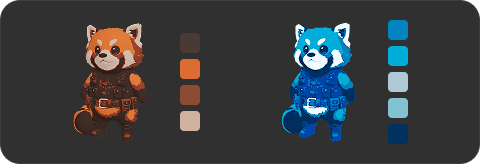
The core loop: select any mesh - one you generated in Meshy or one you upload in GLB, FBX, or OBJ - describe the surface you want ("aged copper with verdigris patina, hand-hammered, PBR"), and the engine handles projection, seams, and density automatically. Because texturing is decoupled from geometry, the same mesh can wear unlimited looks: rerun with "polished chrome," "hand-painted folk art," or "rusted sci-fi salvage" and iterate on aesthetics without ever touching the model. A reference image can guide the pass when words aren't precise enough.

The output is production-grade, not just a pretty diffuse map. Enable PBR maps and Meshy generates the full physically-based set - diffuse, roughness, metallic, and normal maps, plus an emission map on Meshy 6 - export-ready for Unreal, Unity, Blender, Maya, and WebGL, so models respond correctly to scene lighting rather than looking painted-on. On Meshy 6 you can also push the base color to 4K resolution (4096×4096) for hero assets and close-up work, with PBR maps generated at 2K.

One workflow rule worth tattooing somewhere: stylized and animated models can't be retextured, so always lock your materials before rigging. And if textures aren't your priority at all, you can export the bare mesh and apply your own materials downstream - Meshy doesn't force its surfacing on you.

4. Remesh - from AI output to engine-ready topology

Raw AI geometry looks right; Remesh makes it behave right. This is the feature that turns a generated model into something a game engine, animation rig, or 3D printer actually wants.

Remesh retopologizes any model with two key controls. Target polycount runs from 1k to 300k triangles or quads - dial it down for mobile and web performance budgets, up for 3D-printing detail or cinematic close-ups. Topology type chooses between Triangle (straightforward applications like 3D printing) and Quad (anything headed for further editing in Blender or for animation, where quads deform cleanly at joints instead of pinching). Polycount and format options are adjustable right at export time, so one source model can ship at several quality tiers.

Quality-wise, Meshy's own materials position Remesh as comparable to standalone tools like Quad Remesher and Instant Meshes - with the practical difference that it lives inside the same workflow, eliminating the export → external retopo → re-import dance. The hallmarks of good output, which you can verify yourself in the viewport's wireframe and statistics views: even quads, ring loops at joints, a quad-to-tri ratio above 80%, and non-overlapping UV islands. For studio-grade hero characters you may still hand-retopologize in Blender or ZBrush, but for the long tail of props, environments, and secondary characters, Remesh is "good enough" at a fraction of the time.

Supporting the whole refinement stage is the built-in 3D viewer: orbit and inspect any model, toggle wireframe to read the topology, open statistics for exact poly and vertex counts, and run a printability check that flags thin walls and floating geometry before you ever waste filament.

Meshy Remesh panel with target polycount and topology controls
Image credit: www.meshy.ai

5. Auto-rigging and a 600+ motion library

Rigging is the step that traditionally gatekeeps character work behind months of technical learning. Meshy's Animate tool compresses it to under a minute - and charges nothing for it.

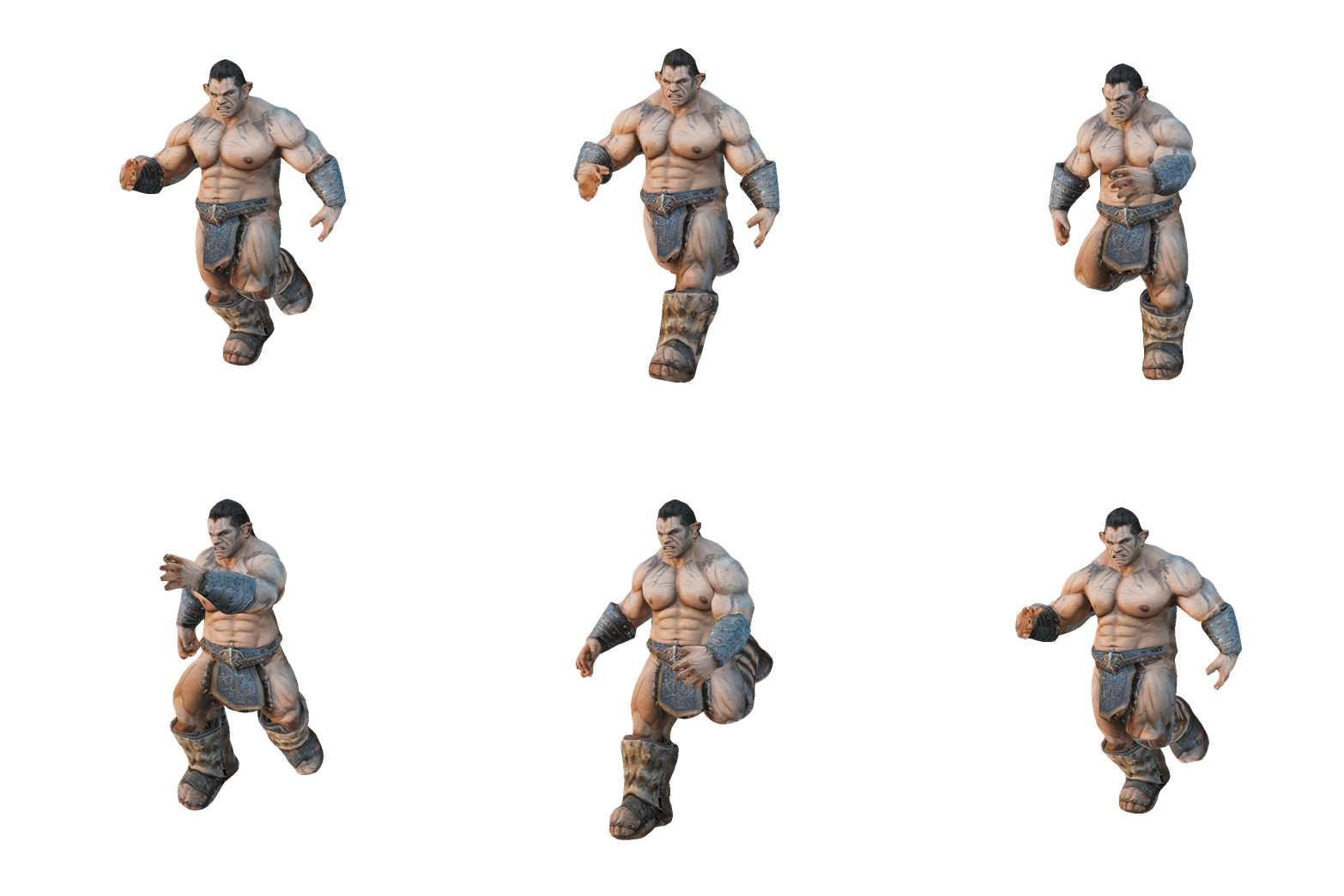
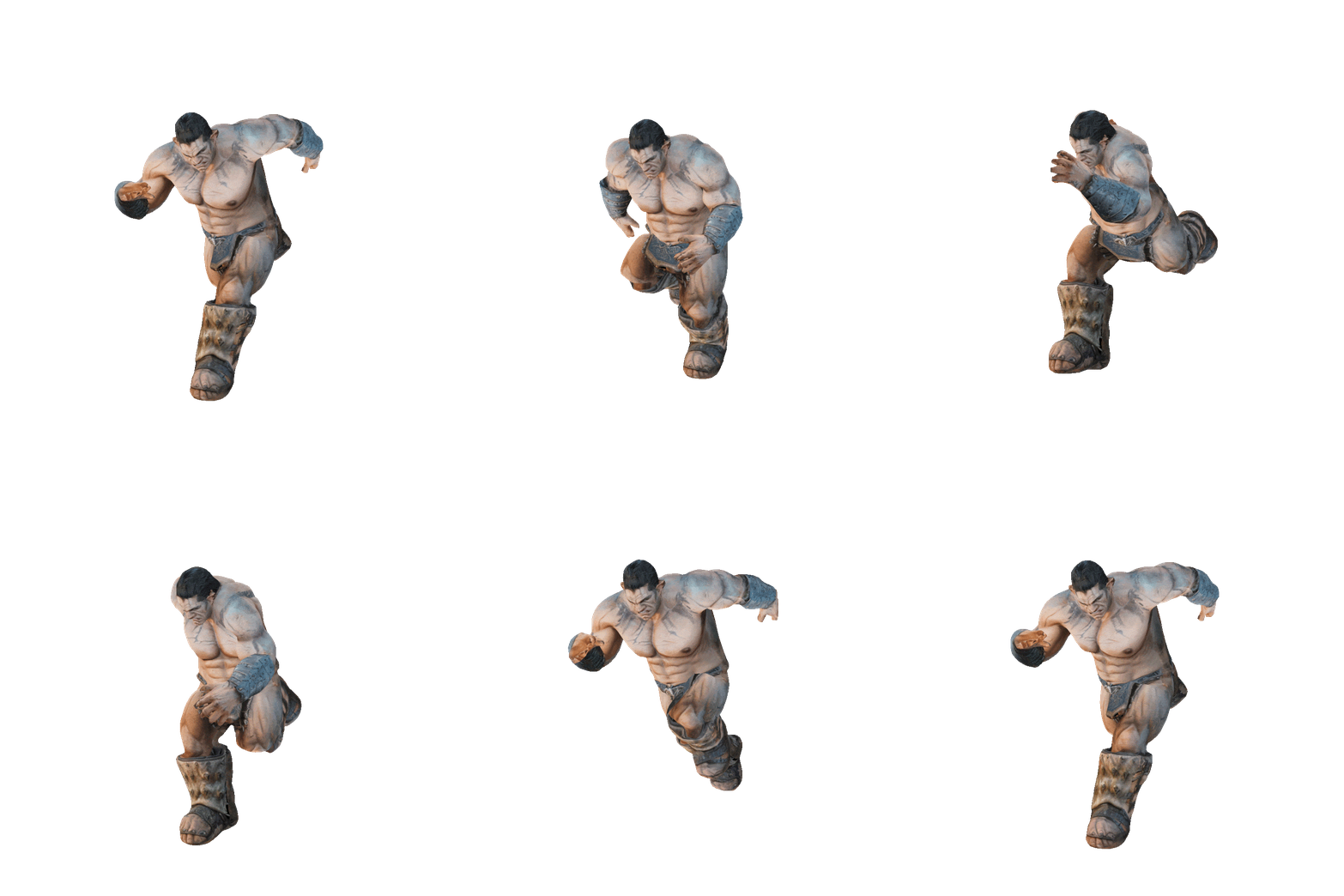
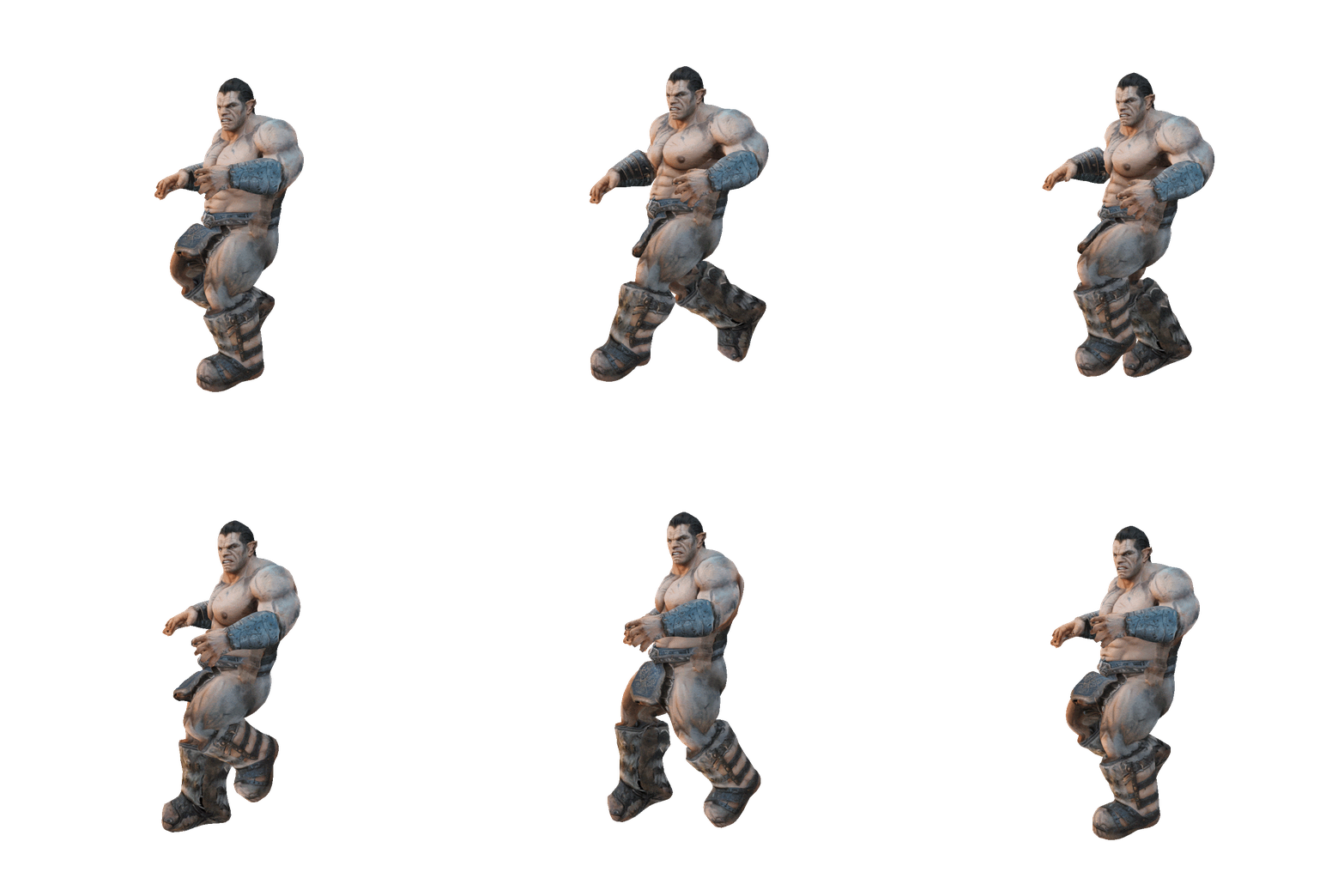
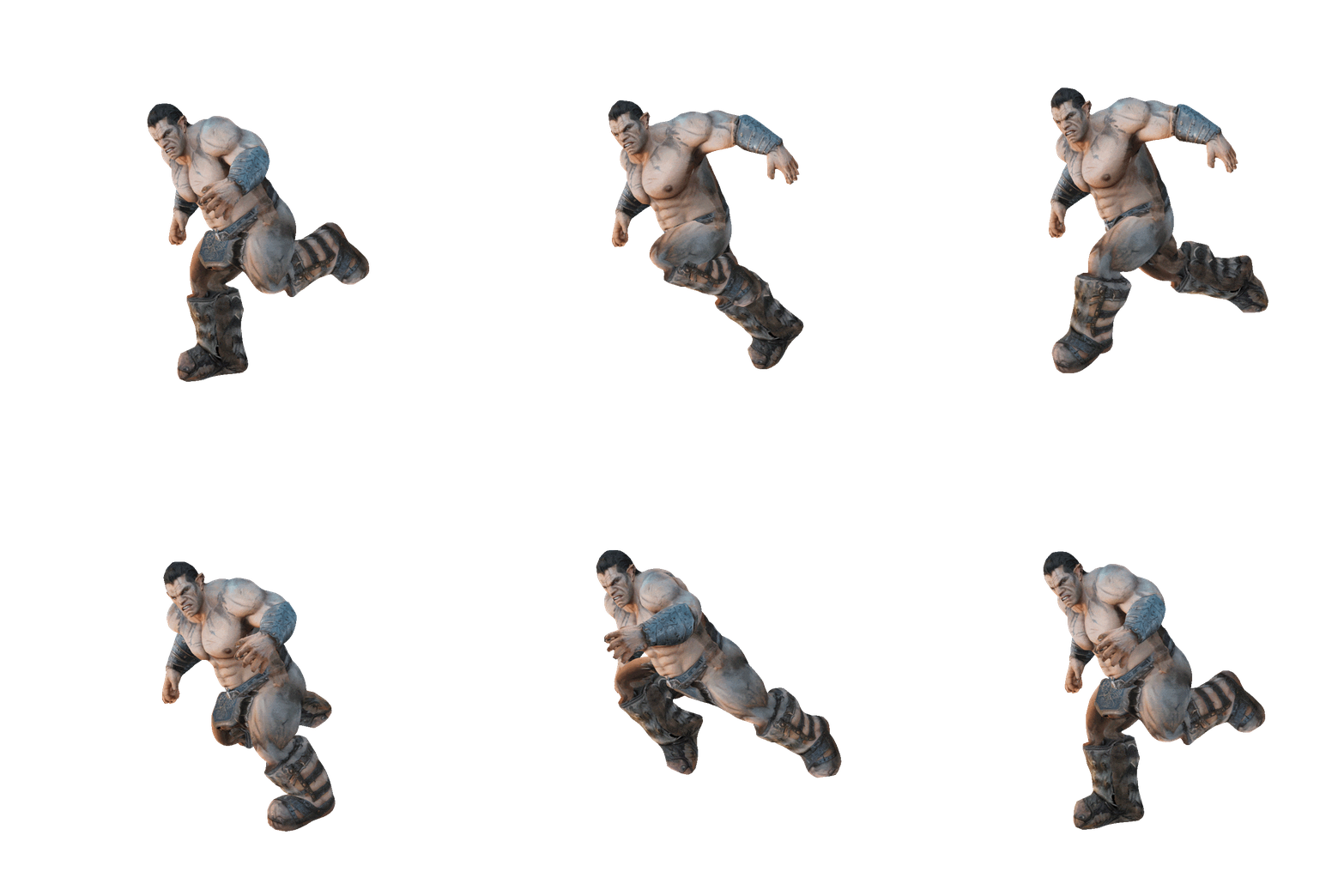
The flow: open the Animation panel on a humanoid character, choose a character type, place rigging points, and run auto-rigging - it typically completes in under 30 seconds, building the skeleton and skin weights automatically. Then browse the animation library of 600+ game-ready motions: basic walks, runs, and jumps through complex shooting stances, fight choreography, dances, and idles. Every clip previews live on your character in the viewport, and applying one takes seconds. The download is a fully rigged, animated model ready to drop into an engine or refine further in Blender.

Two details elevate this from demo-feature to production tool. First, animation costs zero credits on every plan - rig and re-animate as much as you like without touching your balance. Second, the rig is standard enough to validate topology: a common pro workflow is to auto-rig in Meshy purely as a test that a retopologized mesh deforms correctly before committing to hand animation elsewhere. Best results come from characters generated in a T-pose with final textures already applied (animated models can't be retextured).

Auto-rigging and a 600+ motion library
Image credit: www.meshy.ai

6. Stylize, Low Poly, and built-in image generation

Beyond the core generate-refine loop, three style-focused features round out the creative toolbox. They share a theme: style control without re-modeling - the geometry stays put while sculpture detail, PBR realism, low-poly charm, or fresh 2D references layer on top.

Stylize - Sculpture style

Generates high-poly models with integrated baked PBR textures including displacement and ambient-occlusion maps - aimed at projects demanding photogrammetry-level surface quality and intricate detail, like digital doubles and museum-grade scans.

Stylize - PBR style

Creates physically-based rendering map sets that add realism and fine surface detail to existing assets - the fast path to making a clean model read as worn, organic, or manufactured under real lighting.

Low Poly (beta)

A dedicated generation mode for deliberately stylized, low-polygon aesthetics - flat-shaded, game-jam and mobile-friendly geometry straight from the prompt, no decimation pass required. Currently in early access on paid plans.

Image generation

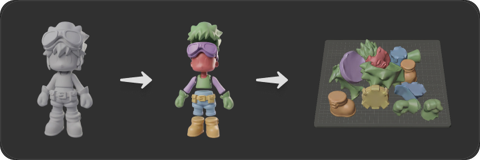
Meshy bundles 2D generation directly in the platform - unlimited on paid plans. The killer use: generate consistent character turnarounds and texture references, then feed them straight into Image to 3D and AI Texturing without leaving the site.

7. Export formats, DCC Bridge plugins, and the 3D-printing suite

A generated model is only useful where your project lives. Meshy's delivery layer is unusually broad: seven export formats, eight first-party tool integrations, and a full path to physical printing.

Seven export formats

Every finished model downloads in FBX, OBJ, GLB, USDZ, STL, BLEND, and 3MF. The practical mapping: FBX or GLB for game engines (they carry rigs, animations, and PBR materials); GLB for the web and full material fidelity; BLEND for native Blender work; USDZ for Apple AR Quick Look; STL and 3MF for slicers. The one trap: OBJ doesn't carry PBR - textures export but metalness and roughness don't survive, so stay in GLB when materials matter.

The DCC Bridge

Rather than the download-import shuffle, official plugins pipe assets directly into Blender, Unity, Unreal Engine, Godot, Maya, 3ds Max, NVIDIA Omniverse, and Roblox. Generate in the browser (or trigger generation from inside the tool), and the asset lands in your scene with materials wired. For teams, this is the feature that turns Meshy from a website into a pipeline stage.

3D printing, end to end

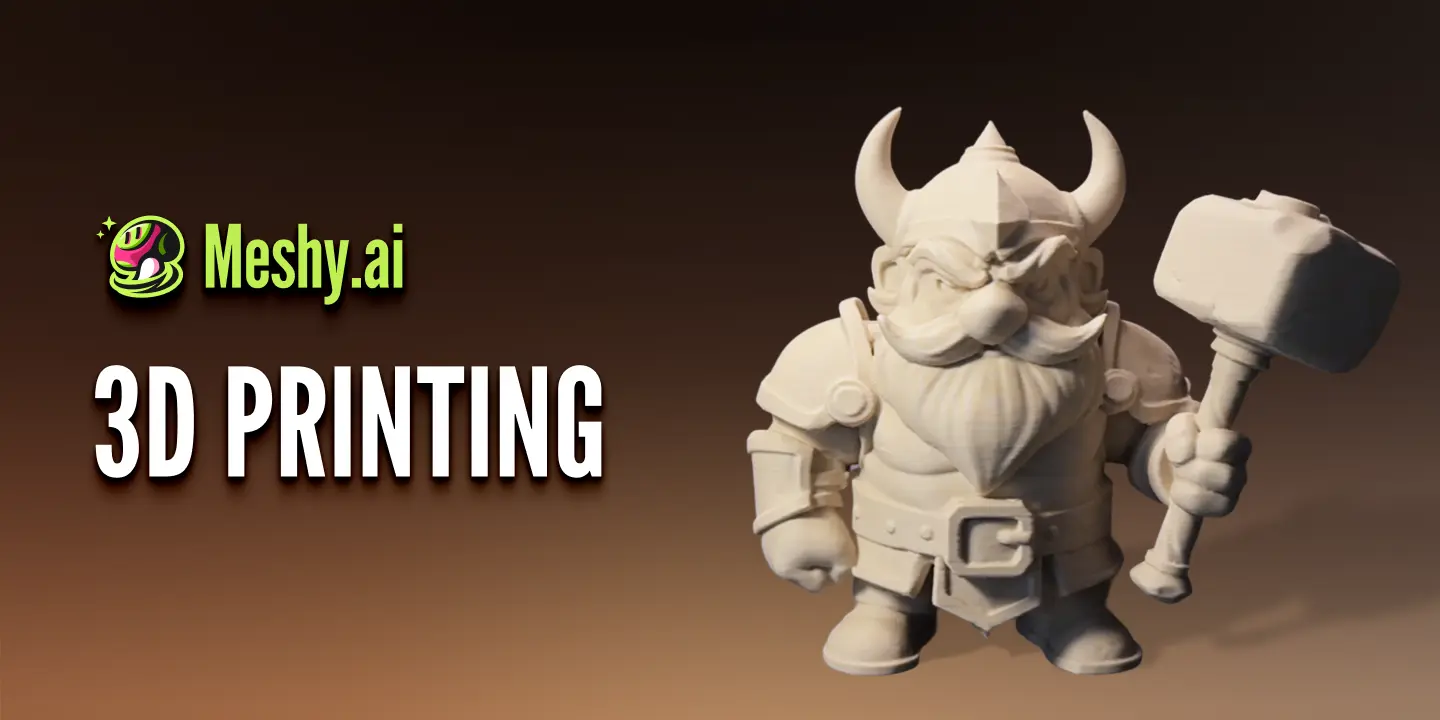
Meshy treats physical output as a first-class destination. The viewport's printability check flags thin walls and floating geometry; the platform can repair printability issues automatically; multi-color print preparation carries texture colors into capable printers; and direct integrations ship models to Bambu Studio, OrcaSlicer, Creality Print, Ultimaker Cura, and other slicers. On top sits the Creative Lab - templated generators for keychains, fridge magnets, figures, and lamps designed for print-on-demand products.

One model, every destination - format quick-reference.
DestinationFormat / routeNotes
Game enginesFBX · GLB, or Unity/Unreal/Godot/Roblox pluginsRigs, animations, and PBR carry through
DCC toolsBLEND · GLB, or Blender/Maya/3ds Max/Omniverse pluginsBLEND opens natively in Blender
Web & ARGLB · USDZGLB for WebGL; USDZ for iOS Quick Look
3D printingSTL · 3MF → Bambu, Orca, Creality, CuraRun printability check & repair first

8. API, MCP for AI agents, and bulk generation

The last feature family targets developers and high-volume creators: programmatic access, AI-agent integration, and tools for working in batches instead of one-offs.

The REST API

Everything described above is callable over HTTP: Text to 3D, Image to 3D (single and multi-view), retexturing, remeshing, rigging, animation, format conversion, and the 3D-print suite are all endpoints at api.meshy.ai. The API follows an async task pattern (POST a task, poll or take a webhook, download the result) and bills from a separate pay-before-you-go credit wallet. A published test-mode key lets you build the whole integration at zero cost before going live. Endpoints, pricing, and quickstart code are covered in detail on our Meshy API page.

MCP & Skill for AI agents

Meshy ships an official MCP server, exposing generation as a tool for Claude Code, Cursor, Windsurf, and other MCP-compatible assistants - your coding agent can literally generate the 3D assets for the game it's helping you build, mid-conversation. The docs also publish an llms.txt so plain chat agents can read the API surface. "MCP & Skill for AI Agent" appears as a line item on Pro and Studio plans, marking how seriously Meshy takes the agentic workflow.

Bulk generation and team features

For volume work, Meshy handles 50+ model and texture tasks at once - fan out an entire prop list in a single batch rather than babysitting one generation at a time, with paid plans running 10 (Pro) to 20 (Studio) concurrent tasks at 60% boosted speed. Studio adds the collaboration layer: shared team credits, centralized billing, member management, and model annotations so an art team can comment on assets in place. And surrounding it all is the community Discover hub - searchable, filterable libraries of shared models with unlimited community downloads on paid plans, doubling as both an asset source and the best prompt-engineering classroom on the platform.

9. Feature availability by plan

Most features exist on every tier; what changes is depth - credit volume, speed, licensing, and the professional integrations. Here's the gating at a glance (full pricing breakdown on our pricing page):

Feature gating across Meshy plans as of June 2026 - verify current limits at meshy.ai/pricing.
FeatureFreeProStudioEnterprise
Text to 3D / Image to 3DBasic (100 cr/mo)Full (1,000 cr/mo)Full (4,000 cr/seat)Custom credits
AI Texturing + PBR + 4KBasicFull & advanced toolsFullFull
Animation (600+ motions)BasicUnlimitedUnlimitedUnlimited
Image generationBasicUnlimitedUnlimitedUnlimited
Model downloadsLimitedUnlimitedUnlimitedUnlimited
DCC Bridge plugins-Full (8 tools)FullFull
Low Poly (beta)-Early accessEarly accessEarly access
API & plugins / MCP-Included · limited PlaygroundIncluded · limited PlaygroundFull API access
Bulk / concurrent tasks1102050+
Team management & annotations--Multi-workspace
Asset licenseCC BY 4.0PrivatePrivatePrivate

10. Feature demos on video

Specs describe; demos convince. These independent walkthroughs show the features above in real use on the current Meshy 6 engine:

Full Workflow Tutorial (Meshy 6)Text to 3D, the two-stage refine flow, and export - the core feature set end to end.
Image to 3D - Tutorial & ReviewReference pictures into usable game assets via the Image to 3D feature.
Texturing Deep-DivePrompt-driven materials, PBR maps, and exporting for game engines.
Beginner Step-by-Step (v6)A slower-paced tour through generation, refinement, and download.

11. Frequently asked questions

What are Meshy AI's main features?

Four pillars: generation (Text to 3D, Image to 3D, Multi-view), refinement (AI Texturing with PBR/4K, Remesh, Stylize, Low Poly), animation (auto-rigging plus a 600+ motion library), and delivery (7 export formats, 8 DCC Bridge plugins, 3D-printing tools, REST API, and MCP for AI agents).

Which features are free?

The Free plan includes core generation and texturing at basic level with 100 monthly credits, plus the viewer tools and community access. Animation is free on every plan. Paid plans unlock unlimited downloads, the DCC Bridge, advanced texturing tools, Low Poly beta, the API, and private asset licensing.

What's the difference between Meshy 4, 5, and 6?

They're successive engine generations, all still selectable. Meshy 6 (default) delivers the highest geometric and texture fidelity, including 4K base color and emission maps. Meshy 4 and 5 remain useful for fast, cheap drafting.

Does Meshy produce real PBR materials or just a colored mesh?

Real PBR: diffuse, roughness, metallic, and normal maps (emission too on Meshy 6), export-ready for Unreal, Unity, Blender, Maya, and WebGL. Enable PBR maps in the texture options; base color can go to 4K on Meshy 6.

Can Meshy texture models I made in Blender or bought elsewhere?

Yes - upload any GLB, FBX, or OBJ mesh to the AI Texturing workspace and texture it by prompt or reference image. Meshy handles UV projection and seam placement automatically. Stylized and animated models are the exception: they can't be retextured.

Is the animation feature really free?

Yes - auto-rigging and applying motions from the 600+ clip library cost zero credits on every plan, including Free. The practical limits are elsewhere: characters should be humanoid and ideally generated in a T-pose, and texturing must be finalized before rigging.

Which game engines and 3D tools does Meshy integrate with?

Official DCC Bridge plugins cover Blender, Unity, Unreal Engine, Godot, Maya, 3ds Max, NVIDIA Omniverse, and Roblox. For 3D printing, integrations ship models to Bambu Studio, OrcaSlicer, Creality Print, Ultimaker Cura, and others. Everything else is reachable through the seven export formats.

Can I automate Meshy or use it from an AI assistant?

Both. The REST API exposes every generation and refinement feature as async task endpoints with a free test mode, and the official MCP server makes Meshy a callable tool inside Claude Code, Cursor, Windsurf, and other MCP-compatible agents. Bulk generation handles 50+ tasks per batch for volume pipelines.

Put together, the feature set covers the full asset lifecycle: describe or upload, generate, texture, retopologize, animate, and deliver - in the browser, through a plugin, over the API, or out of a 3D printer. The fastest way to map it onto your own workflow is to spend the Free plan's 100 monthly credits touring each tool; by the time they're gone you'll know exactly which features earn a place in your pipeline.