From our tests
Real output from this review


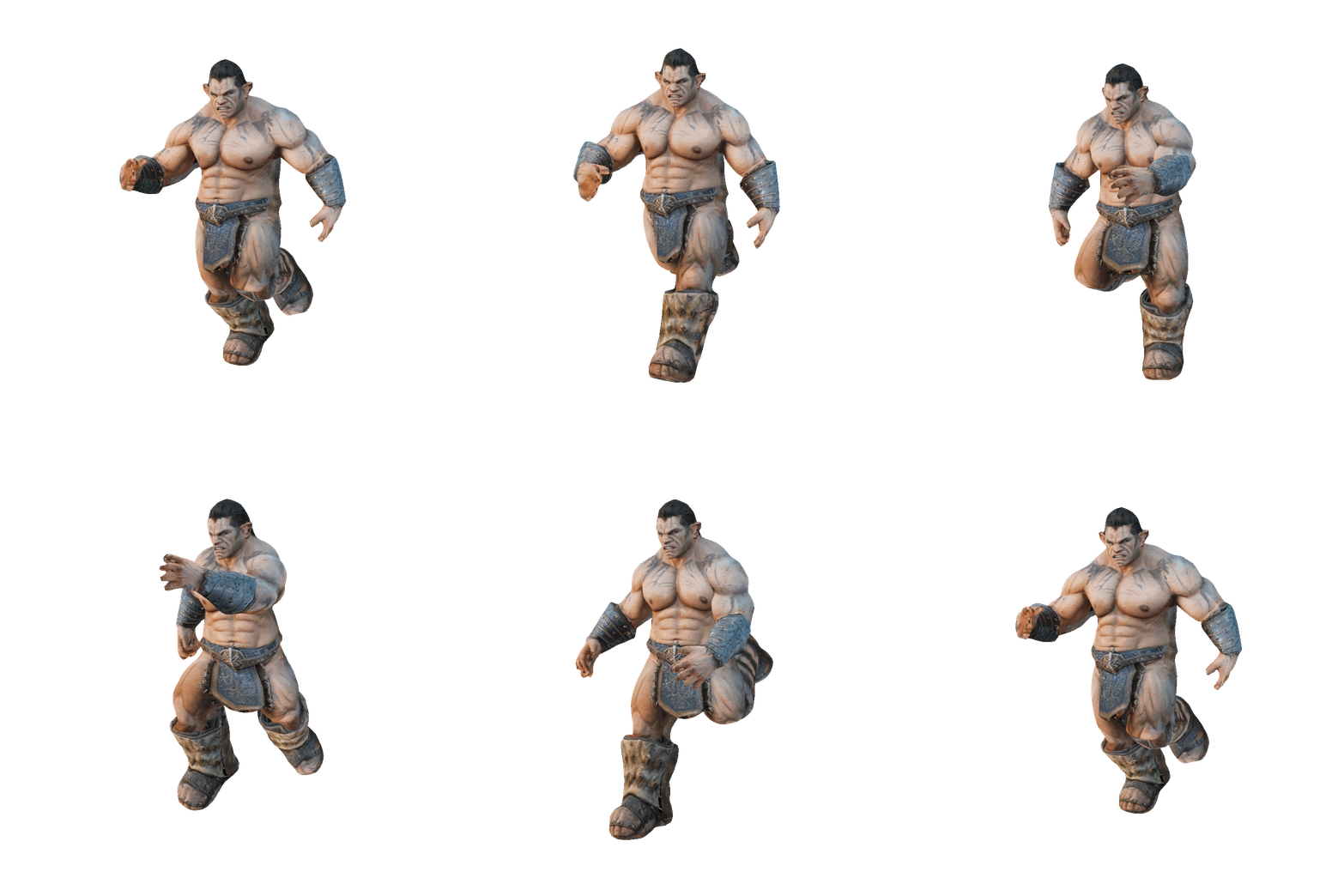
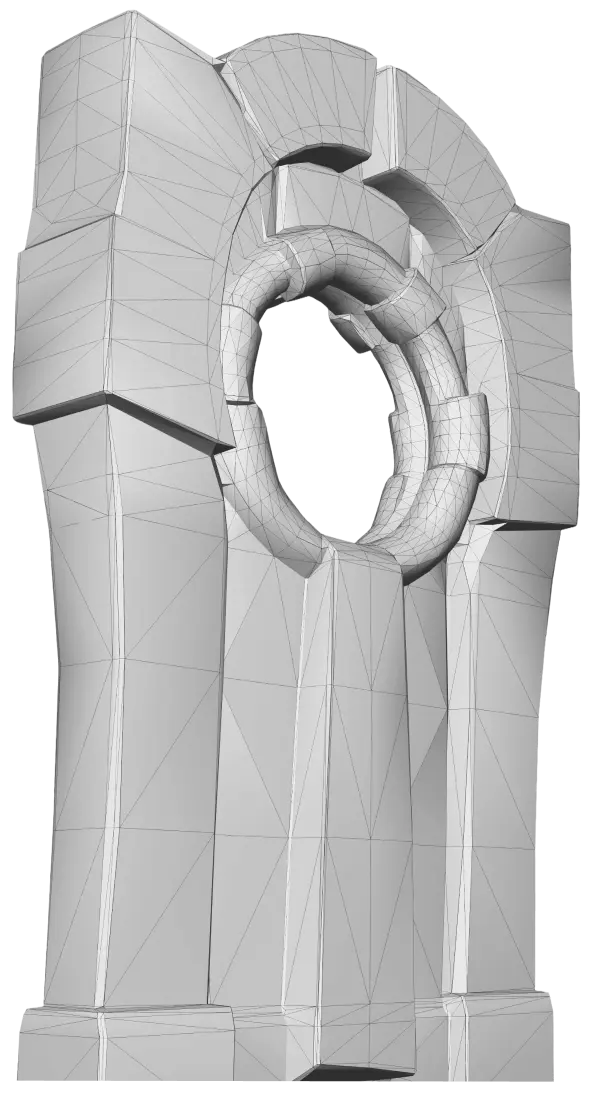
We spent weeks running Meshy through real production tasks medieval props, character concepts, Smart Remesh retopology, auto-rigging and 3D-print exports to see what actually holds up once the marketing stops. Here's the honest verdict.
Tested on Meshy 7.1 · updated for the current flagship engine
Our latest re-test ran on Meshy 7.1, which beats the Meshy 6 scores quoted in older reviews on surface detail and proportion accuracy. Meshy 6 is still selectable as the previous-gen model.
Multi-view Image to 3D takes up to 4 angle photos (main/left/back/right) on the current engine, not the older 2-8 figure some reviews still cite see Image to 3D.
Chat-based batch generation now sits alongside the classic single-asset flow see a full asset set in one chat.
Rigging and 500+ animation presets remain free on every plan, confirmed again in this pass see features.
20 credits per full generation, successful or not, still the single biggest cost risk for heavy iterators see pricing.
100 credits, no card required, though downloads on Free remain capped see free plan.
| Workflow | Test task | Result | Rating |
|---|---|---|---|
| Text to 3D (Meshy 7.1) | Medieval props set: barrels, crates, lanterns (10 concurrent) | Textured meshes in ~60s each; clean topology out of the box | Excellent |
| Image to 3D (Multi-View) | Character concept with front/left/back reference views | Up to 4 angle photos noticeably improved proportions vs single-image | Excellent |
| AI Texturing | Restyle untextured mesh via prompt | True PBR maps (base colour, metallic, roughness, normal); correct under Unity lighting | Excellent |
| Smart Remesh | Retopologize dense generation for mobile | Automated clean topology; tri/quad and polycount control included | Excellent |
| Auto-Rig + Animate | Rig humanoid, apply walk/idle/attack, export FBX | Skeleton in ~30s, 500+ presets, animated FBX for Unity; struggles on chunky cartoon proportions | Very good |
| Hero characters | Detailed character with visible face & hands | Faces smear, extra fingers appear; no targeted correction tool | Needs cleanup |
| 3D Printing | Photo of real object → STL → slicer | Printability checks included; ~10 minutes when first pass succeeds | Very good |
Additional credentials: 4.8/5 on G2, 10M+ users, 100M+ models generated, SOC 2 & ISO 27001 certified. Full head-to-heads: Meshy vs Tripo · Meshy vs Rodin
~100 models for the price of half a single freelance commission. Photo → STL with printability checks in ~10 minutes see game development and 3D printing.
Iterate scene concepts in hours, generate product visuals without a 3D department, or use the education rate see discounts.
Background props are production-ready; hero characters and tight-tolerance work still need traditional workflows and a human pass.
| Plan | Credits/mo | ≈Generations | Best for |
|---|---|---|---|
| Free | 100 | ~5 | Testing before you commit no card |
| Pro | 1,000 | ~50 | Solo creators & indie devs API + commercial rights + unlimited downloads |
| Premium | 3,000 | ~150 | High-volume individual creation |
| Ultra | 10,000 | ~500 | Heaviest individual workflows |
| Studio | 4,000/seat | ~200/seat | Small teams shared billing, 20 concurrent tasks |
New Pro/Premium/Ultra subscribers get 50% off the first month. Every full generation costs 20 credits, successful or not budget roughly double your planned spend for retries. Full breakdown: pricing.
Full generate → texture → export pipeline
Hands-on walkthrough
Yes, for props, prototyping and indie pipelines, it's the best in class. It's not a replacement for 3D artists on hero assets, but it's a massive accelerator for the 80% of assets that don't need to be perfect. Start with the free plan, validate your workflow, then upgrade to Pro with the 50% first-month discount once it's proven.
Start Free on Meshy →If you're generating 3D assets regularly, yes. At $20/month, Pro's ~50 generations cost less than a single freelance commission. The free plan is enough for occasional testing.
On overall quality per our 1,331-vote blind test, yes 63.8% preference vs Tripo 3.1, and it leads Rodin 2.0 on mesh and texture ELO. Its bigger edge is the complete pipeline: competitors mostly stop at the mesh. See alternatives for open-source options like self-hosted Trellis 2 or Hunyuan3D.
No. It excels at props, environments, stylized assets and prototypes, but hero characters, precise anatomy and tight-tolerance work still need human skill. It removes the tedious 80%, not the artistic 20%.
Yes. 100 credits/month gets you ~5 full generations with 10 downloads/month, no card required. See the full breakdown on the free plan page.
Yes. Paid plans grant exclusive private ownership with no attribution required. Free-plan assets are CC BY 4.0 and commercial use is permitted with attribution see license and commercial use.
Imperfect character generation combined with credit costs. Smeared faces or extra fingers require re-rolling with no targeted correction, and each attempt costs 20 credits budget roughly double your planned spend for iteration.
It raised our generation-quality and ease-of-use scores slightly; the core trade-offs strong props and prototypes, weak hero-character anatomy are unchanged. See Meshy 7.1 for what's new.