Review Pricing Alternatives API Pricing Discounts FAQ Try Meshy Free
๐Ÿ–จ๏ธ Maker's Guide

Meshy AI for 3D Printing: From Prompt to Printed Object

Type a description or upload a photo, get an STL, hit print that's the promise, and in 2026 it mostly delivers. This guide covers the real workflow: which slicers Meshy plugs into, what AI meshes get wrong before they hit your build plate, the actual cost per printed model, and the licence rules if you sell your prints.

โšก 100 free credits monthly, no card ยท STL export ยท One 2026 roundup names Meshy best AI generator for 3D printing another gives it to Tripo. We cover both sides.

Why printers use it

What Meshy actually gives a 3D-printing workflow

๐Ÿ”Œ

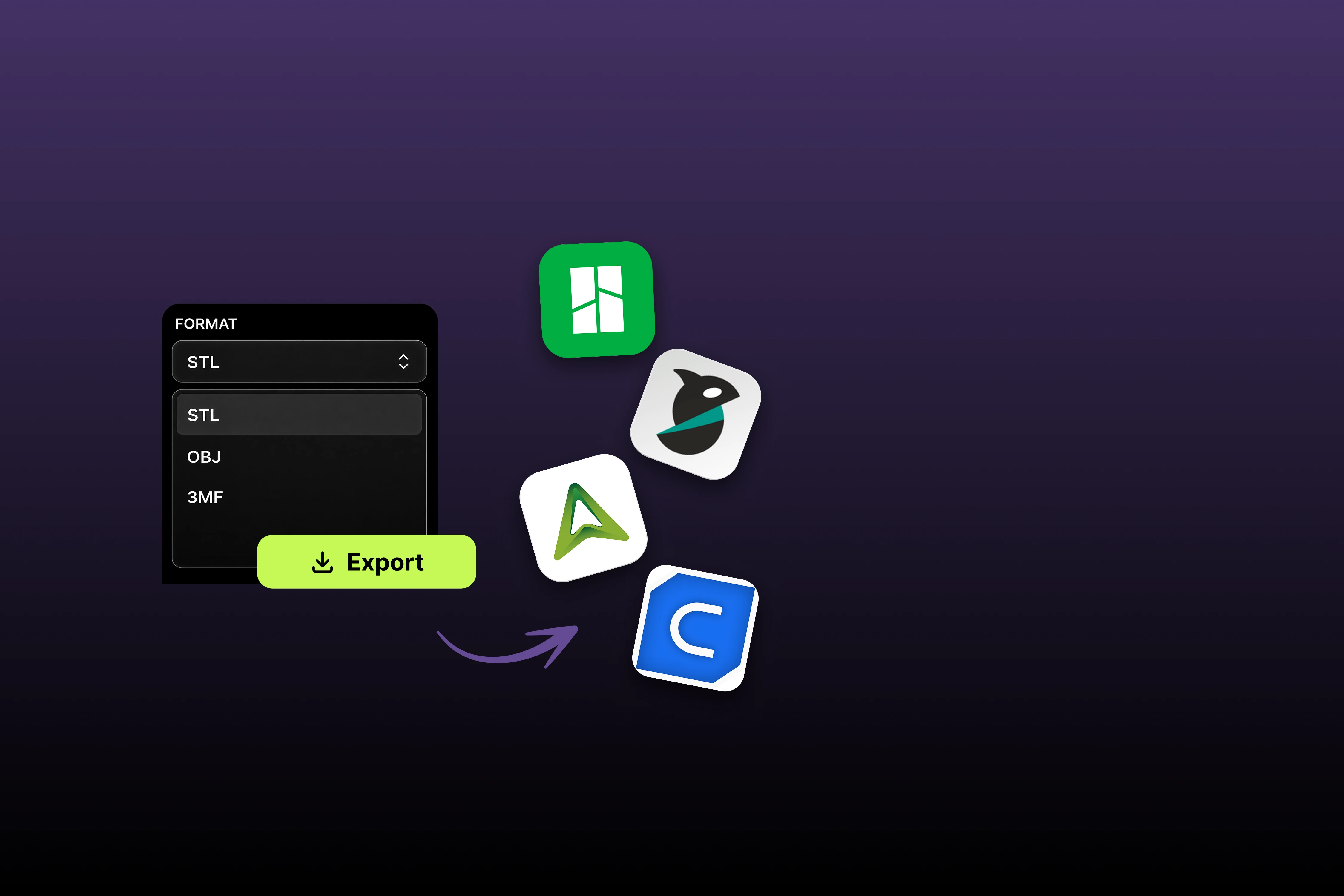
Plugins for your actual slicer

Official integrations with Bambu Studio, Creality Print, OrcaSlicer, Cura, Elegoo and Lychee generate and pull models into the slicer you already use, instead of shuffling files through folders.

โœ…

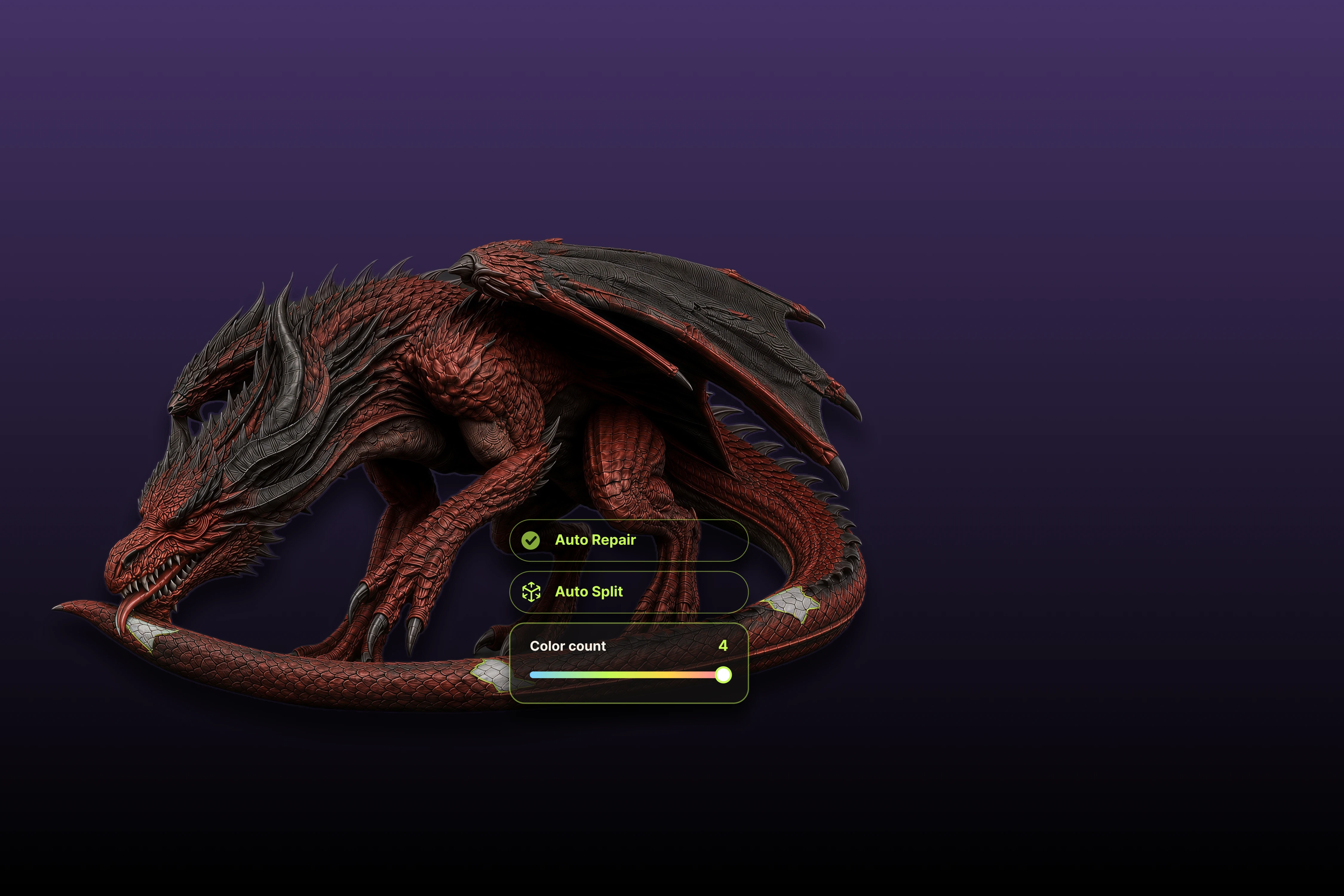
Printability checking

Meshy runs printability checks on models catching issues before you discover them as spaghetti at 2am. Your slicer remains the final judge, but the first filter is built in.

๐Ÿ“ธ

Photo-to-printable

Image-to-3D from 1โ€“8 photos with multi-view reconstruction turn a sketch, a toy, or a clay maquette into a printable mesh. More angles in, better geometry out.

๐Ÿ”บ

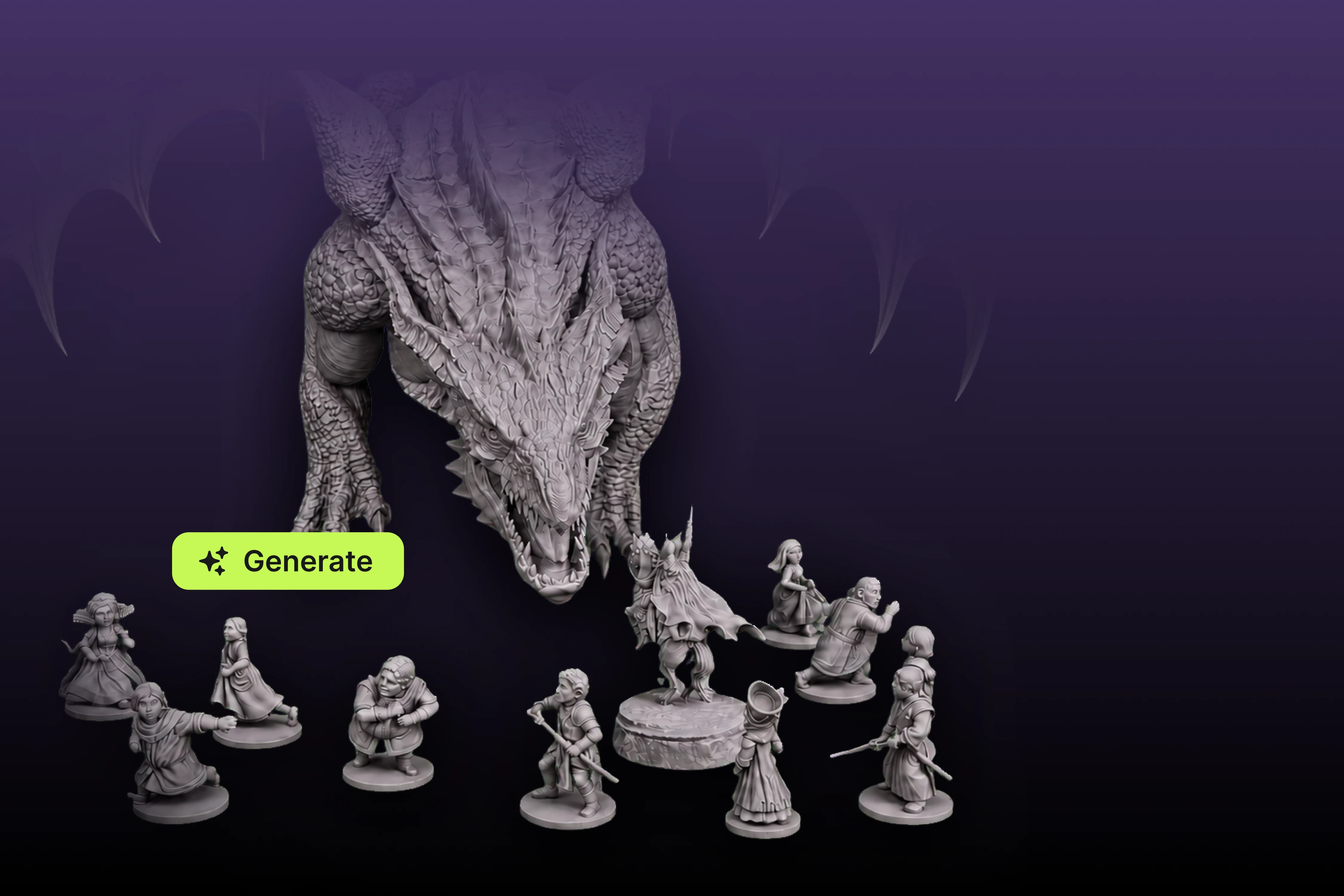
Detail for miniatures

Meshy 6 generates up to ~600K faces enough resolution for tabletop miniatures and busts where resin printers reward every polygon.

๐Ÿ”ง

Remesh before export

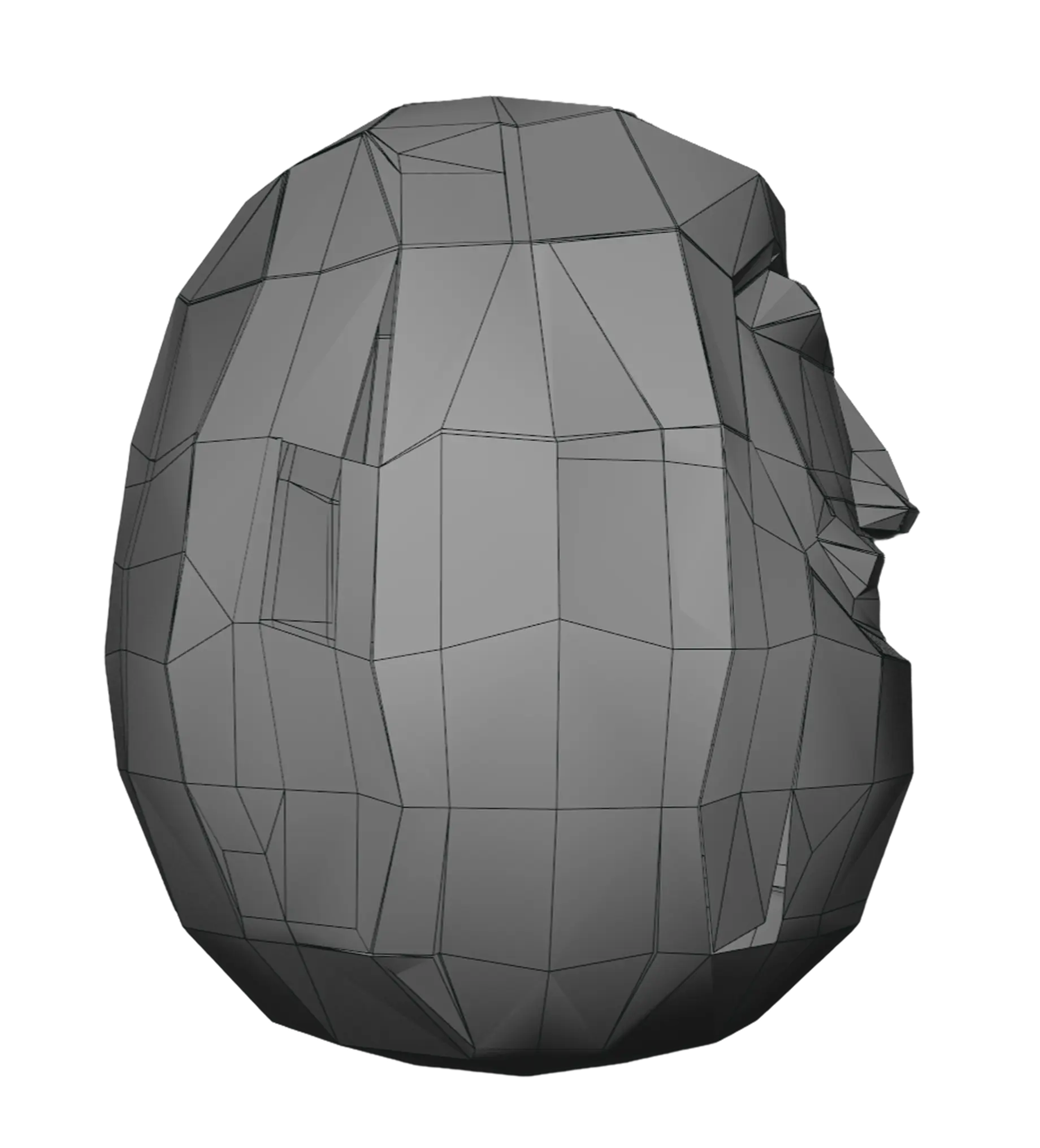
Smart Remesh lets you control polycount and topology before export useful for slimming enormous meshes that would choke a slicer, without leaving the browser.

๐Ÿ†“

A real free on-ramp

100 credits/month (~5 models) with 10 downloads of Meshy-5 models enough to test the whole prompt-to-print loop on your own printer before paying anything.

The loop

Prompt to print in six steps

Generate

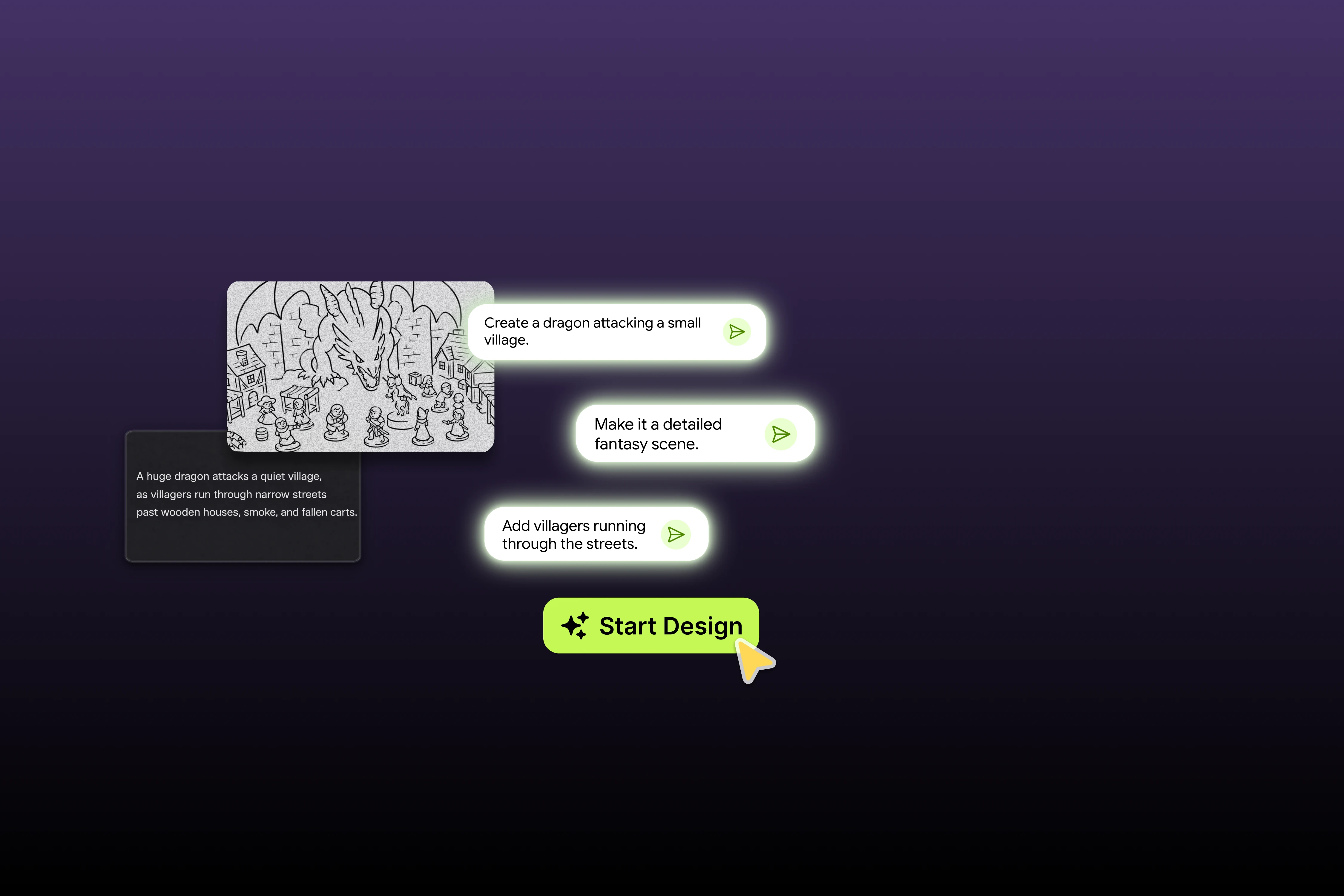
Text prompt or photos (use multiple angles for real objects). For print purposes, geometry is everything add words like "solid base", "thick limbs", "single connected piece" to your prompt.

Pick & polish

Choose the best of the generated variants. Run Smart Remesh if the mesh is heavier than your slicer enjoys miniature-scale prints rarely need all 600K faces.

Check printability

Use Meshy's printability check, then eyeball the model for thin protrusions, floating fragments and wafer-thin walls the classic AI-mesh gotchas listed below.

Export STL

Download as .stl (or .obj) or skip this step entirely and pull the model through your slicer's Meshy plugin.

Repair if needed

If your slicer complains, run the mesh through its built-in repair (Bambu/Orca have one) or a free tool like Microsoft's 3D Builder or Blender's 3D-Print toolbox. Non-manifold edges are normal for AI meshes fixing them takes seconds.

Scale, slice, print

AI models come out at arbitrary scale set real dimensions in the slicer first. Then supports, orientation, and go. Resin rewards Meshy 6 detail; FDM prefers chunkier models.

Before you burn filament

What AI meshes get wrong and how to work around it

This is the section most "AI 3D printing" articles skip. Meshy is genuinely good at this job, but AI generation has failure modes every printer should know before trusting it with resin and time.

! The gotchas

Where prompt-to-print stumbles in practice.

  • Meshes may need repair: AI-generated geometry can contain non-manifold edges or internal shells that make slicers complain. Normal, fixable, but part of the loop.
  • Thin features break: generated swords, antennae and fingers can come out below printable thickness check wall widths against your nozzle/resin limits before slicing.
  • Faces and anatomy distort: Meshy's known weak spot. Character miniatures may need a re-roll (or two) to get hands and faces right budget ~2ร— credits for complex figures.
  • No dimensional precision: AI generation is not CAD. Threads, snap-fits, exact-tolerance replacement parts and engineering brackets belong in Fusion/FreeCAD, not any AI generator.
  • Painted textures โ‰  printed colour: those beautiful PBR textures don't survive a single-colour FDM print they matter only for multi-material/full-colour processes or digital use.

โœ“ The workarounds

How experienced users print AI models successfully.

  • Prompt for printability: "solid base", "thick limbs", "chunky proportions", "single connected piece" measurably improve print success rates.
  • Multi-view photos for real objects: feeding Meshy 6 several angles (up to 8) sharply reduces the guessed-geometry that causes back-side weirdness.
  • Let the slicer repair: Bambu Studio and OrcaSlicer fix most non-manifold issues on import one click, done.
  • Scale up problem details: printing a mini at 32mm and the sword keeps failing? Print at 150% or thicken in Blender faster than fighting physics.
  • Match model to process: organic/decorative โ†’ AI shines; functional/dimensional โ†’ CAD. Using each for its lane is the whole game.
Fit check

What prints well from Meshy and what doesn't

๐Ÿ‰
Excellent fit

Tabletop miniatures & busts

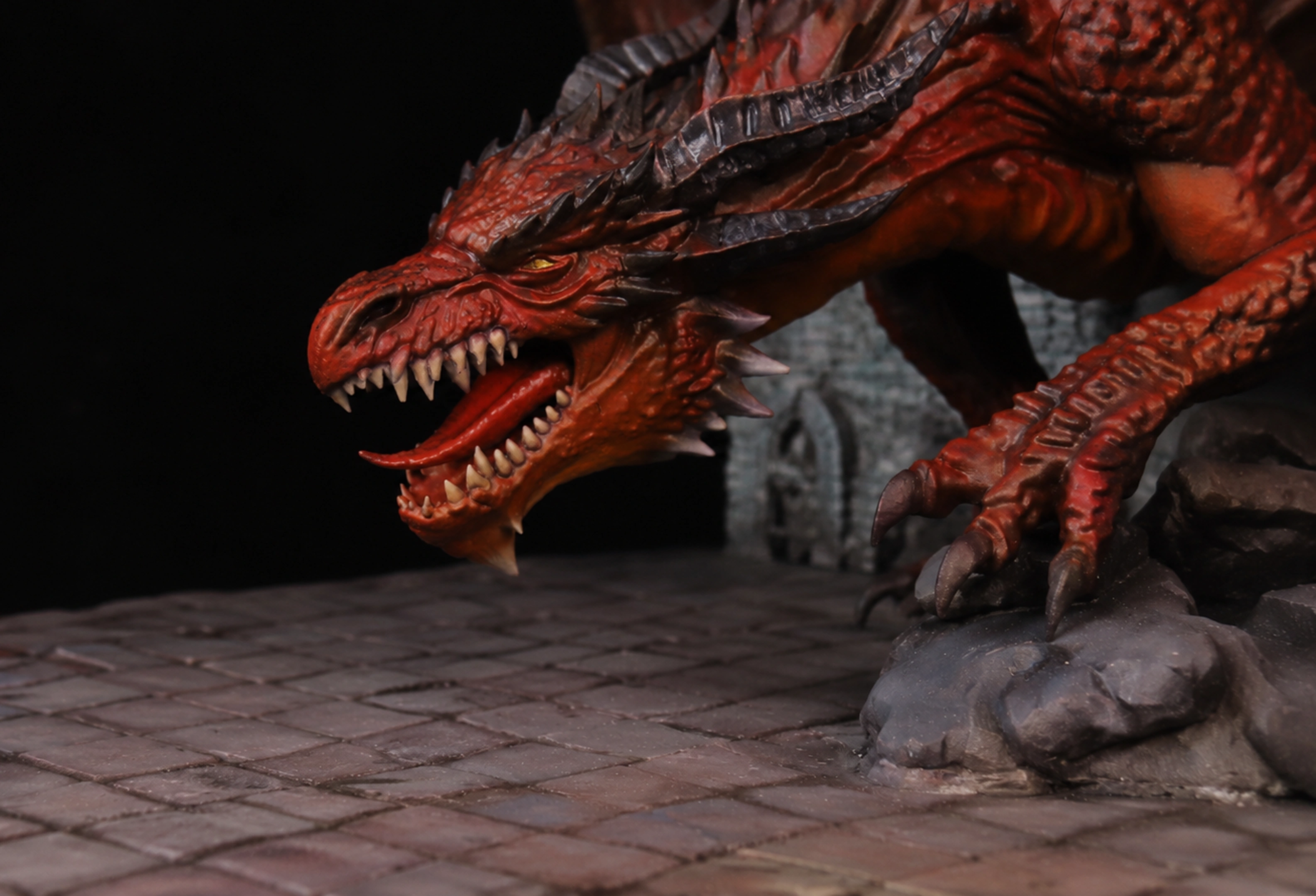
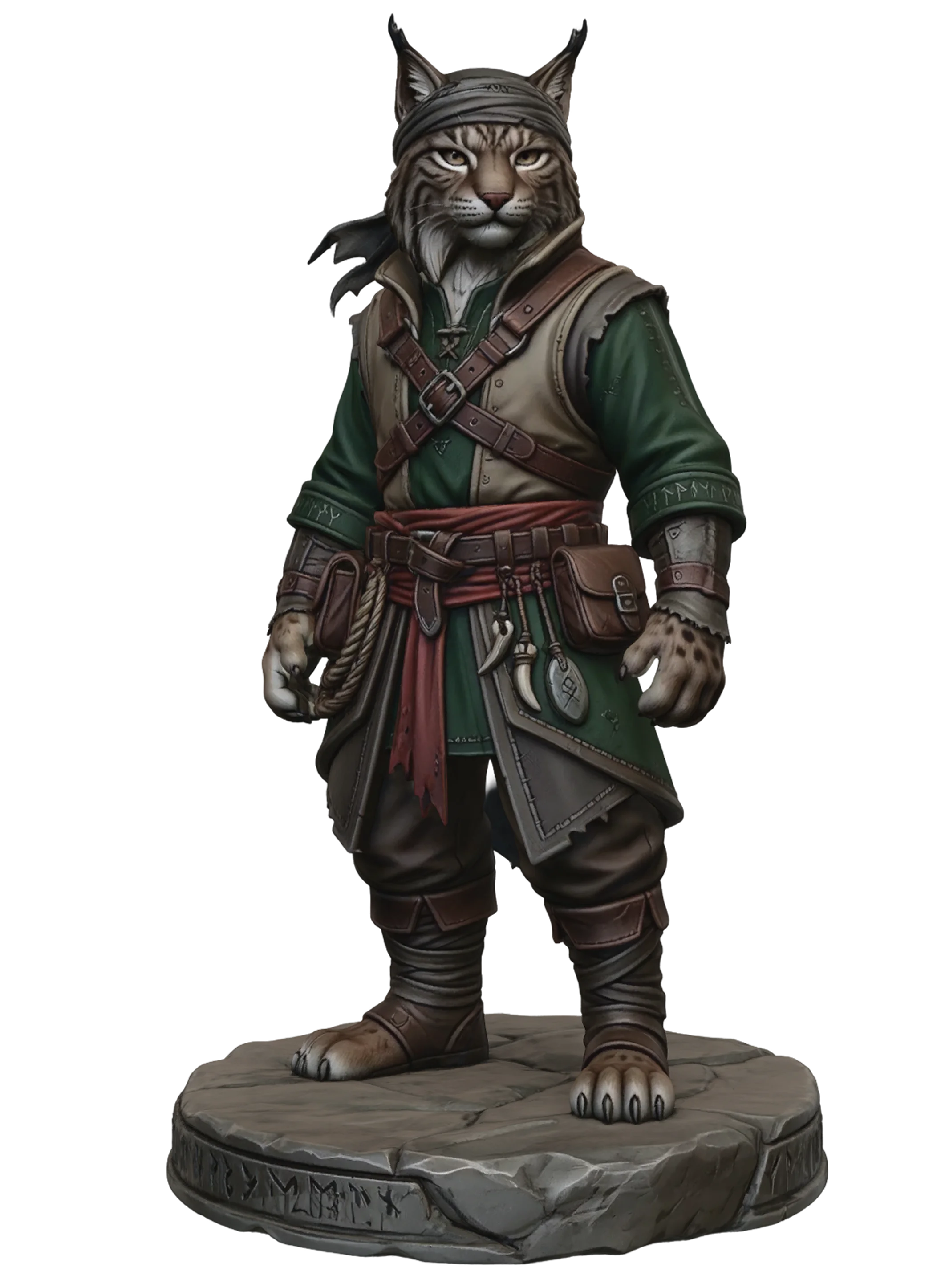
Meshy 6's ~600K-face detail + resin printing is the sweet spot. Custom monsters, NPCs and terrain pieces nobody else on the table has. Re-roll faces as needed.

๐ŸŽ
Excellent fit

Custom gifts & decor

Personalised figurines from photos, desk ornaments, holiday decorations organic shapes where "close enough" is perfect and uniqueness is the point.

๐Ÿ—ฟ
Excellent fit

Sculptural & display pieces

Statues, props, cosplay accents (helmets and armour need scaling/splitting in Blender, but the base sculpt arrives in a minute instead of a week).

๐Ÿ“ฆ
Good with care

Concept prototypes

Form studies and look-feel prototypes: fast and cheap. Once dimensions matter mounting holes, fits redraw in CAD using the print as reference.

๐Ÿ›๏ธ
Good with care

Prints to sell

Legally solid (licence rules here) paid plans own outright, free plan sells with a credit line. Quality-control every unit; buyers don't accept "the AI did it".

๐Ÿ”ฉ
Wrong tool

Functional & precision parts

Threads, gears, brackets, snap-fits, replacement parts: this is CAD territory, full stop. No AI mesh generator Meshy included does dimensional accuracy. Use Fusion 360 or FreeCAD.

The money part

What a printed model actually costs you

PathMonthly costModels/moโ‰ˆ Model costBest for
Free plan$0~5 (10 downloads, Meshy 5)$0Testing the loop; occasional one-off prints (credit Meshy if sold)
Pro most printers land here$20 ($10 first month)~50 before re-rollsโ‰ˆ $0.40 (+re-rolls)Regular printing, Meshy 6 downloads, private + fully owned models
Pro annual$240/yr (~$16.67/mo)~50/moโ‰ˆ $0.33Committed makers effectively 2 months free

Realistic budgeting: complex figures may take 2 generations to nail, so call it $0.40โ€“0.80 per keeper still a fraction of marketplace STL prices for anything custom. Full plan details on our pricing guide; the 50% first-month deal and student pricing are on the discounts page.

Printing FAQ

Maker questions, answered

Is Meshy AI actually good for 3D printing?

Yes among AI generators it's one of the two strongest printing options in 2026 (Tripo being the other; roundups split on which leads). The case for Meshy: STL/OBJ export, built-in printability checks, Smart Remesh for polycount control, up to ~600K-face detail for miniatures, and the broadest slicer-plugin list Bambu Studio, Creality Print, OrcaSlicer, Cura, Elegoo, Lychee. The honest limits: meshes sometimes need one-click repair, and it's for organic/decorative models, not precision parts.

Does Meshy export STL files?

Yes .stl directly, plus .obj (and .fbx/.glb/.usdz/.blend for non-print uses). Paid plans have unlimited downloads including Meshy 6 models; the free plan allows 10 downloads monthly of Meshy-5-generated models enough to verify print quality on your own machine before subscribing.

Which slicers does Meshy work with?

Official plugins exist for Bambu Studio, Creality Print, OrcaSlicer, Cura, Elegoo and Lychee covering the large majority of FDM and resin workflows in 2026. Any other slicer works fine via plain STL export; the plugins just remove the download-import shuffle.

Can I sell 3D prints of Meshy models?

Yes. Paid-plan models are exclusively yours sell prints freely, no attribution. Free-plan models sell under CC BY 4.0 with a credit line ("Created with Meshy AI") in your listing. Universal rule either way: don't generate from images of copyrighted characters or branded designs and sell those prints the licence can't protect infringing inputs. Full breakdown on our commercial use guide.

My slicer says the mesh has errors is that Meshy's fault?

It's an AI-generation reality rather than a Meshy-specific flaw: generated meshes can carry non-manifold edges or stray internal geometry. Modern slicers largely absorb this Bambu Studio and OrcaSlicer repair most issues automatically on import and free tools (Blender's 3D-Print toolbox, Microsoft 3D Builder) handle the rest. Treat repair as a normal 10-second step in the loop, like supports.

Should I use Meshy or Tripo for printing?

Genuinely contested credible 2026 sources pick each. Meshy's edge is the slicer-plugin breadth and printability checking inside a fuller pipeline; Tripo's print integration also rates highly and its topology is clean out of the box. Both free tiers exist precisely for this: generate the same object on each, slice both STLs, and let the warnings, support volume and finished prints decide. Our full head-to-head is here.

FDM or resin for Meshy models?

Match the model: Meshy 6's fine detail (~600K faces) only pays off on resin miniatures, busts, jewellery-scale work. For FDM, chunkier decorative models print best; use Smart Remesh to simplify heavy meshes, prompt for thick features, and scale up rather than fighting sub-nozzle-width details.

Your printer is waiting for something original

Five free models a month, STL export, and your slicer probably already has a plugin. The prompt-to-print loop takes 15 minutes to try.

Generate Your First Print Free โ†’