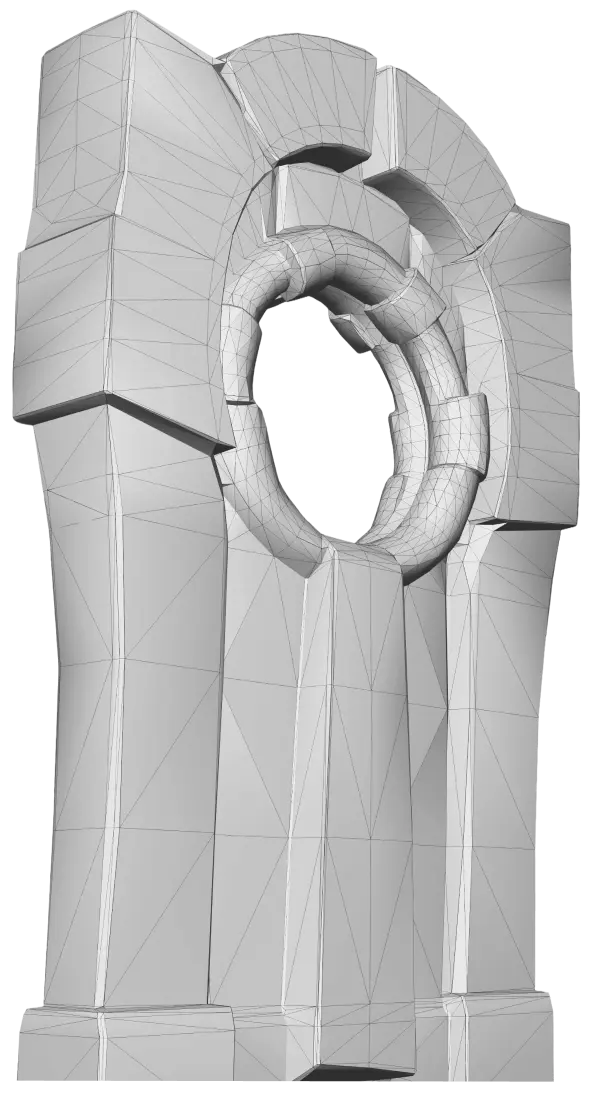
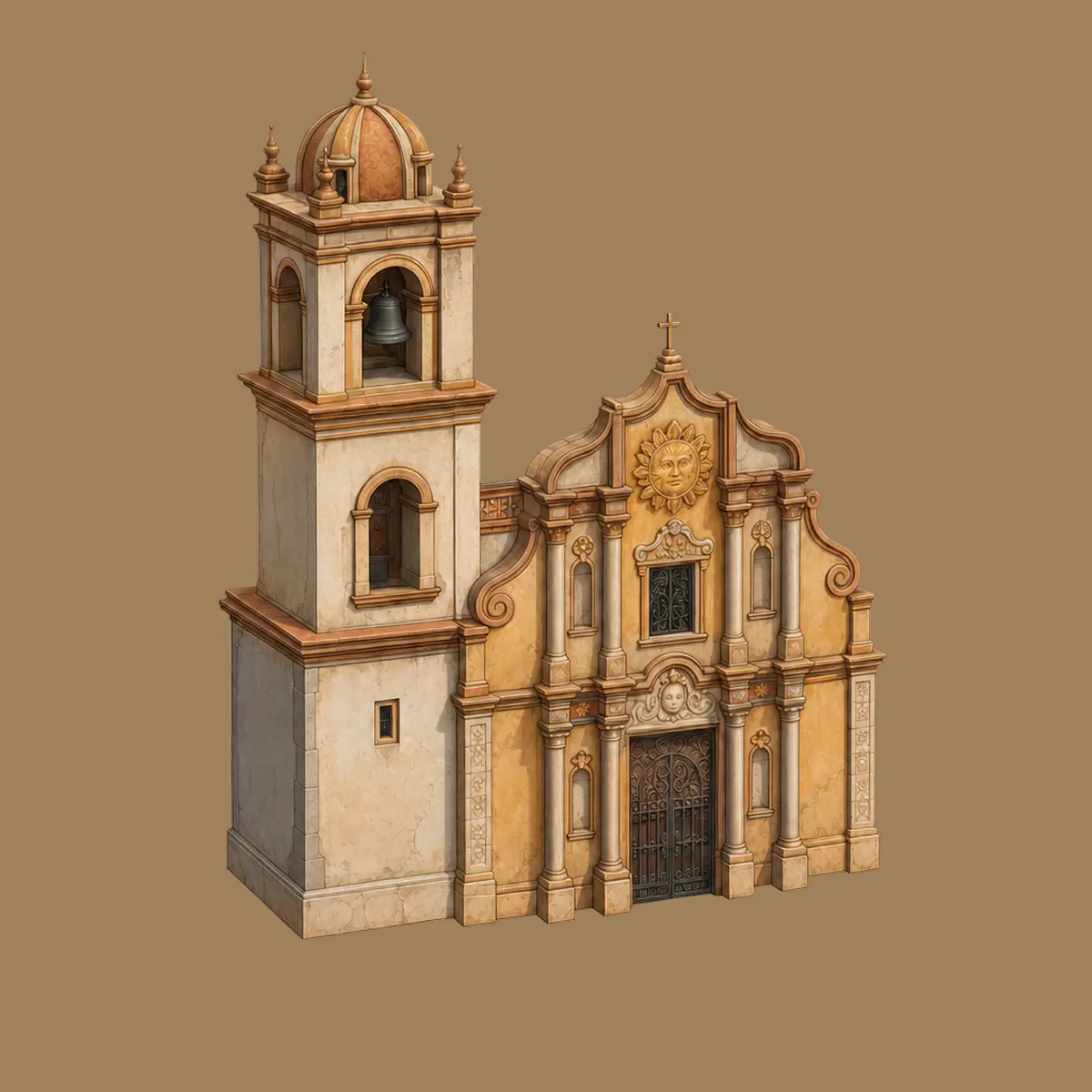
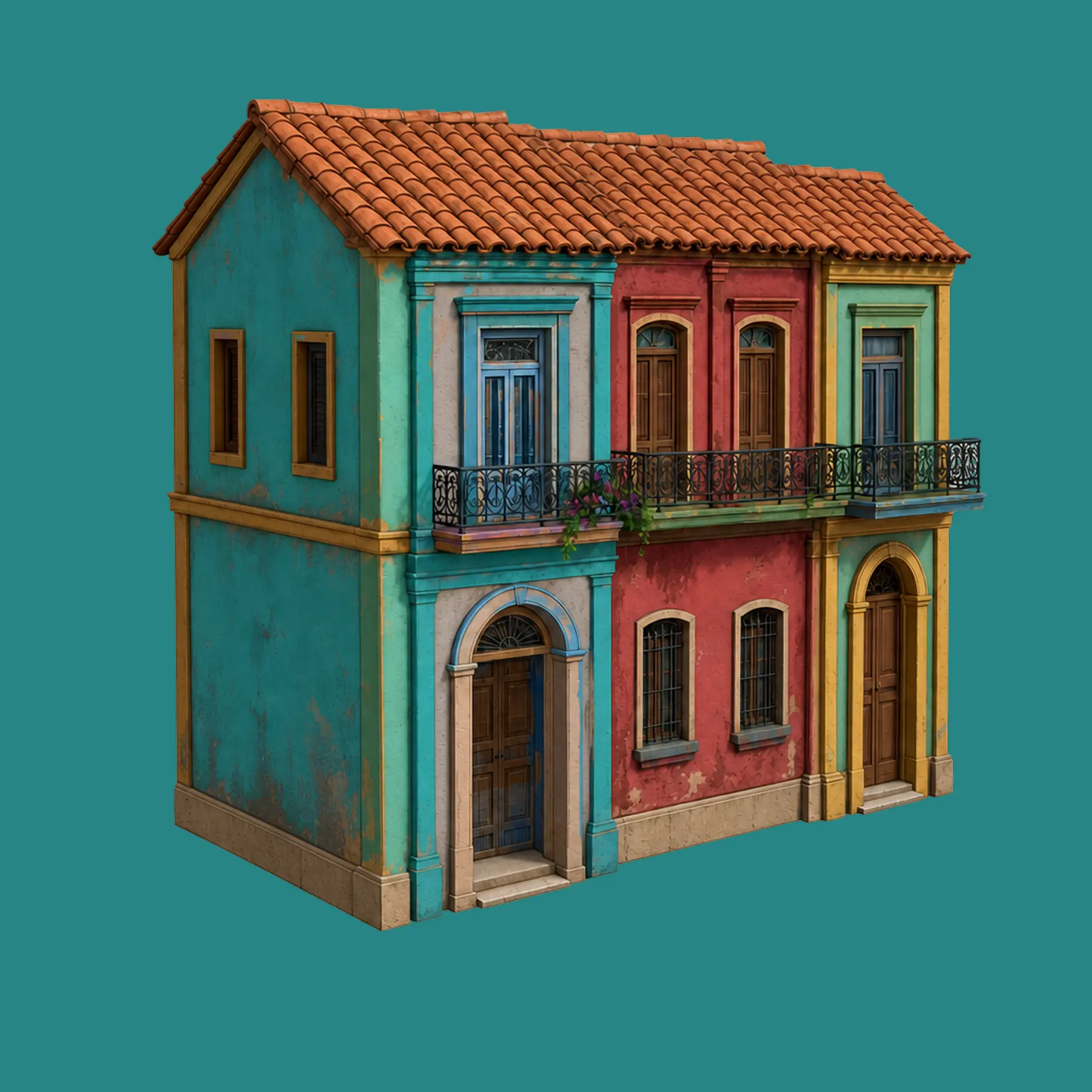
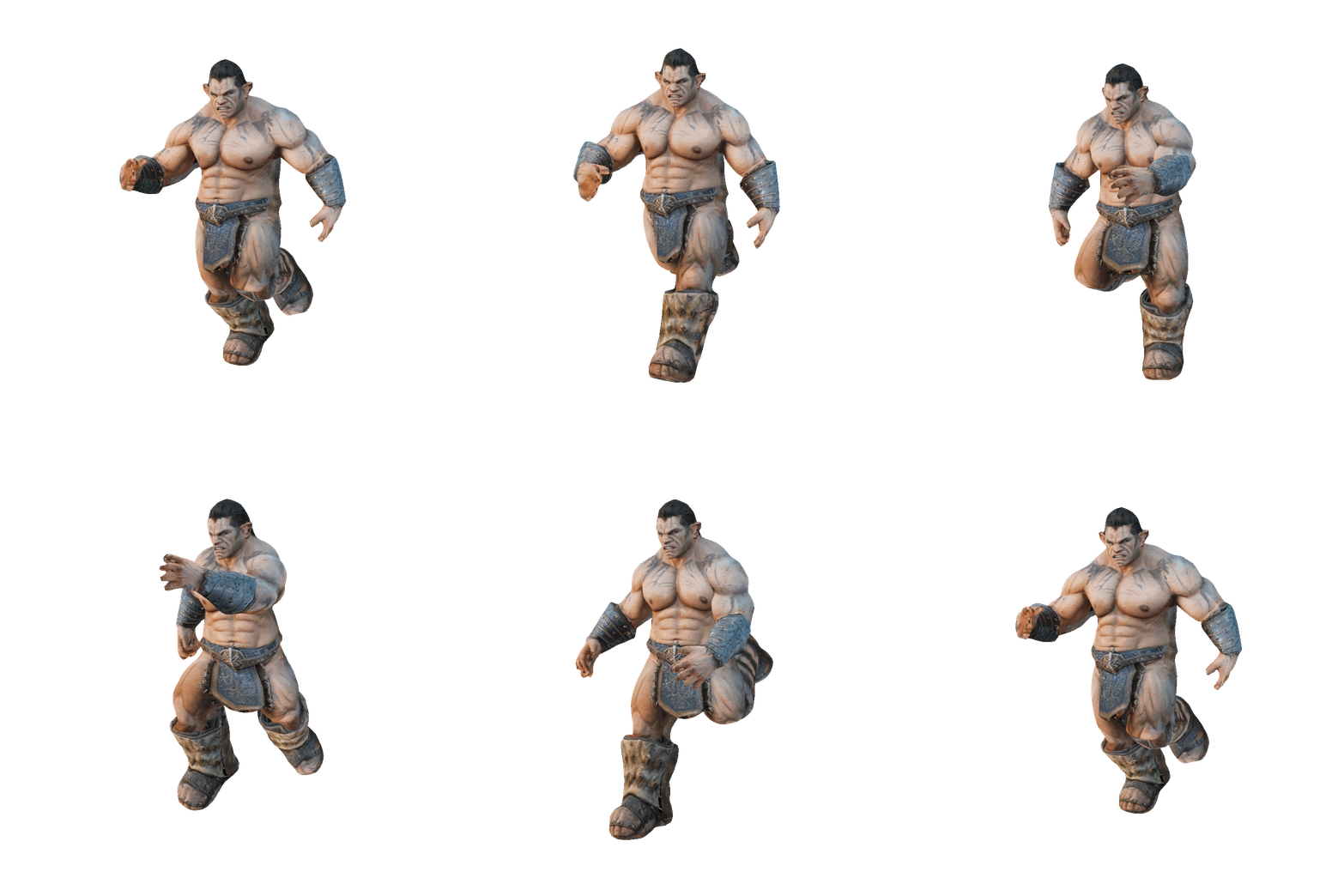
Generate a Full Set of Game Assets in One Chat with Meshy 3D Agent

The hardest part of asset production was never making one model - it's making thirty that belong in the same game. Meshy's new 3D Agent attacks exactly that problem: one conversation that locks a style, batch-generates concepts, and turns your picks into downloadable, engine-ready 3D models.

Try Meshy 3D

Every indie developer knows the asset treadmill. You need a tavern: that's a building, six props, three furniture pieces, two characters, and a signboard. Each one means composing a prompt, generating, judging, regenerating, texturing - and by asset fifteen, the barrels no longer match the chairs, because every prompt was its own isolated roll of the dice. Style drift is the silent killer of AI-generated game art.

Meshy 3D Agent Beta, launched June 4, 2026, was built for this exact scenario. Instead of one prompt producing one output, the agent runs a continuous, chat-based workflow: it brainstorms the asset list with you, establishes a visual direction, generates concepts in batches inside that direction, refines them conversationally, and converts the winners into downloadable 3D models - without you ever leaving the thread. Meshy's own launch materials name "batches of style-consistent 3D assets" for indie developers as a flagship use case, and the company's official demo below shows the workflow doing precisely that.

Watch: Generate a Full Set of Game Assets in One Chat with Meshy 3D Agent - Meshy's demo of the chat-to-3D workflow producing a complete, style-consistent asset set in a single conversation.

Why a chat beats thirty prompts

The classic Text to 3D workflow is excellent at single assets - but a game needs a set, and sets have a property single prompts can't carry: shared context. When you generate asset #14 in a fresh prompt box, the model has no memory of assets #1-13. You end up stuffing style boilerplate into every prompt ("low-poly, hand-painted, warm palette, chunky proportions...") and still watching coherence wobble.

The agent inverts this. The conversation is the context. Once you and the agent have agreed on a direction - say, "cozy low-poly fantasy, hand-painted textures, slightly oversized props" - every subsequent batch is generated inside that established frame. You react comparatively ("the lantern from batch two, but in the wood tone of the barrel"), and the agent carries those decisions forward. Three structural advantages fall out of this:

The workflow, step by step

Here's the shape of a full asset-set session, following the pattern Meshy's demo shows. Imagine you're building a small dungeon-crawler level:

Illustrative dialogue composed to reflect the workflow shown in Meshy's demo video and the beta's documented capabilities - not an official transcript.

Breaking that down into a repeatable recipe:

  1. Open with the game, not an object. Give the agent genre, mood, art style, and platform in your first message. This is the context every later batch inherits.
  2. Let it draft the asset list. The brainstorming capability is the most underused step - the agent will propose props you'd forget (every market needs rugs) and a sensible generation order.
  3. Lock the style on the first batch. Spend your refinement energy early. Once one batch looks right, name what's right about it ("this palette, this proportion") so it becomes the reference for everything after.
  4. Generate in themed batches. Containers together, lighting together, characters last. Comparing within a category is how you catch inconsistency immediately.
  5. Steer comparatively, not from scratch. "Like #3 but with metal braces" converges far faster than re-describing the whole object.
  6. Convert the winners to 3D and keep moving. Selected concepts become downloadable models in-thread. Ask characters for a T-pose so they're ready for Meshy's free auto-rigging afterward.
  7. Ask your technical questions inline. Polycount targets for mobile, format choices, printability if you're making merch - the agent's built-in 3D knowledge answers in context.
The Meshy workspace where agent-generated assets land for refinement and export
Image credit: www.meshy.ai

From chat output to engine-ready: the finishing pass

The agent gets you a coherent set of models; the standard Meshy pipeline makes them shippable. Every asset the agent produces is an ordinary Meshy asset, so the finishing tools apply as usual:

This division of labor mirrors how studios already use AI 3D generation: Meshy's CEO has noted that game teams lean on AI hardest for props needed in large quantities - chairs, tables, rocks, market clutter - exactly the category a one-chat asset set covers, while hero assets still get hand-finishing. The agent doesn't change that wisdom; it industrializes the prop half of it.

What a full set costs in credits

Generation still meters in Meshy's standard credits, so it's worth budgeting before a big session. Using the platform's published costs as a guide (a fully textured Meshy 6 asset runs about 30 credits; concept imagery and refinement add to the total):

Rough planning figures based on Meshy's published credit costs - check in-app indicators for exact agent pricing, which may be tuned during the beta.
Set sizeExample scopeBallpark creditsFits in
Starter set (5-8 assets)One room's props~200-350Free plan won't cover it; entry Pro month easily does
Level set (15-25 assets)The goblin market above~600-1,000One Pro month (1,000 credits)
Game-slice set (40-60 assets)Vertical slice across 2-3 levels~1,500-2,500Pro + a top-up pack, or one Studio seat (4,000)

Two habits stretch any budget: do your exploring at the concept stage (2D batches are far cheaper than committing everything to 3D), and only convert the picks you've already approved - the same iterate-cheap-then-commit logic behind Meshy's two-stage generation, now applied set-wide. Full plan and credit details are on our pricing page.

💡 Working from concept art instead? If your game already has an art bible, you can anchor the chat with images - the agent accepts photos and sketches as starting points, and Meshy's image-to-3D path is exactly what studios use when assets must match existing concept art. Establish the style from your references, then batch from there.
⚠️ Beta honesty: the 3D Agent shipped on June 4, 2026, and is still labeled Beta - expect capabilities, costs, and UI placement to be tuned. Single objects remain the engine's sweet spot (generate scene pieces, assemble in your engine), and you should still wireframe-check meshes before shipping them. Our full breakdown of the agent, including its coding-assistant skills variant, is on the Meshy 3D Agent page.

Quick questions

Can the agent really keep 20+ assets in the same style?

That's its core design claim - the conversation carries the style context, so batches inherit the established direction instead of re-rolling it. In practice you maximize consistency by locking the look on the first batch, naming what's right about it, and steering later batches comparatively. Spot-check the set together before converting everything.

Do I need a paid plan for this workflow?

The agent itself is available to all users, but a full asset set's credit appetite (roughly 600-1,000 credits for a level's worth) exceeds the Free plan's 100 monthly credits. A Pro month covers a level set comfortably; see the budget table above.

What do I get at the end - and does it work in my engine?

Standard Meshy assets: downloadable in FBX, OBJ, GLB, USDZ, STL, BLEND, and 3MF, editable with the normal tools (retexture, remesh, rig, animate), and importable into Unity, Unreal, or Godot directly or via the DCC Bridge plugins.

Where can I watch the official demo?

The video embedded at the top of this article - "Generate a Full Set of Game Assets in One Chat with Meshy 3D Agent" - is Meshy's own demonstration of the workflow, and the best two minutes you can spend before trying it yourself.

The promise of AI 3D generation was always speed; what it lacked was coherence. One chat that plans the list, holds the style, and ships the set is the first workflow that delivers both. Open the agent, describe your game in two sentences, and ask it what should be on your asset list - the answer is usually better than the one in your head.