Review Pricing Alternatives API Pricing Discounts FAQ Try Image to 3D Free
πŸ“Έ Feature Guide Β· Verified August 2026

Meshy Image to 3D: Turn Any Picture Into a Working 3D Model

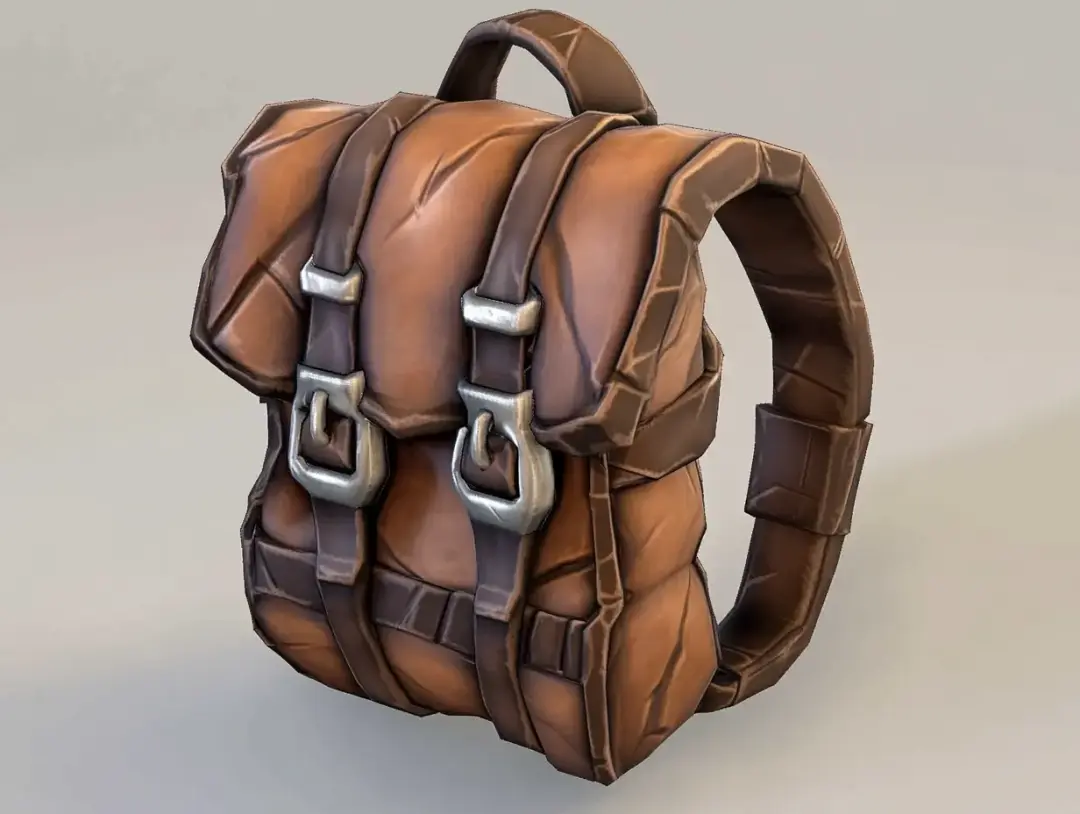
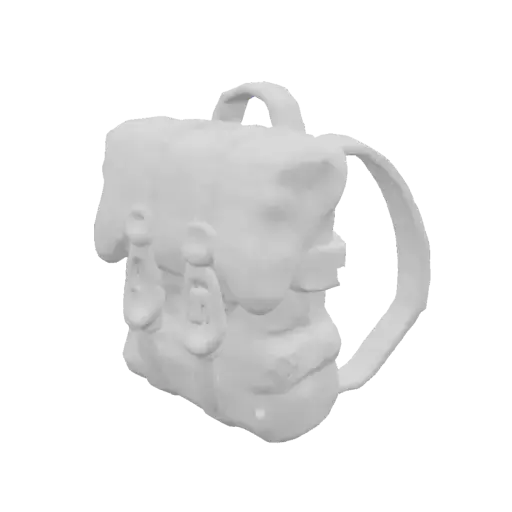
A concept sketch, a product photo, a clay figure on your desk upload it, and about a minute later there's a textured, exportable 3D mesh. Here's the complete guide to Meshy's Image to 3D: how it works, what it costs per conversion, the input-photo tricks that separate great results from mush, and its honest limits.

⚑ Up to 8 images per conversion on Meshy 6 · ~60s generation · free retries for Image to 3D on paid plans

πŸ–ΌοΈ
1–8 images
β†’
πŸ€–
~60 sec
β†’
🧊
3D model
Cost (Meshy 6, mesh only)20 CREDITS
Cost (Meshy 6, with texture)30 CREDITS
Other model series5 / 15 CREDITS
Mesh detail ceiling~600K FACES
ExportsFBX Β· OBJ Β· GLB Β· USDZ Β· STL Β· BLEND
The process

How a picture becomes a mesh

Upload

1–8 images of your subject. One works; several angles of the same object work far better (more on that below).

Set options

Pick the model series (Meshy 6 for max detail), texture on/off, target polycount and for characters, pose control: A-pose, T-pose or custom.

Generate

The AI reconstructs geometry in ~60 seconds. Multiple variants let you pick the best interpretation.

Refine

Texture it (full PBR maps), run Smart Remesh for clean topology at your polycount, or re-roll Image to 3D retries are free on paid plans.

Export or continue

Download in 6 formats, pull it through an engine/slicer plugin or keep going: auto-rig and animate humanoid characters right there.

Input types

What people actually convert

🎨
Excellent

Concept art β†’ game asset

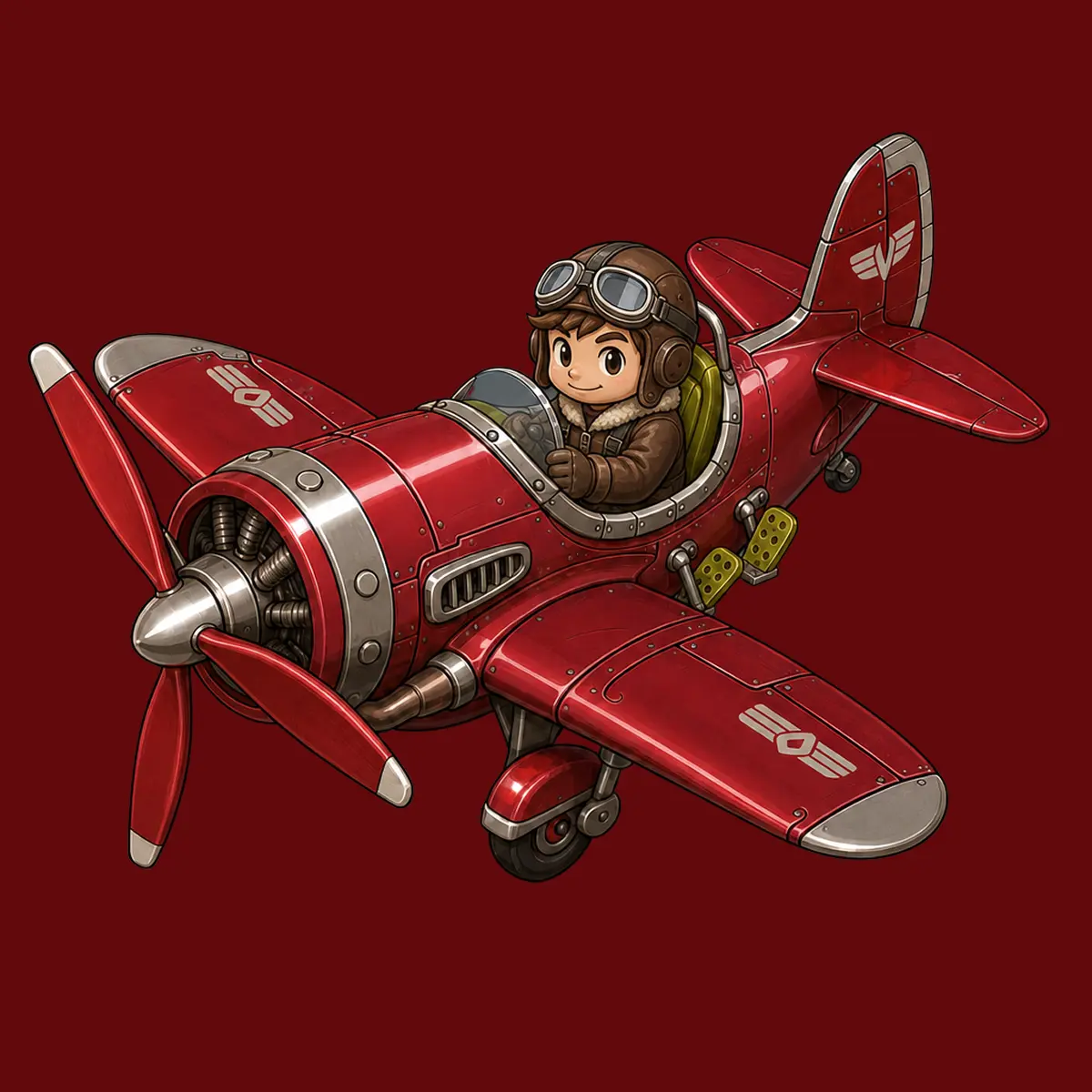
The classic pipeline: character sheets and prop concepts become meshes that actually match the art direction then flow into rigging. A/T-pose art converts cleanest.

πŸ“¦
Excellent

Product photos β†’ 3D viz

Your own products become AR previews, e-commerce spinners and marketing renders. Shoot multiple angles for accurate geometry all round.

πŸ—Ώ
Excellent

Physical objects β†’ printable

Clay maquettes, sculpts, toys, found objects photograph from several sides, convert, then STL out to your printer (see our printing guide).

✏️
Good with care

Sketches & drawings

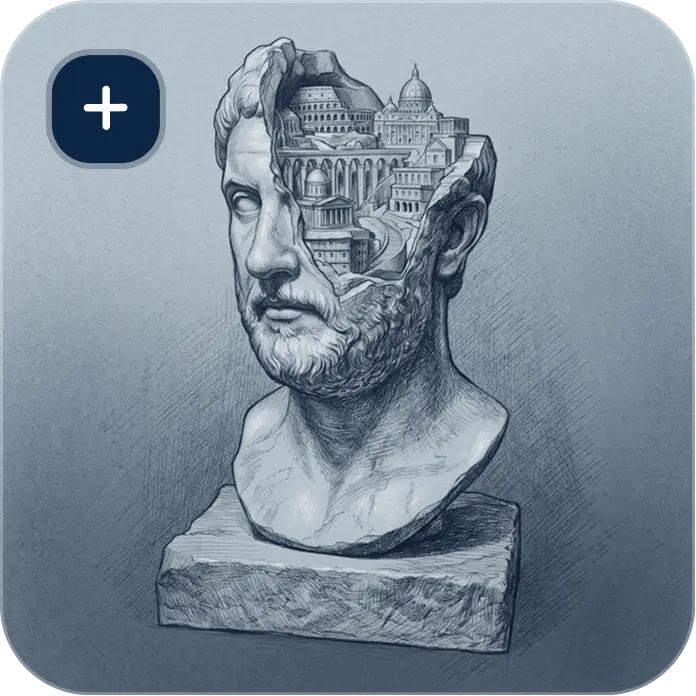
Clean line art with clear silhouettes converts surprisingly well; loose, ambiguous or heavily-shaded sketches force the AI to guess. One clear subject per image.

πŸ€–
Good with care

AI-generated images β†’ 3D

Midjourney/DALLΒ·E art converts like concept art and inconsistent lighting or impossible geometry in the source becomes weirdness in the mesh. Pick renders with plausible, solid forms.

πŸ‘€
Good with care

Characters & figures

Strong overall with the known caveat that faces and hands are AI generation's weak spot. Multi-view input and a re-roll budget (free on paid plans for this feature) get you there.

The biggest quality lever

One photo vs multi-view: why angles matter

The AI can only reconstruct what it can see the rest is educated guessing

From a single front photo, the model must invent the back and sides of your object. Sometimes brilliantly, sometimes… creatively. Meshy 6's multi-view input (up to 8 images) replaces that guesswork with evidence:

Single image

Fast and effortless right for simple, roughly symmetrical objects, or when only the front matters (relief-style decor, background assets). Expect the unseen side to be plausible rather than accurate.

Multi-view (2–8 images)

Front, back, sides each angle constrains the reconstruction. The difference shows most on asymmetric objects, characters, and anything you'll inspect from all sides (prints, AR products, game assets).

Quick capture recipe for real objects: place the object on a plain surface, walk around it shooting every ~45–90Β°, keep lighting even and the framing consistent. Eight decent phone photos beat one perfect one.

Input quality = output quality

The input-photo rules that actually move results

βœ“ Feed it this

What good input looks like.

  • One clear subject filling most of the frame the AI models what dominates the image.
  • Clean, plain background a wall, a sheet of paper. Clutter can leak into the reconstruction.
  • Even, soft lighting overcast daylight or diffused lamps. The AI reads shadows as geometry.
  • Sharp focus, decent resolution blur and noise become surface mush.
  • Multiple angles of the same subject the single biggest upgrade available (see above).
  • For characters: A- or T-pose sources + Meshy's pose control arms clear of the body rig dramatically better.

βœ• Not this

The classic input mistakes.

  • Busy scenes the AI must decide what "the object" is; don't make it choose.
  • Harsh shadows / dramatic lighting baked-in shadows read as dents and creases.
  • Reflective & transparent subjects glass, mirrors and chrome confuse reconstruction (a known limit of the whole field, not just Meshy).
  • Extreme angles or crops a photo from directly above, or with limbs cut off, yields guessed anatomy.
  • Multiple different objects across your image set multi-view means the same subject from several angles, not a collage.
  • Other people's copyrighted art or characters it may convert, but you can't own or sell the result (why).
The honest section

What Image to 3D still gets wrong

Same honesty standard as our full review know these before you rely on the feature:

The numbers

What conversions cost in practice

PathCredits availableβ‰ˆ Textured Meshy 6 conversions (30 cr)Notes
Free plan100 / month, $0~3 / month10 downloads/mo (Meshy 5 models); assets public, CC BY 4.0
Pro $20/mo ($10 first month)1,000 / month~33 / month (β‰ˆ $0.60 each)Meshy 6 downloads, private ownership, free Image-to-3D retries, 10 concurrent tasks
Draft workflow trickAny planUp to 6Γ— more draftsUse non-flagship series (5 cr mesh-only) for exploration; spend Meshy 6 credits on keepers

Full credit mechanics on the pricing guide Β· automating conversions? The same per-call costs apply via API see API pricing.

Image to 3D FAQ

Conversion questions, answered

How does Meshy turn an image into a 3D model?

Upload 1–8 images; Meshy's AI reconstructs full 3D geometry from them in about a minute, optionally generating PBR textures (base colour, metallic, roughness, normal). Multiple angles of the same subject constrain the reconstruction for accurate sides and back; pose control (A/T/custom) prepares characters for rigging. The mesh then exports in six formats or continues into Meshy's remesh β†’ rig β†’ animate pipeline.

Is it free to try?

Yes 100 credits monthly on the free plan, no card, which covers several conversions (a textured Meshy 6 conversion runs 30 credits; other series as little as 5 mesh-only). Downloads on free are limited to 10/month of Meshy-5 models; paid plans unlock Meshy 6 downloads, private ownership and free Image-to-3D retries. Details on our free plan guide.

Is this the same as photogrammetry or 3D scanning?

No, and the difference matters: photogrammetry measures dozens/hundreds of photos, dimensional fidelity, real surface detail; AI image-to-3D interprets a few images, ~60 seconds, and a plausible model that looks right. Scanning wins for accuracy-critical work; Meshy wins for speed, for working from art (which can't be scanned), and for objects you only have one picture of. Many workflows use both.

Can it convert drawings and anime/cartoon art?

Yes stylised art is a core use case, and clean character sheets with clear silhouettes convert best. Two cautions: heavy shading gets read as geometry, and converting other people's copyrighted characters means you can't commercially own the result regardless of how well it converts the licence rules hinge on your inputs.

Why does the back of my model look wrong?

Because the AI never saw it from one photo, unseen surfaces are educated guesses. The fix is multi-view input: shoot your subject every 45–90Β° (Meshy 6 takes up to 8 images) and the guessing largely disappears. For irreducibly single-image sources like a painting, accept the invented back or sculpt-correct it in Blender.

What resolution/size should input images be?

Sharp and well-lit matters more than enormous standard phone-camera resolution is plenty. Meshy accepts uploads up to 50MB. Spend effort on lighting, background and multiple angles rather than megapixels; a crisp 12MP set beats one soft 100MP frame every time.

Image to 3D or Text to 3D which should I use?

Use Image to 3D when the design already exists concept art, products, real objects and fidelity to that source is the goal. Use Text to 3D when you're exploring from imagination and iteration speed beats reference-matching. They combine well: generate concepts by text, pick a favourite, then image-convert your refined 2D art for the final asset.

That picture on your phone could be a model by tonight

Upload it free 100 monthly credits, no card, about a minute per conversion. Bring a few angles and watch the difference.

Convert Your First Image Free β†’